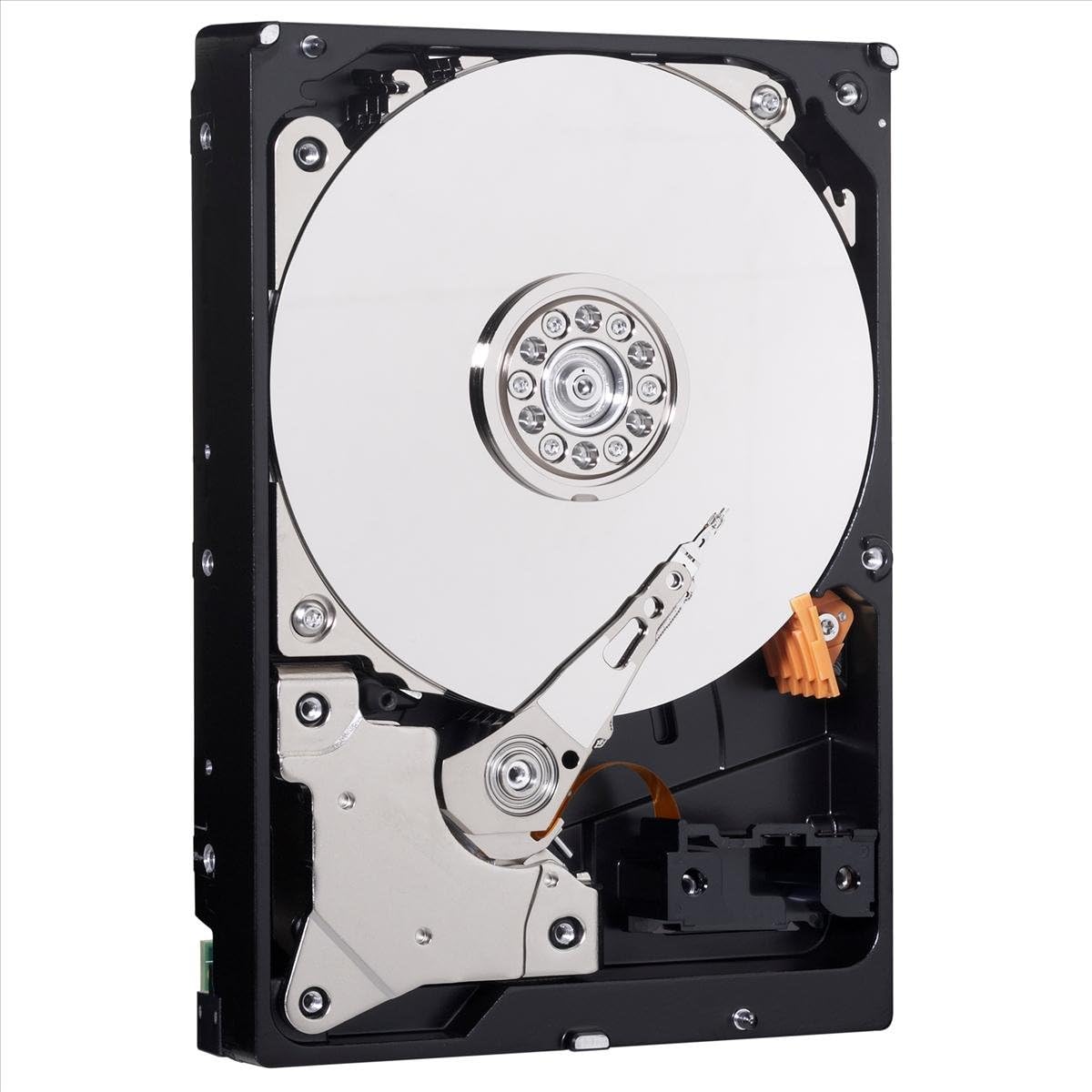
WD Blue 500GB Desktop Hard Disk Drive
4.4Editor score
Affordable pricing
Energy efficient
Reliable performance
Finding the right storage solution is crucial for any desktop setup. A 7200 Rpm HDD Hard Drive offers a balance of speed and capacity that suits gaming and creative workloads effectively.
We analyzed ten top-rated models based on reliability, cache size, and warranty coverage. Our selection includes options from leading brands like Seagate and Western Digital for various needs.
Each pick highlights specific strengths like cache capacity or form factor. Prices fluctuate often, so check current listings before purchasing to ensure you get the best deal available today.
4.4Editor score

4.6Editor score

4.2Editor score
As an Amazon Associate we earn from qualifying purchases.
This comparison table details the core specifications of each drive. Use it to quickly identify cache sizes, capacities, and interface types that fit your system requirements.
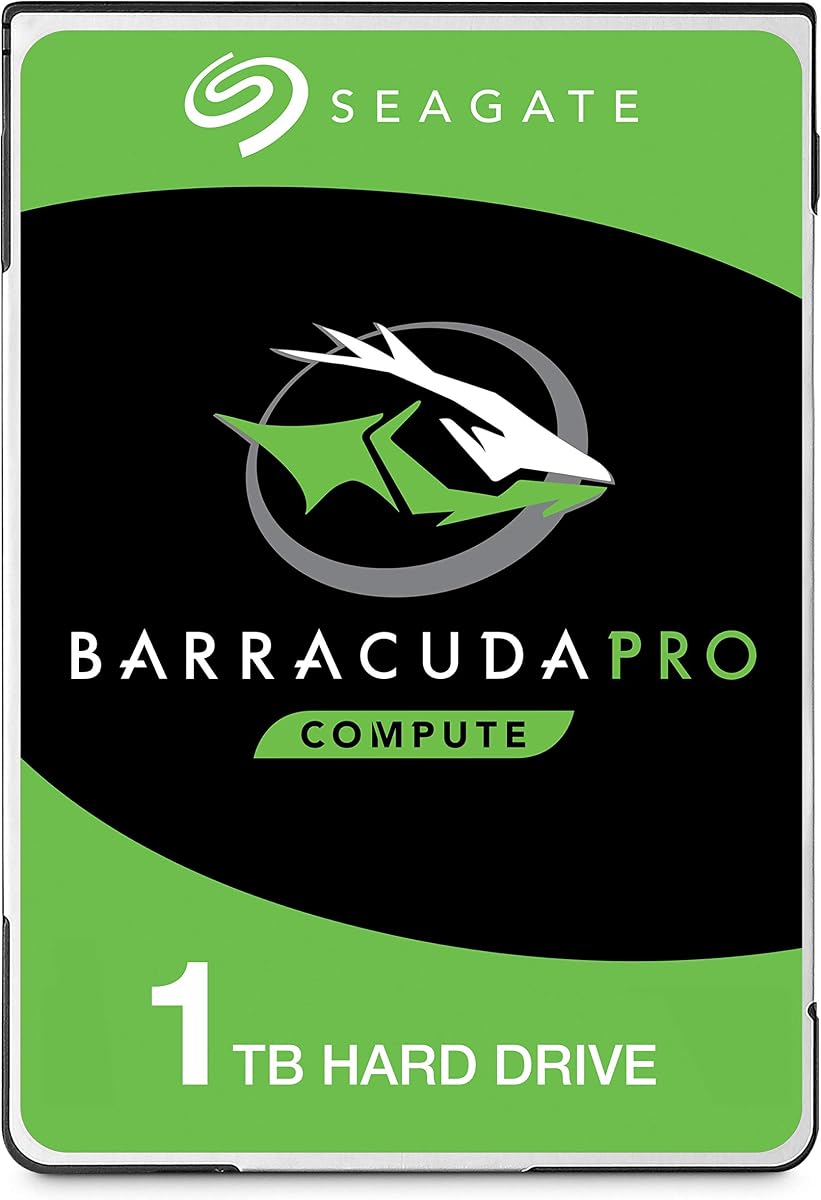


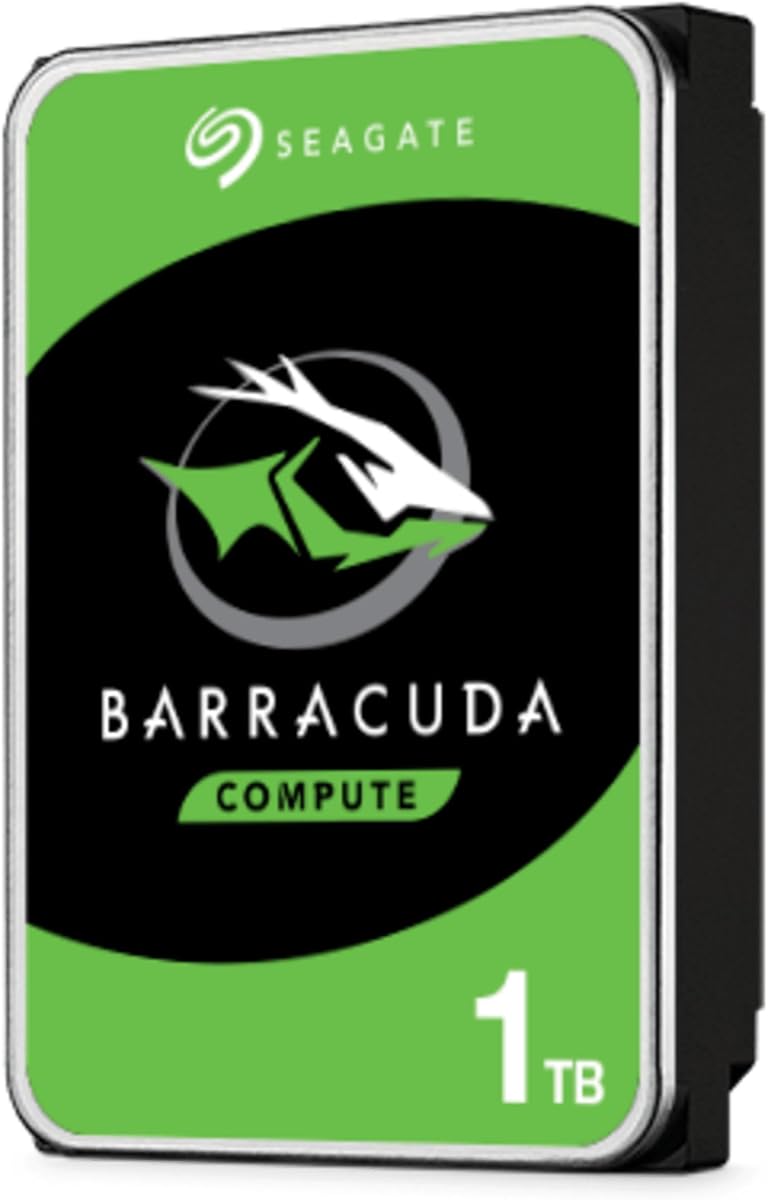

This drive offers a solid balance of speed and storage for desktop PCs. It stands out for its proven reliability across a wide range of applications from gaming to media storage.
We may earn a commission when you buy through this link, at no additional cost to you.
The 7200 RPM speed ensures quick access times for common tasks. Users appreciate the frustration free packaging and the proven track record of BarraCuda drives over two decades.
While the warranty is standard, the drive performs well under normal loads. It may not have advanced enterprise features but is perfect for home and office environments.
Buyers looking for a reliable general purpose drive should consider this model. It delivers consistent performance without breaking the budget for most users today.
Backed by 20 years of innovation, this drive is trusted by many users globally.
Ideal for music, video, photo editing, and PC gaming applications.
We may earn a commission when you buy through this link, at no additional cost to you.
This Pro version brings enhanced cache to handle larger projects efficiently. The included data recovery services add significant value for users worried about data safety.
We may earn a commission when you buy through this link, at no additional cost to you.
Optimized read write caching technology helps with gaming and media editing. The five year warranty provides long term peace of mind for critical storage needs.
While the form factor is smaller, it fits various setups including laptops. The performance is excellent for users needing fast access to frequently used files.
Choose this if you need robust protection and fast performance. It is a strong choice for professionals or gamers who value reliability.
Includes two year Rescue Data Recovery Services for added security.
128MB cache improves read write speeds for demanding tasks.
We may earn a commission when you buy through this link, at no additional cost to you.
Designed specifically for gamers and creative professionals, this drive offers robust performance. The stableTrac technology increases reliability by securing the drive motor.
We may earn a commission when you buy through this link, at no additional cost to you.
Dynamic Cache Technology optimizes performance for heavy workloads. It supports capacities up to 10TB which makes it suitable for large media libraries.
The five year warranty is industry leading and adds confidence to the purchase. It is priced higher but justifies the cost with superior performance features.
Gamers and creators needing extra capacity and speed should look here. It delivers consistent results under demanding conditions over time.
Increases reliability by securing the motor and reducing vibrations.
Optimized for system builders and creative professionals.
We may earn a commission when you buy through this link, at no additional cost to you.
This model delivers strong performance at a competitive price point. Its high rating suggests users are satisfied with its reliability and speed.
We may earn a commission when you buy through this link, at no additional cost to you.
The 2TB capacity is ample for most desktop users needing storage. It maintains a standard form factor that fits easily into most PC cases.
While it lacks advanced features, it provides the core performance needed. Users looking for straightforward storage will find this drive reliable.
Select this for a balance of cost and capacity. It is a safe bet for general storage needs without extra costs.
Offers a great value for 2TB of fast storage.
Fits standard 3.5 inch drive bays in desktops.
We may earn a commission when you buy through this link, at no additional cost to you.
Designed for datacenter use, this drive offers vibration tolerance features. It has undergone extensive functional testing to ensure reliability in server environments.
We may earn a commission when you buy through this link, at no additional cost to you.
Rotary Acceleration Feed Forward technology improves performance in high vibration settings. This makes it ideal for multi drive installations where vibration is common.
The package includes the drive only, so plan for mounting needs separately. It offers a blend of performance and reliability suitable for NAS or servers.
Buyers needing enterprise grade reliability should consider this option. It keeps total cost of ownership low while maintaining high standards.
RAFF technology ensures stability in multi drive systems.
Over 20 million hours of testing under actual workloads.
We may earn a commission when you buy through this link, at no additional cost to you.
This XT model delivers extreme storage combined with top end desktop performance. The SATA interface supports the newest controllers while remaining backward compatible.
We may earn a commission when you buy through this link, at no additional cost to you.
Optimized burst performance reduces data bottlenecks during heavy use. The massive capacity allows room for large downloads like space hungry games.
It ships in frustration free packaging for quick setup. While slightly older, it still meets the performance needs of many users today.
Gamers needing large local storage will find this drive suitable. It balances speed and capacity effectively for desktop PCs.
SATA 6gb/s supports fastest available drive controllers.
2TB provides ample space for modern game installations.
We may earn a commission when you buy through this link, at no additional cost to you.
Another strong option from the BarraCuda line, this drive offers proven reliability. It serves nearly every PC application from music to photo editing.
We may earn a commission when you buy through this link, at no additional cost to you.
Users can build a powerhouse gaming computer with this drive. The frustration free packaging makes installation straightforward for first time builders.
The two year warranty provides a safety net for consumers. It is a reliable choice for those seeking a standard desktop drive.
Choose this for dependable everyday storage performance. It keeps systems running smoothly without unexpected issues.
Suitable for music, video, photo editing, and PC gaming.
Backed by 20 years of internal drive innovation.
We may earn a commission when you buy through this link, at no additional cost to you.
This model offers a budget friendly entry into 7200 RPM storage. IntelliSeek calculates optimum seek speeds to lower power consumption and noise.
We may earn a commission when you buy through this link, at no additional cost to you.
Data LifeGuard monitors health continuously so it stays in optimum condition. The NoTouch Ramp Load Technology protects your data by positioning heads safely.
While capacity is lower, it is perfect for systems needing basic storage. It is energy efficient and maintains quiet operation during use.
Buyers on a tight budget will appreciate this drive. It provides reliable speed without unnecessary cost or complexity.
IntelliSeek lowers power and noise while maintaining speed.
Advanced algorithms monitor drive health continuously.
We may earn a commission when you buy through this link, at no additional cost to you.
This version features an impressive 256MB cache for enhanced burst performance. It includes free DiscWizard software to help migrate data easily from old drives.
We may earn a commission when you buy through this link, at no additional cost to you.
The proven reliability of BarraCuda internal hard drives is evident in its high rating. It supports a variety of capacities and form factors for desktops.
Gaming computer builders will find this a solid choice for storage. The optimized caching ensures quick access to applications and games.
Users needing more cache should choose this model. It delivers speed and capacity with the ease of data migration tools.
Free software makes migrating data from old drives simple.
256MB cache reduces bottlenecks during heavy data access.
We may earn a commission when you buy through this link, at no additional cost to you.
This drive offers massive 6TB capacity ideal for large storage arrays. It is rated for 24×7 operation ensuring reliability for centralized surveillance and backup.
We may earn a commission when you buy through this link, at no additional cost to you.
PowerChoice technology and multisegmented cache enhance performance efficiency. Hot plug support allows easy maintenance without shutting down the system.
Being renewed means it is cost effective while keeping high standards. Users should verify warranty details as it comes with a two year limited warranty.
Choose this for high capacity needs in RAID storage. It balances performance and reliability for enterprise applications.
Ideal for RAID storage, centralized surveillance, and backup.
1.4M-hr MTBF supports continuous 24×7 operation.
We may earn a commission when you buy through this link, at no additional cost to you.
Selecting the right drive depends on your storage needs and system configuration. Consider these key factors to ensure compatibility and optimal performance.
Storage capacity determines how much data you can store locally. Larger capacities like 2TB or 6TB suit media libraries and games, while 500GB fits smaller systems. Evaluate your current data usage to pick a size that avoids frequent upgrades.
Choose capacity based on your long term storage needs to avoid running out of space soon.
Cache size helps buffer data to improve read and write speeds. Drives with 256MB cache generally perform better under heavy loads than those with 64MB. Larger caches reduce bottlenecks during burst operations like loading games.
Prioritize larger cache if you frequently access large files or run demanding applications.
Interface speed dictates how fast data moves between drive and system. Most modern drives use SATA 6 Gb/s which is standard for desktops. Ensure your motherboard supports this speed to avoid performance bottlenecks.
Confirm SATA compatibility to maximize the speed of your chosen drive.
Warranty coverage protects you against drive failures during the term. Premium drives often include 5 year warranties while budget options offer 2 years. Longer warranties provide peace of mind for critical data storage.
Select a warranty length that matches how critical the drive is to your workflow.
Usage environment affects the drive durability. Servers need vibration tolerance features which desktop drives might lack. Ensure the drive matches whether it will sit in a single unit or a multi drive enclosure.
Choose enterprise grade drives for multi drive setups to handle vibration better.
Form factor ensures physical compatibility with your computer case. Most desktops use 3.5 inch drives while some laptops use 2.5 inch. Measure your available space before purchasing to avoid fit issues.
Verify the drive matches your system slots to ensure a proper install.
Reliability rating reflects user feedback on drive consistency. Higher ratings indicate fewer failures over time. Check recent reviews to gauge current quality trends before buying.
Look for consistent high ratings to minimize risk of hardware failure.
Install the drive securely using screws to prevent vibration. Vibration can cause read errors or physical damage over time. Ensure cables are connected firmly to avoid loose connections that cause data loss.
Monitor drive health regularly using built-in software tools. Tools like WD LifeGuard or Seagate SeaTools can detect early issues. Regular checks prevent sudden failures by alerting you to potential problems.
Keep the system clean to avoid overheating which reduces drive life. Dust buildup can block fans and raise temperatures significantly. Clean vents periodically to maintain optimal operating conditions.
7200 RPM drives spin faster which leads to quicker data access times. This makes them ideal for gaming and creative workloads. 5400 RPM drives are quieter but slower for frequent read write tasks.
Most drives come pre-formatted but check the box contents. You may need to format if it was intended for Mac or Linux. Windows usually recognizes it immediately if the file system matches.
Most SATA drives work with Macs if the adapter matches. You may need to reformat the drive for macOS to read it. Always check the interface type before purchasing.
On average they last 3 to 5 years with normal use. Lifespan depends on usage intensity and environmental conditions. Regular backups extend the utility of the drive regardless of age.
Yes most can be used in NAS units if vibration tolerance exists. Drives designed for datacenters handle multi drive vibrations better. Check if the specific model is NAS certified before buying.
New drives offer longer warranties and no prior wear. Renewed options are cheaper but carry higher risk of failure. Consider your budget and risk tolerance before deciding.
The 7200 Rpm HDD Hard Drive market offers strong options for every need. From the BarraCuda Pro for performance to the WD Blue for budget you have choices.
Prioritize features like cache size and warranty length when buying. These factors directly impact how reliable and fast your storage will be over time.
Always check current prices before purchasing since they fluctuate often. This ensures you get the best value for your investment today.