
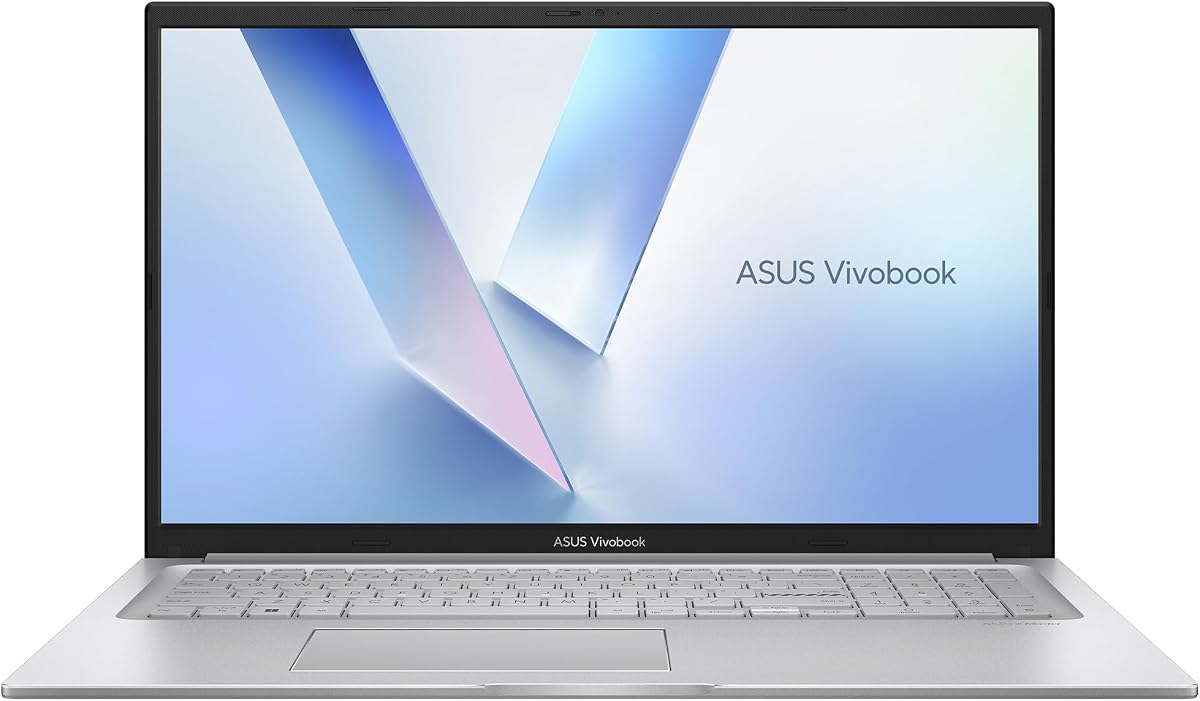
ASUS Vivobook Go 15
4.3Editor score
Affordable AMD Ryzen 3
128GB SSD Storage
8GB DDR5 RAM
Choosing the right laptop can be overwhelming with so many options available today. ASUS Vivobook models offer a blend of performance, portability, and value for various users.
We analyzed ten distinct Vivobook configurations ranging from budget-friendly entry points to high-performance machines. Our comparison focuses on processor power, memory, storage, and display quality.
Each pick highlights key strengths and ideal use cases for students, professionals, and creators. Please note that availability and specifications may change over time.
4.3Editor score

4.5Editor score

4.2Editor score
As an Amazon Associate we earn from qualifying purchases.
The following table provides a side-by-side look at the ten selected Vivobook models. Compare processors, memory, storage, and display sizes to find your match.






This model stands out for its raw processing power and ample memory. It is designed for users who demand top-tier performance for complex tasks.
We may earn a commission when you buy through this link, at no additional cost to you.
The Intel Core i9 processor handles multitasking with ease. Combined with 32GB of RAM, it runs heavy applications smoothly without lag.
While the price is higher, the performance justifies it for professionals. The included cooler helps maintain speed during long work sessions.
If you need a powerhouse for creative work or data analysis, this is an excellent choice.
The 14-core processor delivers elite-level performance for simulations and creative software.
A specialized PCO cooler helps prevent overheating during intensive computing tasks.
We may earn a commission when you buy through this link, at no additional cost to you.
This laptop offers a unique balance of efficiency and visual quality. The Snapdragon X processor is designed for longevity and AI tasks.
We may earn a commission when you buy through this link, at no additional cost to you.
Users can expect to work for extended periods without plugging in. The 16-inch screen provides ample space for multitasking.
The chip focuses on power efficiency, which is rare in performance laptops. It is ideal for mobile professionals who travel frequently.
Choose this if battery life and screen size are your top priorities.
The Qualcomm Hexagon NPU supports AI workloads with impressive power savings.
The WUXGA display delivers life-like colors and smooth visuals for media.
We may earn a commission when you buy through this link, at no additional cost to you.
This model combines a large screen with a portable form factor. It is excellent for students and professionals on the move.
We may earn a commission when you buy through this link, at no additional cost to you.
The i7 processor provides sufficient power for most daily tasks. The 16-inch WUXGA panel ensures text and images look crisp.
It balances performance and weight well. You get a spacious display without the bulk of a typical workstation.
Ideal for those who value screen real estate but still need to carry the device.
The 16-inch WUXGA display offers vibrant colors and sharp visuals for work.
USB-C and USB-A ports ensure you can connect various devices easily.
We may earn a commission when you buy through this link, at no additional cost to you.
The 17.3-inch screen makes this a desktop replacement option. It is suitable for tasks that require significant visual space.
We may earn a commission when you buy through this link, at no additional cost to you.
Features like the numeric keypad help with data entry. The military-grade build ensures reliability in various environments.
While it is not the lightest, the screen size compensates for the bulk. It is perfect for home offices.
Opt for this if you prefer a large display over portability.
The TÜV Rheinland certified screen reduces eye strain during long use.
The ErgoSense keyboard includes numeric keys for efficient data entry.
We may earn a commission when you buy through this link, at no additional cost to you.
This model offers excellent performance for its price. It is a smart choice for students or general home use.
We may earn a commission when you buy through this link, at no additional cost to you.
The AMD Ryzen 5 processor handles everyday apps efficiently. The 512GB SSD ensures quick boot times.
Charging is fast so you can get back to work quickly. The AI noise-canceling improves call quality.
It is a cost-effective solution for basic computing needs.
Fast-charge technology recharges 50% of battery in just 30 minutes.
AI noise-canceling technology isolates unwanted noise for smooth communications.
We may earn a commission when you buy through this link, at no additional cost to you.
This is the most affordable option in our list. It is perfect for basic tasks like browsing and document editing.
We may earn a commission when you buy through this link, at no additional cost to you.
The DDR5 RAM helps improve performance over older standards. The screen bezels are slim for a modern look.
Storage is limited so external drives may be needed. But for simple use cases it is very capable.
A good pick for budget-conscious buyers needing a reliable daily driver.
Faster DDR5 memory smoothly runs multiple applications at once.
The webcam comes with a privacy shutter for instant security.
We may earn a commission when you buy through this link, at no additional cost to you.
This machine is designed for heavy workloads and customization. You can choose RAM and storage to fit your needs.
We may earn a commission when you buy through this link, at no additional cost to you.
The Core i9 processor ensures top-tier performance. The fingerprint reader and Pro OS add security and features.
It allows flexibility for power users who need specific specs. The numeric keypad aids in data entry.
A solid choice for those who want a tailored experience.
The RAM and SSD are upgraded with 3-year coverage by PCOnline.
Optimized for Next Gen AI workloads and seamless multitasking.
We may earn a commission when you buy through this link, at no additional cost to you.
This model offers high memory and storage for a low-end CPU. It is great for users with many tabs open.
We may earn a commission when you buy through this link, at no additional cost to you.
The 1TB storage ensures you have space for files. The 14-inch size makes it easy to carry.
The i3 processor handles light tasks well. But it may struggle with heavy gaming.
Choose this for memory-heavy light workloads.
24GB RAM allows you to run multiple applications and browser tabs.
1TB SSD allows fast bootup and data transfer for large files.
We may earn a commission when you buy through this link, at no additional cost to you.
This laptop is built for future AI features. The Snapdragon X ensures it meets Copilot+ requirements.
We may earn a commission when you buy through this link, at no additional cost to you.
It has a high rating due to its reliability and screen. The 16GB RAM provides smooth multitasking.
Battery life is excellent on these chips. It is a modern choice for tech-forward users.
Ideal for those who want the latest Windows AI features.
The Adreno GPU and 16GB RAM ensure smooth multitasking for Copilot+.
The 14-inch WUXGA screen delivers crisp clear visuals for work.
We may earn a commission when you buy through this link, at no additional cost to you.
This model brings AMD AI power to a portable 14-inch laptop. It supports Copilot+ features for enhanced productivity.
We may earn a commission when you buy through this link, at no additional cost to you.
The XDNA NPU handles AI workloads efficiently. The 14-inch WUXGA screen is bright and clear.
It offers a mix of power and portability. Charging is fast enough for busy schedules.
A great pick for AI-focused productivity on the go.
The AMD XDNA NPU is designed for ultimate AI processing efficiency.
Soft white backlighting helps you work effortlessly in dim environments.
We may earn a commission when you buy through this link, at no additional cost to you.
Selecting the right Vivobook depends on your specific needs and budget. This guide covers key factors to consider.
Processors range from entry-level i3 and Ryzen 3 to powerful i9 and Snapdragon X. Choose based on your workload intensity.
For heavy tasks like video editing, opt for higher core counts. For browsing, lower-end chips are sufficient.
RAM capacity affects multitasking ability. Look for at least 16GB if you run multiple apps. Storage speed is improved with SSDs.
Prioritize RAM over storage size if you use many browser tabs. A 512GB SSD is a good minimum.
Screen size impacts portability and workspace. Larger screens like 17 inches are better for desktop replacement.
Check resolution and color gamut. WUXGA displays offer more vertical space for productivity.
Battery life varies by processor and size. ARM-based models like Snapdragon usually offer longer battery life.
If you travel often, look for fast charging features to reduce downtime.
Check for ports like USB-C, HDMI, and USB-A. Modern laptops often need dongles for older devices.
Ensure the model has enough ports to match your peripherals.
Military-grade certifications indicate durability. Check for webcam shutters and keyboard backlighting for privacy and comfort.
Aluminum chassis often feels more premium than plastic.
Most models come with Windows 11 Home. Pro versions offer additional features like BitLocker.
Ensure the OS meets your security or business requirements.
Vivobook models cover a wide price range. Consider if you need high specs now or can upgrade later.
Entry-level models offer good value for basic computing tasks.
Keep your laptop clean by wiping the screen with a microfiber cloth. Avoid using harsh chemicals that could damage the display.
Update your drivers and OS regularly to ensure security. Use a cooling pad if you run intensive tasks for long periods.
Store your laptop in a padded bag when transporting. Avoid bending the screen excessively to prevent hinge damage.
The Vivobook 16 i7 is a strong choice. It offers a large screen for notes and decent battery life.
They can handle casual gaming with integrated graphics. For AAA titles, consider models with dedicated GPUs.
Lower screen brightness and use battery saver mode. Close unused apps and disable background sync.
Some models allow upgrades, but many are soldered. Check the specific model specifications before purchase.
Zenbooks are premium with better build and displays. Vivobooks offer great value and solid performance.
Yes, certain bundles include Windows 11 Pro. This offers more security and management features for professionals.
We reviewed ten models ranging from budget entry points to high-performance powerhouses. Each caters to different user needs and preferences.
Prioritize processor and memory for heavy workloads. For travel, focus on screen size and battery life.
Always check the current specs and availability before buying to ensure it matches your needs.