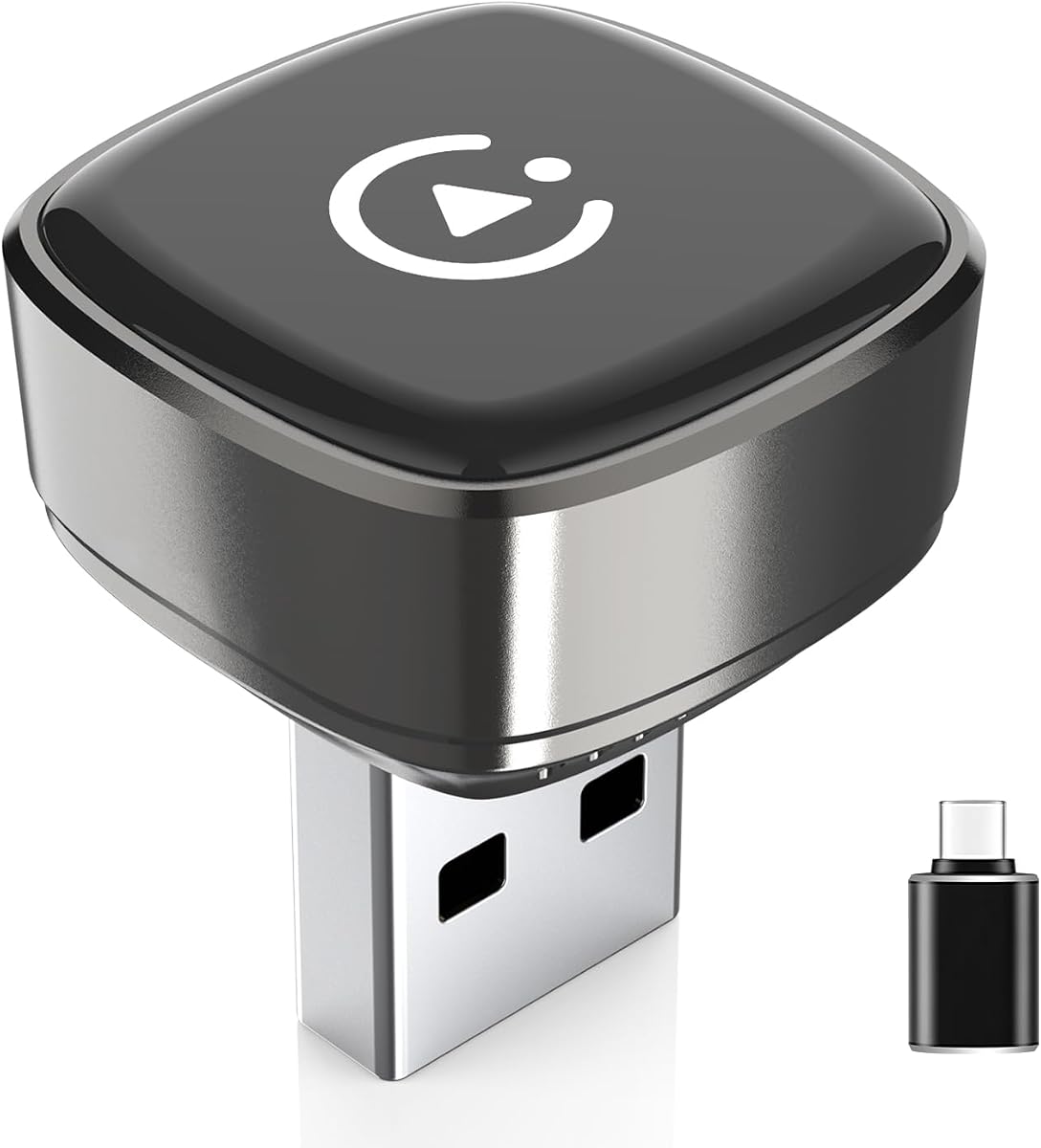
Wireless Carplay Adapter Grey
4.2Editor score
Affordable price point
Simple plug and play
Automatic reconnection feature
This guide compares the top Hulu Carplay adapters for 2026 to help you choose the best streaming and wireless connectivity solution for your vehicle.
Modern drivers demand seamless connectivity and entertainment while on the road. Hulu Carplay adapters transform your factory wired system into a versatile wireless hub that supports streaming apps alongside essential navigation and music features.
We evaluated ten top models based on compatibility, streaming performance, connection stability, and ease of use. Our analysis focuses on devices that reliably support Hulu and other popular video platforms within the Carplay environment.
Each pick highlights key strengths and potential limitations to help you find the right match for your car. Prices and availability fluctuate frequently so verify current details before purchasing your chosen adapter today.
4.2Editor score

2.9Editor score

3.4Editor score
This side by side comparison evaluates all ten models based on core specifications streaming capabilities and compatibility requirements to help you make an informed decision quickly.
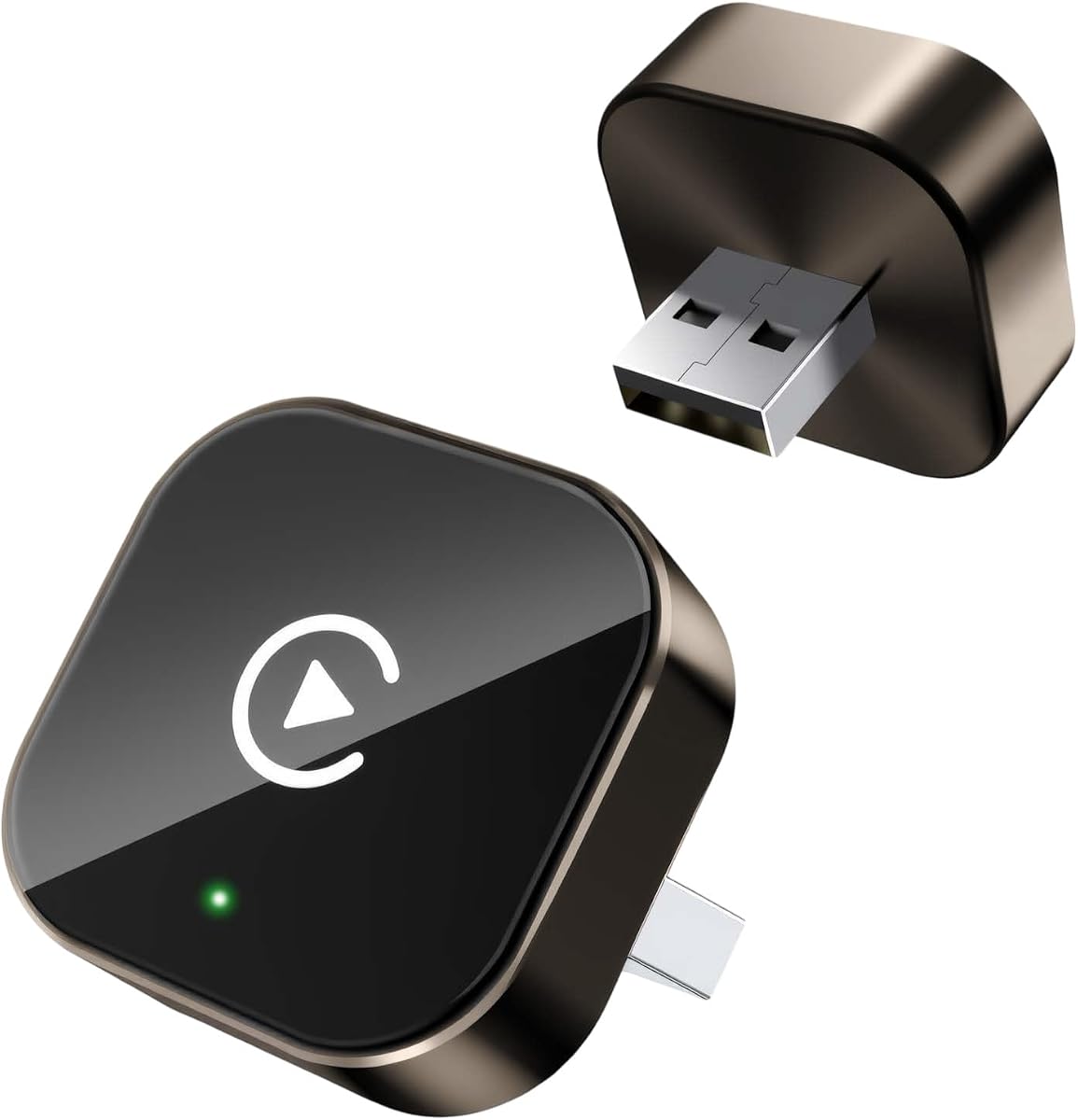


This adapter offers a straightforward way to convert wired CarPlay to wireless. It maintains a compact profile and includes basic features needed for daily driving comfort.
We may earn a commission when you buy through this link, at no additional cost to you.
The auto reconnect function works well once paired. Setup involves three simple steps. The metal casing provides durability and a premium feel.
Performance is acceptable but not outstanding. Some users report occasional disconnects. It lacks advanced streaming capabilities found in AI boxes.
Ideal for drivers who want basic wireless convenience. It is a reliable budget option for standard navigation and music use cases.
The sleek form factor ensures it does not block other USB ports or obstruct your view.
Connection happens automatically when you start your car saving you time and manual effort.
We may earn a commission when you buy through this link, at no additional cost to you.
This device stands out by allowing you to choose specific streaming apps like Hulu. It transforms your wired system into a wireless hub with entertainment options.
We may earn a commission when you buy through this link, at no additional cost to you.
The ability to switch apps adds flexibility. Setup is simple and preserves OEM controls. It works with most cars having wired CarPlay or Auto.
The rating is lower than average. Users note connection instability between streaming and navigation modes. It requires a touchscreen to function properly.
Best for those prioritizing app choice over stability. It is a strong option for families wanting flexible entertainment on long trips.
You can select any two apps from a list to match your specific entertainment needs on the road.
It converts your existing wired connection to wireless enabling freedom from cables while driving.
We may earn a commission when you buy through this link, at no additional cost to you.
This adapter focuses on stability and speed. It uses dual band Wi-Fi and Bluetooth 5.4 for a strong connection suitable for GPS and music.
We may earn a commission when you buy through this link, at no additional cost to you.
The multi-core processor handles data efficiently. Connection is seamless and latency is minimal. It offers lifetime support and firmware updates.
While it lacks advanced streaming features it excels at core CarPlay functions. It is built for reliability and daily use scenarios.
Perfect for users who need a reliable daily driver. It is an excellent choice for navigation and music without extra complexity.
Using both 2.4 and 5.8GHz frequencies ensures a faster and more stable wireless connection.
The upgraded processor preserves original sound quality and vehicle controls effectively during use.
We may earn a commission when you buy through this link, at no additional cost to you.
This model provides a solid base for wireless CarPlay. It focuses on stability and physical durability with a metal casing and FCC certification.
We may earn a commission when you buy through this link, at no additional cost to you.
The setup process is straightforward and quick. Connection happens automatically every time you start the car. It fits discreetly into your console.
It does not offer advanced streaming or entertainment options. It is strictly for navigation music and calls without extra video apps.
Good for drivers who prioritize function over features. It delivers a stable wireless link for standard daily commuting needs.
The scratch resistant metal and glass surface ensures long term use even on rough roads.
FCC certification means the device meets international standards for safe wireless transmission.
We may earn a commission when you buy through this link, at no additional cost to you.
This adapter excels in multi-user environments. It supports seamless switching between paired iPhones making it useful for households with multiple drivers.
We may earn a commission when you buy through this link, at no additional cost to you.
The proprietary chip ensures high transmission speeds. It is built with aluminum for durability and heat dissipation. The design is sleek and modern.
It focuses on core connectivity rather than video streaming. It offers excellent value for users needing reliable multi-device access.
Best for families sharing one vehicle. It simplifies the process of switching devices without needing to reconfigure every time.
Multiple drivers can pair their phones and switch between them easily without manual setup.
The metal alloy material helps dissipate heat keeping performance stable during long drives.
We may earn a commission when you buy through this link, at no additional cost to you.
This adapter allows you to plug external streaming sticks into your car display. It supports video streaming from apps like Hulu via HDMI.
We may earn a commission when you buy through this link, at no additional cost to you.
It maintains wireless CarPlay functionality simultaneously. Setup is simple requiring no apps or complex configuration. It turns your car into a media hub.
The video mode does not charge your phone. You need an external source like a Fire Stick to access content apps.
Ideal for entertainment focused drivers. It provides a unique way to watch video on your main screen during stops.
Connect external media sticks to play supported apps directly on your vehicle infotainment screen.
Enjoy navigation and streaming at the same time without sacrificing one feature for the other.
We may earn a commission when you buy through this link, at no additional cost to you.
This dongle supports CarPlay Auto AirPlay and Screen Mirroring. It connects quickly and offers versatile output options for different media types.
We may earn a commission when you buy through this link, at no additional cost to you.
The auto connect function works within seconds. It includes cables for various USB ports. The housing is aluminum for durability.
Streaming apps may be blocked by DRM restrictions. It is useful for general connectivity but may not open all video apps.
Suitable for diverse connectivity needs. It offers a wide range of features for a single device purchase.
The device reconnects to your phone within five seconds of starting your engine.
Supports CarPlay Android Auto AirPlay and Screen Mirroring for broad device compatibility.
We may earn a commission when you buy through this link, at no additional cost to you.
This adapter includes pre-installed apps like YouTube and Netflix for streaming. It uses dual Wi-Fi to handle navigation and streaming simultaneously.
We may earn a commission when you buy through this link, at no additional cost to you.
It offers an HDMI output for rear seat entertainment. It also supports offline playback from USB drives. Setup requires specific USB port usage.
Connection can be complex with two Wi-Fi signals. The rating suggests occasional reliability issues for some users.
Best for passengers wanting entertainment. It provides features for both front and rear seat media needs effectively.
One band handles CarPlay while the other connects to a hotspot for streaming apps.
Connect to a headrest monitor to play content for rear passengers independently.
We may earn a commission when you buy through this link, at no additional cost to you.
This model offers a budget friendly solution for wireless CarPlay. It is compact and easy to hide while providing stable daily connection.
We may earn a commission when you buy through this link, at no additional cost to you.
Setup involves three simple steps. Auto reconnect works reliably after the first pairing. It supports many vehicle models with wired CarPlay.
It does not support advanced video streaming features. It is designed purely for navigation music and calls without extra apps.
Great for budget conscious drivers. It delivers core wireless functionality without breaking the bank.
The small form factor allows it to be hidden behind the dashboard for a clean look.
No repeated setup is needed after the initial pair saves you time on every trip.
We may earn a commission when you buy through this link, at no additional cost to you.
This adapter supports both CarPlay and Android Auto. It is ideal for families using different phone types and needing seamless switching.
We may earn a commission when you buy through this link, at no additional cost to you.
It reconnects quickly within three seconds. The flush fit design keeps ports clear. It handles heat and vibration well.
Streaming video is not supported natively. It focuses on reliable navigation and communication functions for daily use.
Best for mixed device households. It ensures everyone has wireless access regardless of their phone platform.
Switch between iPhone and Android easily without changing physical cables or adapters.
Built-in protection prevents overheating in extreme heat ensuring safety and durability.
We may earn a commission when you buy through this link, at no additional cost to you.
Selecting the right adapter requires considering several factors to ensure compatibility and performance for your specific needs.
Ensure your vehicle has factory wired CarPlay. Most adapters will not work with non-CarPlay systems or cars with native wireless CarPlay.
Always verify your car model against the manufacturer list before purchase.
If watching Hulu is a priority look for an AI Box or HDMI adapter. Standard wireless dongles do not support video streaming due to app restrictions.
Check if the device supports Android or dedicated streaming apps.
Look for dual band Wi-Fi and Bluetooth 5.3 support. These features help maintain a stable connection even on rough roads.
Reading user reviews regarding signal drops is highly recommended.
A plug and play setup is essential for convenience. Avoid models that require apps or complex configuration steps.
Auto reconnect functionality saves time on every trip.
Metal or aluminum housings dissipate heat better than plastic. This prevents overheating during long drives and extends device life.
Check for FCC certification to ensure safety standards.
For families with multiple drivers select an adapter with multi-user memory. This allows seamless switching between paired phones.
It eliminates the need to re-pair devices regularly.
Verify USB A or USB-C support for your car's ports. Some models include extension cables for hard to reach locations.
Ensure the adapter fits flush to avoid obstruction.
Lifetime updates and warranty support are valuable for long term use. Check if the brand offers technical assistance.
Firmware updates help fix bugs and improve connection speed.
Start by plugging the adapter into a powered USB port in your vehicle. Ensure you avoid ports reserved for data only or charging only if specified.
Connect the adapter to your phone via Bluetooth and confirm the pairing. Allow the app to install any necessary updates automatically on your screen.
Keep the adapter clean by using a soft cloth to wipe dust. Do not expose it to excessive moisture or extreme temperatures beyond the rated range.
No standard wireless adapters do not support video streaming apps like Hulu. You need an AI Box or HDMI adapter specifically designed to allow video playback on your car screen.
No these adapters only convert existing wired CarPlay to wireless. They cannot add CarPlay functionality to vehicles that do not already have it.
Yes streaming requires an active internet connection. You must connect the adapter to a mobile hotspot or Wi-Fi network to access video content.
Not all adapters support pass-through charging. Check the product specs to confirm if your device charges while connected to the adapter.
Interference or old firmware can cause drops. Ensure your car port is powered correctly and update the adapter firmware regularly.
No most adapters feature auto reconnect. Once paired the device links to your phone automatically when you start your car.
We reviewed ten adapters offering everything from basic wireless connectivity to full streaming capabilities. The AUTOSKY AI Box offers the best streaming choice while budget options provide reliable navigation.
Prioritize stability and compatibility before focusing on extra features. Ensure your vehicle has wired CarPlay and consider whether you need video playback for passengers.
Prices change frequently on Amazon so verify current details before finalizing your order. Choosing the right adapter today ensures a safer and more connected driving experience.