
DARKROCK 3-Pack 120mm Black Computer Case Fans
4.6Editor score
Hydraulic bearing design
Low noise operation
Simple installation process
This guide compares the top 10 exhaust fans for PC cases to help you choose the best cooling solution for your specific build needs.
Finding the right exhaust fan for PC cooling is crucial for maintaining optimal system performance. High-quality fans ensure heat dissipates efficiently, preventing thermal throttling during intensive tasks like gaming or video editing.
We evaluated ten top-rated models based on airflow, noise levels, bearing life, and user feedback. Our analysis covers various sizes and power options to match different case configurations and budget constraints.
Each pick highlights specific strengths and ideal use cases. Note that prices and availability fluctuate frequently, so verify current details before purchasing to ensure you get the best value.
4.6Editor score

4.8Editor score

4.7Editor score
This side-by-side comparison highlights the key specifications and features of each fan to help you make an informed decision based on your cooling requirements.


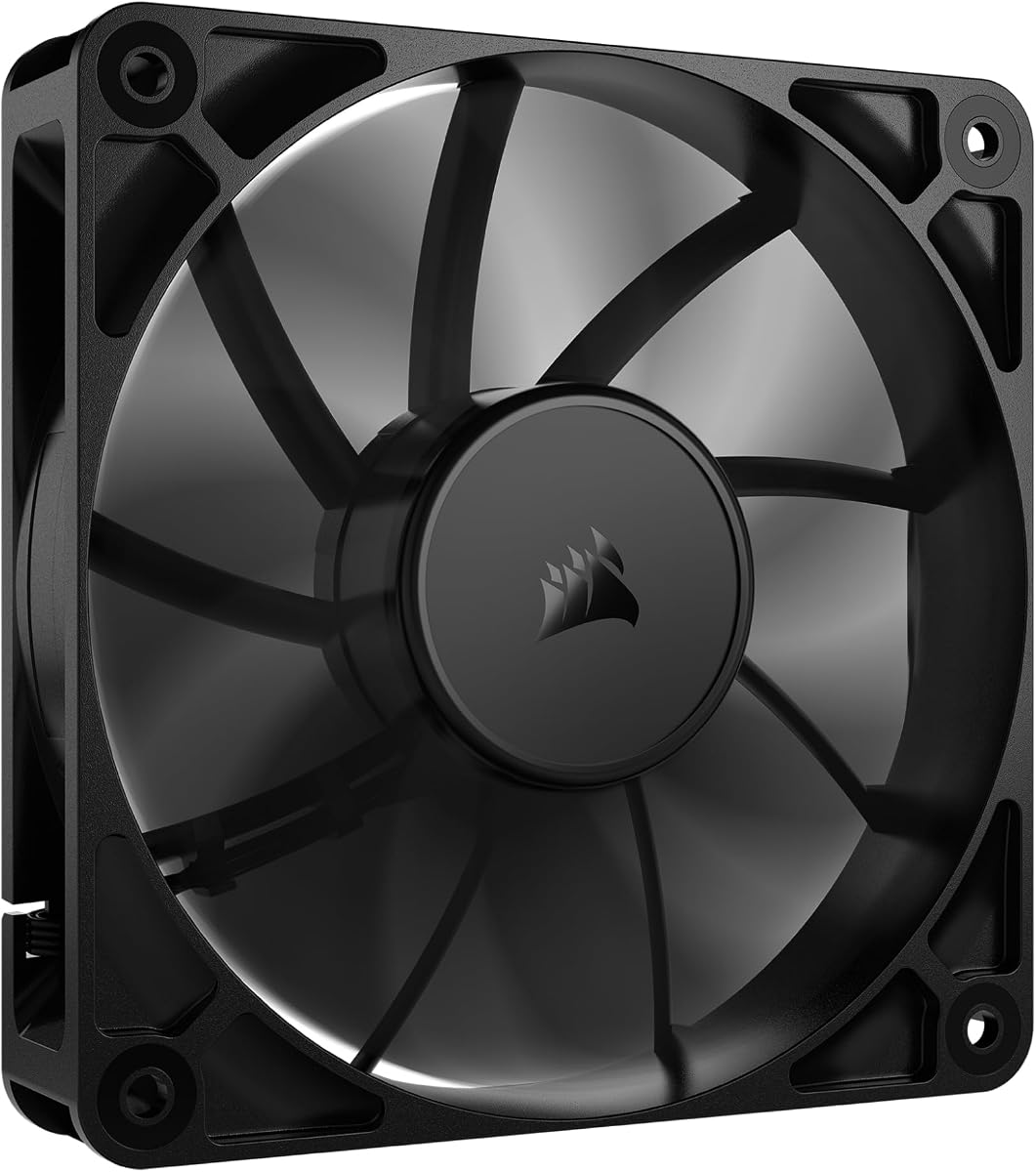


This Easy Cloud axial fan offers versatile cooling for computers and other electronics. With a 4.4 rating, it balances performance and silence effectively for various applications.
We may earn a commission when you buy through this link, at no additional cost to you.
The dual-ball bearings ensure longevity up to 50,000 hours while the controller allows speed adjustments from 700 to 2800 RPM. Direct AC power simplifies setup for cabinets and servers.
While it delivers solid airflow, the need for an AC outlet might limit placement options in tight PC cases. The noise level remains under 41 dB at full speed.
Ideal for users needing robust cooling for servers or routers without complex wiring. It provides reliable performance at an accessible price point for budget-conscious builders.
Adjusting fan speed lets you balance cooling power with noise levels based on your immediate environment needs.
Plugging directly into a wall outlet eliminates the need for internal power connectors, simplifying external cooling setups.
We may earn a commission when you buy through this link, at no additional cost to you.
The be quiet! Pure Wings 3 delivers exceptional silence with maximum airflow thanks to its optimized blade design. It scores a strong 4.7 rating from users who value quiet computing.
We may earn a commission when you buy through this link, at no additional cost to you.
Featuring seven airflow-optimized blades and a long-life rifle bearing rated for 80,000 hours, this fan ensures stable performance. The PWM control allows automatic speed adjustments based on system temperature.
Though it comes at a slightly higher price than generic brands, the engineering quality justifies the cost. It avoids common noise issues found in cheaper alternatives with inferior bearings.
Perfect for users who prioritize silence without sacrificing cooling efficiency. It works excellently in standard PC cases or on radiators requiring low-noise operation.
The frame and blade geometry minimize turbulence, resulting in whisper-quiet performance even at higher speeds.
With a rated lifetime of 80,000 hours, this fan offers years of reliable service without needing frequent replacement.
We may earn a commission when you buy through this link, at no additional cost to you.
The DARKROCK 3-pack offers excellent value with three reliable fans designed for effective case cooling. It achieves a 4.6 rating by combining affordability with solid hydraulic bearing technology.
We may earn a commission when you buy through this link, at no additional cost to you.
Each fan uses nine blades reaching 1200 RPM, kept quiet with silicone cushions and hydraulic bearings. The PBT material ensures insulation and heat resistance for durable performance over time.
While the maximum speed is lower than premium fans, it maintains a quiet 32.1 dBA noise level ideal for office setups. The 3-pin interface provides straightforward motherboard connectivity.
This pack is perfect for builders on a tight budget needing multiple intake or exhaust points. It simplifies full case airflow installation without breaking the bank.
Four soft silicone cushions on each fan absorb high-speed vibrations, maintaining a relatively quiet environment.
Buying a three-pack ensures you have replacements or multiple units ready without paying premium individual prices.
We may earn a commission when you buy through this link, at no additional cost to you.
The X1 USB fan stands out for its ultra-quiet operation and portability. Rated 4.4, it serves as a versatile cooler for routers, consoles, and mini PCs where traditional fans aren't feasible.
We may earn a commission when you buy through this link, at no additional cost to you.
With an 18dB noise level, it operates near the sound of rustling leaves. The built-in 530mm cable connects directly to USB ports, eliminating extra wiring clutter in your setup.
While it lacks internal PWM control, the dedicated cooling performance drops device temperatures significantly. The shock-absorbing pads prevent surface damage during operation.
Ideal for external device cooling or temporary setups where noise is critical. It is robust enough to support heavy-duty use without frequent replacements.
Operating at just 18dB, this fan ensures your media or gaming environment remains distraction-free.
The integrated USB cable allows power from chargers, power banks, or laptops for maximum flexibility.
We may earn a commission when you buy through this link, at no additional cost to you.
CORSAIR's RS120 simplifies installation with its daisy-chain connection allowing multiple fans to connect through one PWM port. It holds a 4.6 rating for reliability and performance in demanding setups.
We may earn a commission when you buy through this link, at no additional cost to you.
The AirGuide technology directs airflow precisely, enhancing cooling efficiency for radiators or heatsinks. Magnetic dome bearings minimize noise and friction for longer operational life.
While the single pack might cost more than multi-packs, the reduced cabling saves time and keeps cable management clean. Its high static pressure handles dense filters effectively.
Best for users upgrading their case airflow with minimal hassle. It delivers strong airflow up to 72.8 CFM for excellent thermal management.
Connecting fans in series reduces clutter inside your PC, making builds look cleaner and cooling more efficient.
This fan pushes through radiators and filters effectively, maintaining performance even when airflow is restricted.
We may earn a commission when you buy through this link, at no additional cost to you.
This 5-pack from Thermalright blends high performance with vibrant ARGB lighting. It earns a 4.7 rating by providing premium features typically found in expensive models.
We may earn a commission when you buy through this link, at no additional cost to you.
The S-FDB bearings solve blade shaking issues and keep noise under 25.6 dBA. Automatic PWM speed control adjusts airflow based on motherboard temperature for smart cooling.
While the LED modes require synchronization via motherboard ports, the visual effect is soft and immersive. This fan works well for cases or CPU coolers.
Ideal for gamers wanting high-end aesthetics without overspending. The 5-pack offers significant savings compared to buying individual premium fans.
High-brightness atomized blades reflect light softly, creating a visually appealing glow that matches your theme.
S-FDB bearings reduce friction and noise significantly, ensuring quiet operation even under heavy load.
We may earn a commission when you buy through this link, at no additional cost to you.
The Kingwin 80mm fan is designed for silence in compact builds or mining rigs. With a 4.5 rating, it balances airflow with low noise levels effectively.
We may earn a commission when you buy through this link, at no additional cost to you.
Its optimized blade design maximizes ventilation while the long-life bearing ensures consistent performance. It fits standard 80mm mounts for easy replacement in older cases.
While airflow is lower than 120mm models, it targets specific hot spots efficiently. The rugged black frame offers durability for demanding environments.
Perfect for users with space constraints or needing extra cooling on GPUs. It is a reliable choice for maintaining stability in mining setups.
The smaller size allows installation in tight spots where larger fans cannot fit for focused heat removal.
Designed specifically for quiet use, it reduces noise pollution in office or home environments significantly.
We may earn a commission when you buy through this link, at no additional cost to you.
The Noctua NF-P12 redux-1700 PWM is the top choice for balancing silence and performance. With a 4.8 rating, it stands out for its exceptional engineering and reliability.
We may earn a commission when you buy through this link, at no additional cost to you.
Its pressure-optimised blade design delivers strong static pressure, ideal for radiators. The MTTF rating of over 150,000 hours ensures decades of quiet service.
Although priced higher than average, the quietness at idle and performance under load justify the cost. It supports automatic speed control effortlessly via standard PWM headers.
Best for enthusiasts prioritizing silence above all else. It offers a proven quality that rarely disappoints in critical cooling scenarios.
The optimized blade design keeps noise under 25.1 dB, ensuring an almost silent PC experience.
With an MTTF exceeding 150,000 hours, this fan is built to last significantly longer than standard alternatives.
We may earn a commission when you buy through this link, at no additional cost to you.
The Wathai 12038 offers extreme airflow performance with 230 CFM and a speed up to 5300 RPM. Rated 4.5, it targets high-demand cooling scenarios like mining rigs.
We may earn a commission when you buy through this link, at no additional cost to you.
Dual-ball bearings provide a 67,000 hour lifespan. The 4-pin PWM connector allows intelligent speed regulation via BIOS settings for controlled operation.
While noise reaches 60 dBA at full speed, the cooling capacity is unmatched for thick radiators. The thicker 38mm profile fits specific chassis requirements.
Best for industrial cooling or specialized PCs needing maximum exhaust. It is a robust tool for aggressive thermal management projects.
Generating 230 CFM airflow, this fan ensures rapid heat dissipation even in the warmest environments.
Built with dual-ball bearings, it withstands heavy-duty use and maintains performance over thousands of hours.
We may earn a commission when you buy through this link, at no additional cost to you.
The Thermalright TL-C12C-S X3 offers three fans with solid cooling performance and ARGB lighting. It holds a 4.7 rating for combining reliability with aesthetic appeal.
We may earn a commission when you buy through this link, at no additional cost to you.
S-FDB bearings ensure quiet operation under 25.6 dBA. The PWM interface integrates seamlessly with motherboard temperature sensors for automatic adjustments.
While RGB cables can complicate routing, the lighting sync enhances the visual appeal. These fans work well for intake and exhaust combinations.
Ideal for users wanting complete case coverage with a unified look. It provides consistent cooling for CPU coolers and case setups alike.
With support for multiple modes, these fans create a cohesive aesthetic that elevates your entire PC build.
Delivering 66 CFM per fan, they maintain optimal temperatures even under demanding loads.
We may earn a commission when you buy through this link, at no additional cost to you.
Selecting the right exhaust fan requires balancing several technical factors to ensure your PC stays cool and quiet.
Standard PC cases typically use 120mm or 140mm fans. Always measure your case mounts before buying to avoid compatibility issues. Smaller 80mm fans are used in compact or legacy systems.
Ensure your chosen fan fits the designated mounting points. Most modern cases support 120mm and 140mm, but some older models differ.
Airflow (CFM) measures how much air moves, ideal for intake fans. Static pressure is crucial for exhaust fans pushing air through dust filters or radiators.
Prioritize high static pressure if your exhaust point has restrictive panels. High CFM is better for unobstructed ventilation areas.
Noise is measured in dBA. Aim for fans below 30 dBA for a quiet environment. High-performance fans often trade silence for raw cooling power.
Consider your sensitivity to noise. If you work or game late at night, prioritize models with low dB ratings.
PWM (4-pin) fans allow automatic speed control via motherboard. 3-pin fans offer fixed speeds unless manually adjusted. PWM is generally preferred for modern builds.
Check your motherboard headers. Most modern boards support PWM control for smart thermal management.
Bearing types like Hydraulic, Rifle, or S-FDB impact longevity. Dual-ball bearings last longer but can be noisier. Avoid sleeve bearings in hot environments.
Look for MTTF ratings. Higher MTTF means a longer expected operational life before failure.
Many modern fans include RGB or ARGB lighting for style. Ensure your motherboard supports RGB synchronization if you want matching effects.
Consider vibration dampening pads. These reduce noise transfer to the case frame effectively.
Standard fans use 12V from the PSU or motherboard. Ensure your power supply can handle the load if using multiple fans.
High-performance models may draw more current. Check wattage specs to avoid power issues.
Quality brands offer warranties ranging from 2 to 6 years. A longer warranty often indicates higher build quality and reliability.
Check customer support reputations. Reliable support helps resolve issues quickly if a fan fails.
Install the fan securely using screws or snap-in clips to minimize vibration noise. Ensure the blades rotate freely without obstruction before powering up.
Connect the fan to a system fan header for automatic control. If using a 3-pin fan, set the speed profile in BIOS to manage noise and cooling.
Clean dust from the fan blades monthly to maintain airflow. Use compressed air to blow out debris without spinning the blades manually.
Yes, balanced airflow is essential for PC cooling. Exhaust fans expel hot air, preventing heat buildup inside the case. Without them, intake fans might just recirculate hot air.
Typically one or two rear exhaust fans suffice for most builds. More fans are needed if you have high heat components like multiple GPUs or overclocked CPUs.
Yes, mixing brands is safe as long as sizes and voltages match. However, matching speeds and noise profiles improves overall consistency and aesthetics.
1000 to 1500 RPM is ideal for balance. Higher speeds move more air but increase noise. Lower speeds are quieter but may not cool enough.
Turn off the PC, unplug it, and use compressed air to blow dust from blades and heatsinks. Clean at least once every few months.
They are worth it if you value aesthetics. If you prioritize silence and price, standard fans offer better value for pure performance.
We highlighted top options like the Noctua NF-P12 redux for silence and the Thermalright TL-C12C-S for value with ARGB. Each pick meets specific cooling needs.
Prioritize static pressure for obstructed exhausts and consider noise levels for your environment. PWM compatibility ensures smart speed adjustments for optimal efficiency.
Prices fluctuate often so always verify the current deals before purchasing. Investing in quality fans protects your hardware investment significantly.