
LG 32U990A-S
3.8Editor score
Thunderbolt 5 connectivity
Nano IPS Black panel
DisplayHDR 600 support
The market for high-resolution displays has evolved rapidly, with 32 Inch 6K Monitors leading the charge for creative professionals and power users who demand unparalleled clarity.
We have evaluated ten leading models based on panel technology, connectivity options, color accuracy, and ergonomic features to help you find the perfect match for your workflow.
Each pick highlights key strengths and trade-offs, ensuring you understand what you are investing in, though prices and availability may shift over time.
3.8Editor score

3.9Editor score

3.7Editor score
As an Amazon Associate we earn from qualifying purchases.
The following table provides a side-by-side overview of the key specifications and features for each of the top 32 Inch 6K Monitors on our list.


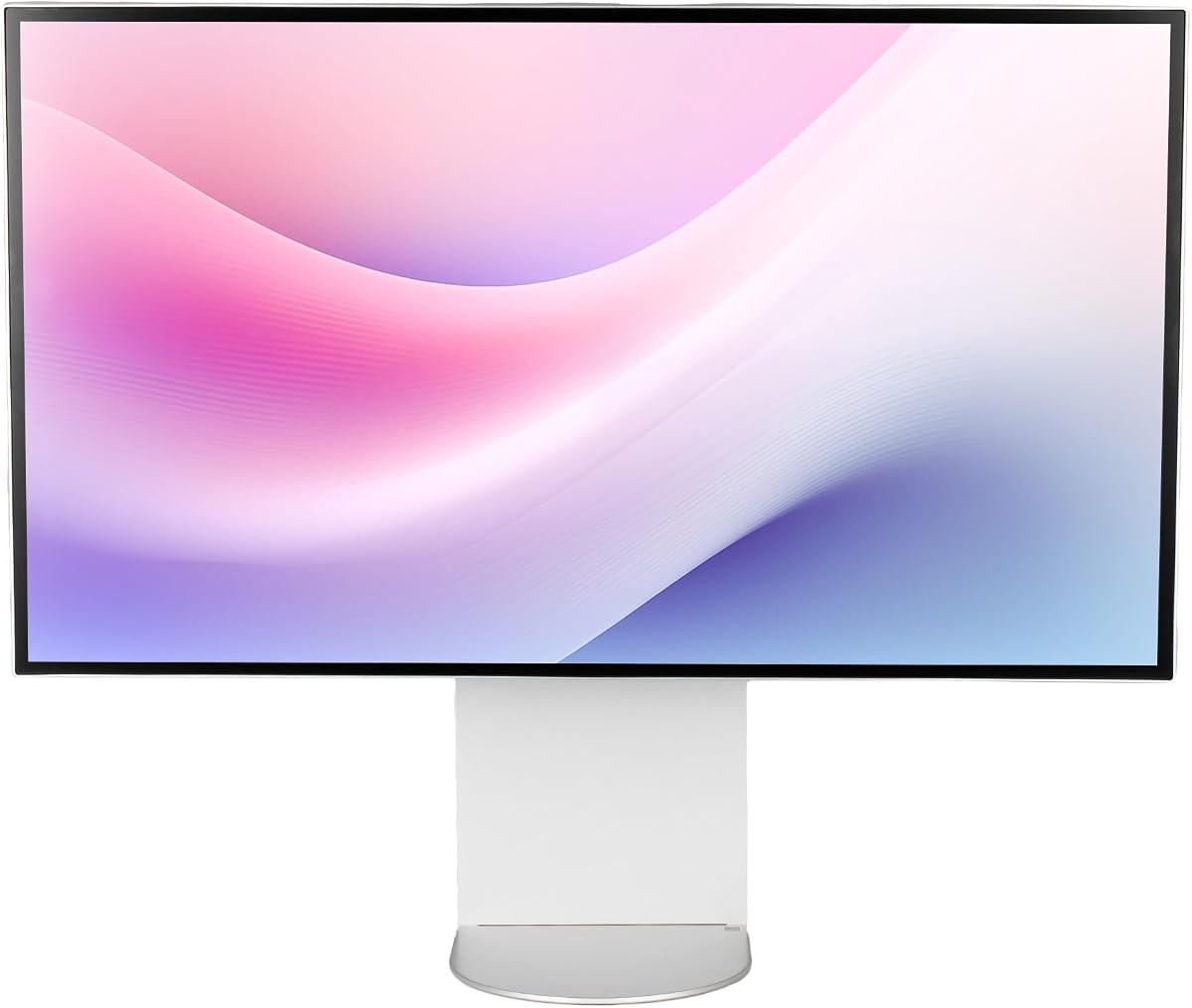
This monitor stands as a flagship choice for professionals requiring maximum connectivity and color fidelity in a 32 Inch 6K format.
We may earn a commission when you buy through this link, at no additional cost to you.
Its Thunderbolt 5 port enables lightning-fast data transfer and daisy chaining, while the Nano IPS Black panel delivers deeper blacks and richer shadows.
Although the price is steep, the investment is justified for users who rely on precise color grading and fast workflow integration.
Creative pros and video editors should strongly consider this model for its ability to bridge future-ready workflows with current productivity needs.
The Nano IPS Black technology enhances contrast significantly, allowing for more accurate dark scene rendering in professional work.
With Thunderbolt 5, you get twice the speed of previous generations, ensuring your setup remains relevant as hardware evolves.
We may earn a commission when you buy through this link, at no additional cost to you.
This monitor is designed specifically for those who prioritize color precision above all else, offering factory calibration straight out of the box.
We may earn a commission when you buy through this link, at no additional cost to you.
The unique MacBook color matching mode ensures seamless transitions between your laptop and external display, reducing eye strain and color discrepancies.
While the price is high, the included Adobe Creative Cloud subscription and five-year warranty add significant value to the overall package.
Designers and photographers will appreciate the intuitive KVM switch and comprehensive ergonomics that support long hours of precise work.
The built-in color matching presets simplify workflow adjustments for Mac users, ensuring consistency across devices without manual tweaking.
Dual Thunderbolt 4 ports allow for daisy chaining and power delivery, turning the monitor into a central hub for your peripherals.
We may earn a commission when you buy through this link, at no additional cost to you.
This gaming-focused monitor brings 6K resolution to high refresh rates, offering a unique option for users who play modern titles in ultra-high definition.
We may earn a commission when you buy through this link, at no additional cost to you.
The Fast IPS panel ensures vivid colors and quick response times, while support for both G-Sync and FreeSync minimizes screen tearing during gameplay.
Despite its gaming roots, the detailed 6K resolution makes it suitable for productivity tasks that require sharp text and clear imagery.
Gamers looking for a high-end display that doesn't compromise on resolution will find this model offers a compelling balance of speed and clarity.
Switch between 6K visuals and higher refresh rates depending on whether you need immersion or competitive advantage in your games.
The fast response time and adaptive sync technologies work together to eliminate ghosting, ensuring smooth action sequences in games.
We may earn a commission when you buy through this link, at no additional cost to you.
This monitor focuses on business productivity, offering a high-resolution display that ensures text remains sharp during long work sessions.
We may earn a commission when you buy through this link, at no additional cost to you.
The USB-C connectivity allows for quick data transmission and single-cable laptop docking, which simplifies the daily setup for mobile professionals.
While it lacks the advanced gaming features of other models, its stable 60 Hz refresh rate and solid build quality suit office environments well.
Corporate users and data analysts will find the ample screen real estate and reliable connectivity to be essential tools for their daily tasks.
The high brightness level ensures the screen remains visible even in well-lit meeting rooms or near windows.
USB-C transmission capabilities let you connect your laptop and peripherals with minimal cabling, keeping desks tidy.
We may earn a commission when you buy through this link, at no additional cost to you.
This bundle version of the UltraFine evo offers additional value by including essential accessories that help maintain the screen and organize cables.
We may earn a commission when you buy through this link, at no additional cost to you.
The KVM functionality allows for effortless switching between connected computers, which is incredibly useful for professionals managing multiple workflows.
With a high customer rating, this package suggests a strong overall experience, balancing performance with practical extras.
Users looking for an all-in-one solution that saves time on setup and maintenance should appreciate the comprehensive nature of this bundle.
Including a cleaning kit and cable ties in the box ensures your workspace remains organized and the screen looks pristine.
The KVM feature lets you control two computers with one keyboard and mouse, streamlining workflows between different machines.
We may earn a commission when you buy through this link, at no additional cost to you.
This monitor offers a competitive alternative to major brands with a clean design and strong color gamut coverage for the price.
We may earn a commission when you buy through this link, at no additional cost to you.
The 500 nit brightness enhances HDR content visibility, and the 100W USB-C port ensures your laptop charges while you work.
Its universal mount compatibility allows for flexible installation, letting you integrate it into various desk setups easily.
Budget-conscious professionals who still want high-end specs like 6K resolution and DCI-P3 color should consider this option.
The 500 nit brightness ensures that highlights in HDR content stand out without washing out the rest of the image.
Universal mount compatibility means you can pair this with third-party arms to save desk space if desired.
We may earn a commission when you buy through this link, at no additional cost to you.
The glossy finish on this monitor makes colors pop, offering a cinematic experience that rivals high-end TVs in terms of visual impact.
We may earn a commission when you buy through this link, at no additional cost to you.
Without a stand included, it encourages users to mount it on a sturdy arm, which can free up significant desk real estate.
The honeycomb cooling design hints at careful engineering to manage heat, potentially extending the life of the panel.
If you prioritize visual immersion over office glare resistance, this glossy option delivers a striking image for movies and design.
Glossy screens often provide richer blacks and more vivid colors, making them perfect for media and creative work.
The unique cooling structure helps dissipate heat efficiently, which is beneficial for long sessions of heavy graphical use.
We may earn a commission when you buy through this link, at no additional cost to you.
This bundle adds peace of mind with an extended protection plan, making it a safe choice for business deployments where uptime is critical.
We may earn a commission when you buy through this link, at no additional cost to you.
The inclusion of essential cables means you can start using the monitor immediately without waiting for third-party accessories to arrive.
While the price is higher, the coverage for hardware issues justifies the cost for companies managing large fleets of equipment.
Office managers and procurement specialists will appreciate the reduced risk and simplified logistics that this bundle offers.
The extended protection plan covers hardware failures, ensuring your investment is safeguarded against unexpected downtime.
Included cables remove the guesswork and delay often associated with connecting monitors, allowing for immediate productivity.
We may earn a commission when you buy through this link, at no additional cost to you.
This unique display brings touchscreen capabilities to a massive 6K canvas, allowing for direct interaction with detailed design work.
We may earn a commission when you buy through this link, at no additional cost to you.
The fold stand transforms the monitor into a flat drawing surface, which is invaluable for artists and architects who need precision.
With a perfect rating, users seem to value the innovation and utility of combining high resolution with touch input.
Creative professionals looking for a versatile tool that bridges the gap between traditional monitors and tablets should explore this option.
The included stylus and high resolution allow for sketching and annotating directly on the screen with remarkable accuracy.
The fold stand rotates 360 degrees, letting you switch between viewing mode and flat drawing mode seamlessly.
We may earn a commission when you buy through this link, at no additional cost to you.
This variant offers similar core specs to the flagship models but may have different regional packaging or warranty terms.
We may earn a commission when you buy through this link, at no additional cost to you.
It maintains the high-resolution benefits of the LG Ultrafine line, providing sharp text and reliable performance for daily tasks.
While it lacks some specific regional features, the core viewing experience remains consistent with the brand's high standards.
International buyers or those looking for a standard version of the Ultrafine line should check if this aligns with their needs.
Despite being a regional variant, the display quality and resolution remain on par with the premium standards of the brand.
VESA mounting support allows you to adapt the monitor to your workspace setup without relying on the included stand.
We may earn a commission when you buy through this link, at no additional cost to you.
Selecting the right monitor involves balancing resolution with color accuracy, connectivity, and ergonomics to fit your specific professional or personal needs.
With 6K resolution, a 32-inch monitor delivers over 21 million pixels, offering text clarity that rivals printed documents. This high pixel density ensures that you can work with multiple windows without sacrificing legibility.
Prioritize models with at least 220 PPI to enjoy the full benefits of this resolution class.
IPS panels are preferred for their wide viewing angles and color accuracy, which are essential for creative work. Advanced versions like Nano IPS Black offer better contrast ratios for improved depth.
Choose a high-quality IPS panel to ensure consistent colors from any viewing angle.
For professionals, color coverage is vital. Look for monitors that cover at least 99% of the DCI-P3 or Adobe RGB color spaces to ensure your work looks correct across devices.
Factory calibration and Delta E scores under 2 guarantee that colors are accurate right out of the box.
Thunderbolt 5 and USB-C connectivity are crucial for modern workflows, allowing data transfer and power delivery through a single cable. Ensure the monitor supports high-speed standards to match your devices.
Verify that the monitor has the specific ports required for your laptop and peripherals.
Adjustability in height, tilt, and pivot is necessary for comfort during long work hours. A sturdy stand and VESA mount compatibility add flexibility to your desk setup.
Invest in a monitor that allows you to adjust the screen to your eye level to reduce strain.
While most 6K monitors run at 60Hz, some gaming-oriented models offer higher refresh rates. Select based on whether you need speed for action or stability for static work.
Choose 165Hz or higher if you play games or watch high-motion content often.
DisplayHDR 600 certification ensures the monitor meets certain brightness and contrast standards. This feature enhances the realism of videos and photos you edit or view.
Look for DisplayHDR 600 or higher to ensure dynamic range is sufficient for your media.
Professional monitors often come with extended warranties to protect your investment. Check if the brand offers onsite service or quick replacements for critical work environments.
Prioritize brands with strong support records to minimize downtime in case of hardware issues.
Calibrate your monitor settings immediately after setup to match your specific workflow. Most professional monitors have presets for sRGB or DCI-P3 that you should select first.
Clean the screen regularly with a microfiber cloth and approved solution to maintain clarity. Avoid spraying liquid directly on the display to prevent damage to the panel.
Use the ergonomic adjustments to position the monitor at eye level. This simple step reduces neck strain and improves posture during long work sessions.
For professionals editing 4K video or working with large spreadsheets, 6K offers significant workspace benefits. It allows for more content to be displayed simultaneously without clutter.
Thunderbolt 5 offers higher bandwidth, enabling faster data transfers and better support for multiple high-resolution displays. It is future-ready for next-generation laptops and GPUs.
Yes, most of the monitors listed support both operating systems. Features like color matching may vary slightly between Mac and Windows environments.
Use Thunderbolt daisy chaining or DisplayPort 2.1 features to connect multiple screens with a single cable. Ensure your graphics card supports the required resolution.
Some models like the Samsung Odyssey G8 offer high refresh rates suitable for gaming. Most focus on color accuracy which may lack high-speed performance.
Glossy panels often provide more vibrant colors and deeper blacks. However, they may reflect more light than matte screens in bright environments.
Yes, especially models with touch support or tilt features. The ALOGIC touchscreen allows for direct interaction, which is great for digital art.
Yes, you need a GPU with at least one DisplayPort 2.1 or Thunderbolt 5 output to drive 6K resolution at full performance.
Our top picks include the LG UltraFine evo for its premium connectivity and the ASUS ProArt for color accuracy. The Samsung Odyssey G8 stands out for those needing high refresh rates.
Prioritize what matters most for your workflow, whether it is color precision, gaming speed, or general productivity. Each monitor offers a unique blend of features.
Prices and availability change frequently, so check current listings before purchasing to ensure you get the best value available today.