
Seagate 1TB Mobile HDD
4.4Editor score
Thin 7mm laptop design
High capacity for mobile use
Standard SATA 6Gb/s interface
Choosing the right storage for your security system is crucial for reliable performance. A compatible hard drive ensures your footage is saved safely and accessed quickly when needed most.
We evaluated ten top-rated drives based on capacity, reliability, and compatibility. Each option offers unique strengths for different surveillance needs and budget constraints.
Every pick highlights key specs and real-world performance. Remember that prices fluctuate regularly so check current listings before making your final purchase decision today.
4.4Editor score

4.4Editor score

5.0Editor score
As an Amazon Associate we earn from qualifying purchases.
Below is a side-by-side comparison of all ten selected drives. This table helps you quickly identify key differences in capacity, interface, and specific use cases.





This drive is designed for everyday computing tasks with a solid 4.6 rating from users. It offers reliable performance for standard storage needs in various computing environments.
We may earn a commission when you buy through this link, at no additional cost to you.
WD quality and reliability are backed by their F.I.T. Lab certification for wide PC configuration compatibility. The free Acronis True Image WD Edition helps with data cloning easily.
While not built for constant surveillance writes like specialty drives, it remains a solid choice for light storage needs. The 5400 RPM speed keeps power usage moderate for mobile setups.
Buyers looking for a trusted mobile drive should consider this option for general data storage. It balances capacity and reliability well for users who prioritize data safety.
WD F.I.T. Lab certification ensures compatibility with a wide range of systems.
Acronis True Image WD Edition is provided free for easy data migration.
We may earn a commission when you buy through this link, at no additional cost to you.
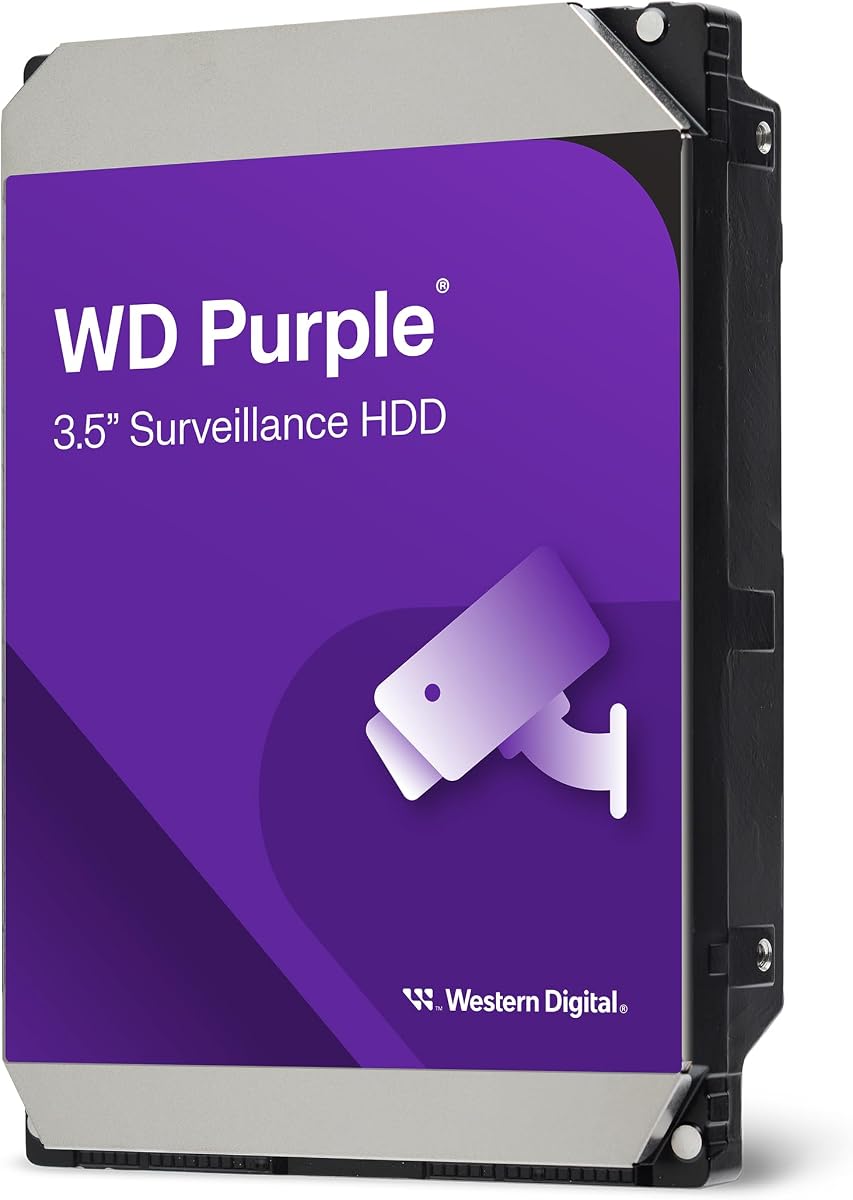
Designed specifically for surveillance systems, this drive excels in write-intensive environments typical of security cameras. It delivers optimized performance for mainstream surveillance applications effectively.
We may earn a commission when you buy through this link, at no additional cost to you.
WD AllFrame technology minimizes frame loss during high stream-count workloads ensuring reliable video capture. The workload rate supports up to 180 TB per year for robust usage.
Support up to 16 bays makes it scalable for larger setups though lower capacities support fewer bays. Tarnish-resistant components enhance durability especially for higher capacity models.
If you need a drive built for continuous recording this is a top pick. Its optimization for video streams sets it apart from general purpose drives.
AllFrame technology optimizes for write-intensive low bit rate workloads typical to surveillance.
Supports up to 16 bays for larger surveillance system configurations.
We may earn a commission when you buy through this link, at no additional cost to you.
With 5TB capacity this drive offers ample room for extensive storage needs including media libraries and large datasets. It leverages the proven reliability of BarraCuda technology.
We may earn a commission when you buy through this link, at no additional cost to you.
This drive can help build a powerhouse gaming computer or desktop setup with its substantial capacity. The SATA interface works seamlessly with nearly every PC application from video to photo editing.
While 20 years of innovation backs it the drive is heavier than smaller counterparts. Storage capacity may vary due to formatting and OS system files so plan accordingly.
For users needing large capacity in a 2.5 inch form factor this is ideal. It provides confident storage for heavy multimedia workloads.
Backed by 20 years of innovation for confident storage.
Available storage capacity may vary due to formatting.
We may earn a commission when you buy through this link, at no additional cost to you.
As the highest capacity thin laptop drive this model is ideal for portable storage needs. It enables drop-in capacity transitions without adding the weight of traditional drives.
We may earn a commission when you buy through this link, at no additional cost to you.
Its light weight supports portable computers making it great for laptops or slim desktops. Standard SATA 6Gb/s interface ensures easy integration into existing mobile designs.
Store up to 200,000 photos or 124 hours of HD video on this single drive. While capacity may vary slightly it remains a strong choice for budget-conscious buyers.
Pick this if you need 1TB in a slim profile at a lower price. It balances cost and capacity effectively for general mobile use.
7mm thin design allows drop-in transitions without extra weight.
Standard SATA 6Gb/s ensures compatibility with existing devices.
We may earn a commission when you buy through this link, at no additional cost to you.
The 8TB capacity provides massive space for gaming or media libraries. It is a go-to SATA hard drive solution for nearly every PC application with reliable BarraCuda backing.
We may earn a commission when you buy through this link, at no additional cost to you.
With a sustained transfer rate of 190MB/s it moves data quickly for efficient workflows. Confidently rely on internal hard drive technology backed by 20 years of innovation.
The packaging is frustration free consisting of an anti-static bag without extra cables or boxes. Just install the drive and start using it immediately.
Buyers wanting maximum capacity in one drive should consider this option. Its transfer rate and reliability make it a strong desktop choice.
Ax. Sustained transfer rate OD of 190MB/s for fast access.
Frustration Free Packaging includes just the drive in anti-static bag.
We may earn a commission when you buy through this link, at no additional cost to you.
This drive is custom-built for surveillance applications with Image Perfect firmware for crisp clear video. It delivers reliable performance in write-intensive surveillance systems effectively.
We may earn a commission when you buy through this link, at no additional cost to you.
Maximum 180TB/year workload rating makes it three times better than desktop drives for reliability. Rotational vibration sensors help maintain performance in RAID and multi-drive systems.
Store up to 10TB of capacity for up to 10,000 hours of HD video on this model. The available storage capacity may vary so plan your retention needs carefully.
Ideal for DVR or NVR setups requiring robust write performance and video quality. It ensures your footage stays crisp and clear throughout recording.
Maximum 180TB/year workload rating for 3x desktop performance.
Image Perfect firmware ensures crisp clear 24×7 video.
We may earn a commission when you buy through this link, at no additional cost to you.
With 6TB capacity this drive offers even more space for security footage than smaller models. It is custom-built for surveillance applications with Image Perfect firmware for crisp clear video.
We may earn a commission when you buy through this link, at no additional cost to you.
The 256MB cache improves buffer performance which helps during high stream loads. Drive Health Management tools allow you to monitor the drive condition easily.
Rotational vibration sensors help maintain performance in RAID and multi-drive systems up to 10TB capacity. This ensures reliability in complex surveillance setups over time.
Buyers needing high capacity with enhanced health monitoring should choose this. It balances storage and reliability for demanding security environments.
256MB Cache improves buffer performance for high streams.
Drive Health Management monitors condition easily.
We may earn a commission when you buy through this link, at no additional cost to you.
This 2TB model brings surveillance optimization to a more accessible capacity. It is custom-built for surveillance applications with Image Perfect firmware for crisp clear video workloads.
We may earn a commission when you buy through this link, at no additional cost to you.
Maximum 180TB/year workload rating ensures reliability in write-intensive systems. Rotational vibration sensors help maintain performance in RAID and multi-drive systems effectively.
Storage capacity may vary so check your retention needs carefully. The included 3 year Limited Manufacturer Warranty adds value for budget conscious buyers.
An excellent entry point for those starting small security setups. It offers the reliability needed for surveillance without higher costs.
3 year Limited Manufacturer Warranty provides extra protection.
Image Perfect firmware ensures crisp clear video 24×7.
We may earn a commission when you buy through this link, at no additional cost to you.
This drive supports up to 64 HD cameras and 32 AI channels ensuring smooth reliable recording. It utilizes CMR recording technology and helium drive design for optimal efficiency.
We may earn a commission when you buy through this link, at no additional cost to you.
A workload rate limit of 550TB/year provides dependable performance for demanding surveillance systems. Tarnish-resistant components and Rescue Data Recovery Services safeguard your valuable data.
Maximum transfer rate of 285MB/s reduces latency and improves overall system responsiveness. It ensures cool and quiet operation for long-term reliability.
If you need advanced AI surveillance support this is the top choice. The 5.0 rating confirms its superior design and performance capabilities.
Supports up to 64 HD cameras and 32 AI channels.
Rescue Data Recovery Services for 3 years protect against data loss.
We may earn a commission when you buy through this link, at no additional cost to you.
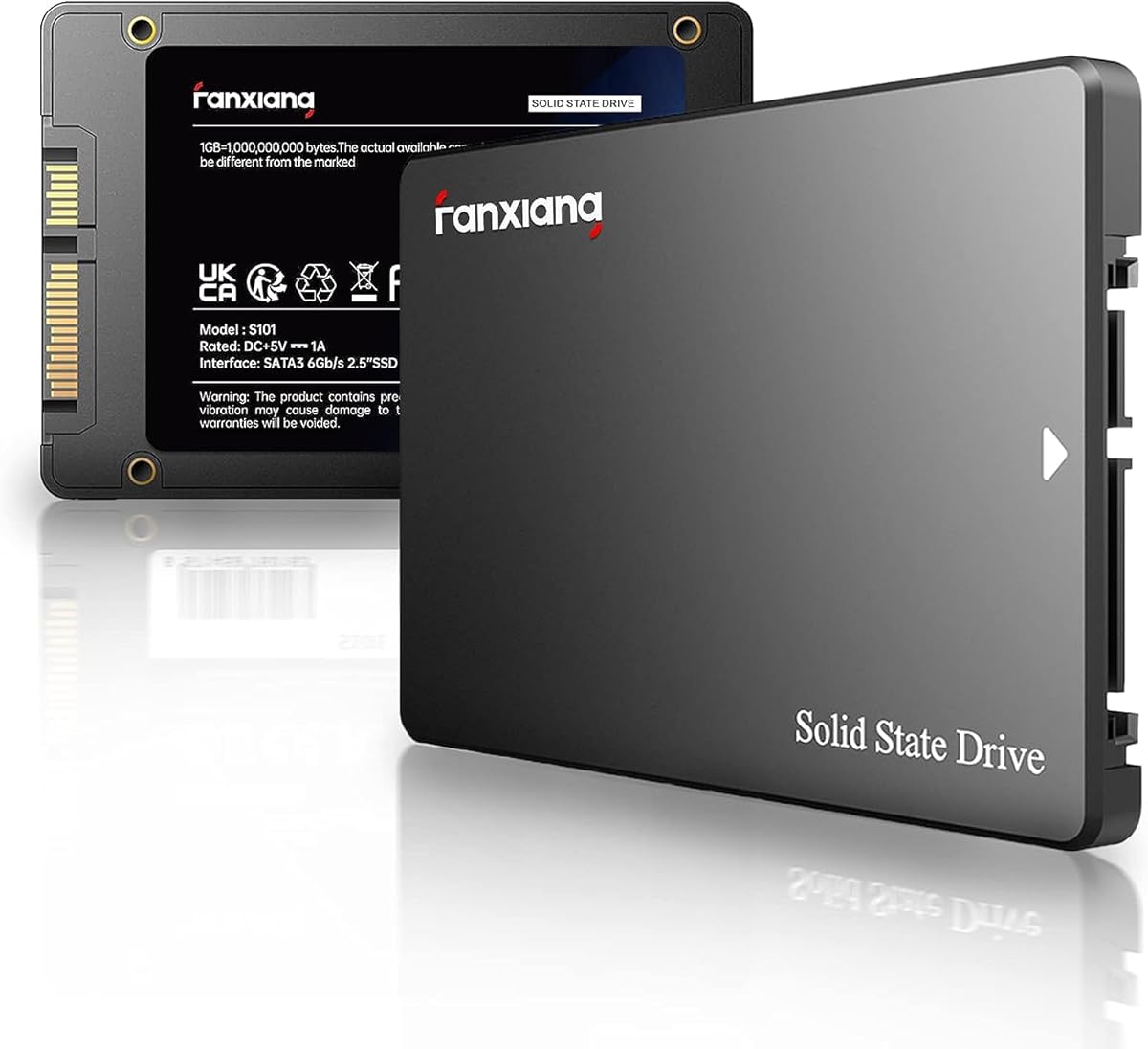
This SSD achieves blazing read and write speeds of 520MB/s facilitating rapid file transfers. Compared to HDDs it boots up at least 50% faster enabling instant productivity.
We may earn a commission when you buy through this link, at no additional cost to you.
The 3D NAND TLC chips offer a longer lifespan in writes compared to QLC. This ensures a more reliable data storage solution for compatible devices.
Compatible with desktops laptops and all-in-one PCs across various OS. While not ideal for constant surveillance writes it serves well for systems needing speed.
Choose this if speed is your priority over massive sequential writes. It offers robust durability and service support for regular computer use.
Boots up at least 50% faster than HDDs for instant productivity.
3D NAND TLC chips offer longer lifespan in writes.
We may earn a commission when you buy through this link, at no additional cost to you.
Choosing the right storage involves understanding compatibility, capacity, and write endurance. This guide breaks down key factors to consider for your needs.
Ensure the drive uses SATA interface compatible with your base unit. Most modern systems accept SATA 6Gb/s drives for efficient data transfer.
Verify physical connector matching to avoid installation issues.
Estimate how much footage you need to retain. Larger capacities allow longer retention periods without overwriting data.
Choose based on camera count and retention duration requirements.
Surveillance drives are optimized for 24/7 write cycles unlike standard desktop drives. This endurance prevents failure during continuous recording.
Prioritize models with high workload ratings for reliability.
Check whether your device accepts 2.5 or 3.5 inch drives. Some units have size constraints that limit options to laptop drives.
Measure your available space to fit the selected drive.
Higher cache and appropriate RPM improve data handling during peak loads. This ensures smooth recording without frame drops.
Look for balanced speed and cache for your workload.
Specialized firmware like AllFrame or Image Perfect minimizes video frame loss. This is critical for maintaining continuous video streams.
Verify firmware features match your surveillance demands.
Longer warranty terms provide assurance against early failures. Many surveillance drives offer extended coverage to reflect their reliability.
Check warranty length before finalizing your purchase.
Ensure the drive fits within your system power limits. Larger drives may require external power if not supported by the base unit.
Consider power efficiency when selecting capacity.
Before installing shut down your system and ground yourself to avoid static. Insert the drive carefully into the designated slot ensuring secure connection.
Initialize the drive using the system software to format it for storage. This step ensures compatibility and allows the system to detect the drive properly.
Regularly check drive health status through the app or software tools. Maintaining adequate ventilation and avoiding shocks will extend the drive lifespan.
Not every drive is suitable. Choose a drive with compatible SATA interface and dimensions to fit the Homebase unit properly.
This depends on your camera count and retention needs. Typically 1TB to 4TB works well for standard setups.
Surveillance drives are built for continuous writing which reduces failure risk. Regular drives may degrade faster under constant recording.
Many surveillance models support continuous recording. Verify workload ratings to ensure it matches your system needs.
Power off the device insert the drive carefully secure it then format through the app. Follow manufacturer instructions for safe installation.
Some systems allow upgrades but check the maximum supported capacity. You may need to replace the drive with a larger one.
The drives featured here offer a range of solutions from budget to premium needs. Selecting the right balance ensures your footage is safe and accessible.
Prioritize surveillance-optimized drives if you need reliable continuous recording. These models provide the endurance required for security systems.
Always verify current listings before purchasing to confirm compatibility and pricing. This ensures you get the best value for your system setup.