
WSDCAM 4-in-1 HD
5.0Editor score
Compact 4.3 inch display
Supports 8MP coaxial cameras
Includes UTP cable testing
A reliable CCTV Test Monitor is essential for any security professional installing modern surveillance systems. These devices allow technicians to verify camera functionality and connectivity on site without relying on complex backend setups.
We evaluated ten leading models based on screen quality, connectivity options, and network tools. Our comparison focuses on real-world usability for installers handling IP and analog cameras across diverse environments.
Each pick highlights specific strengths like PoE output or cable testing. Prices and availability change frequently, so please check the current listings before making your final purchasing decision for your toolkit.
5.0Editor score

4.5Editor score

4.4Editor score
As an Amazon Associate we earn from qualifying purchases.
The following table provides a side-by-side overview of the key specifications and capabilities for each model considered in this guide to assist your selection process.


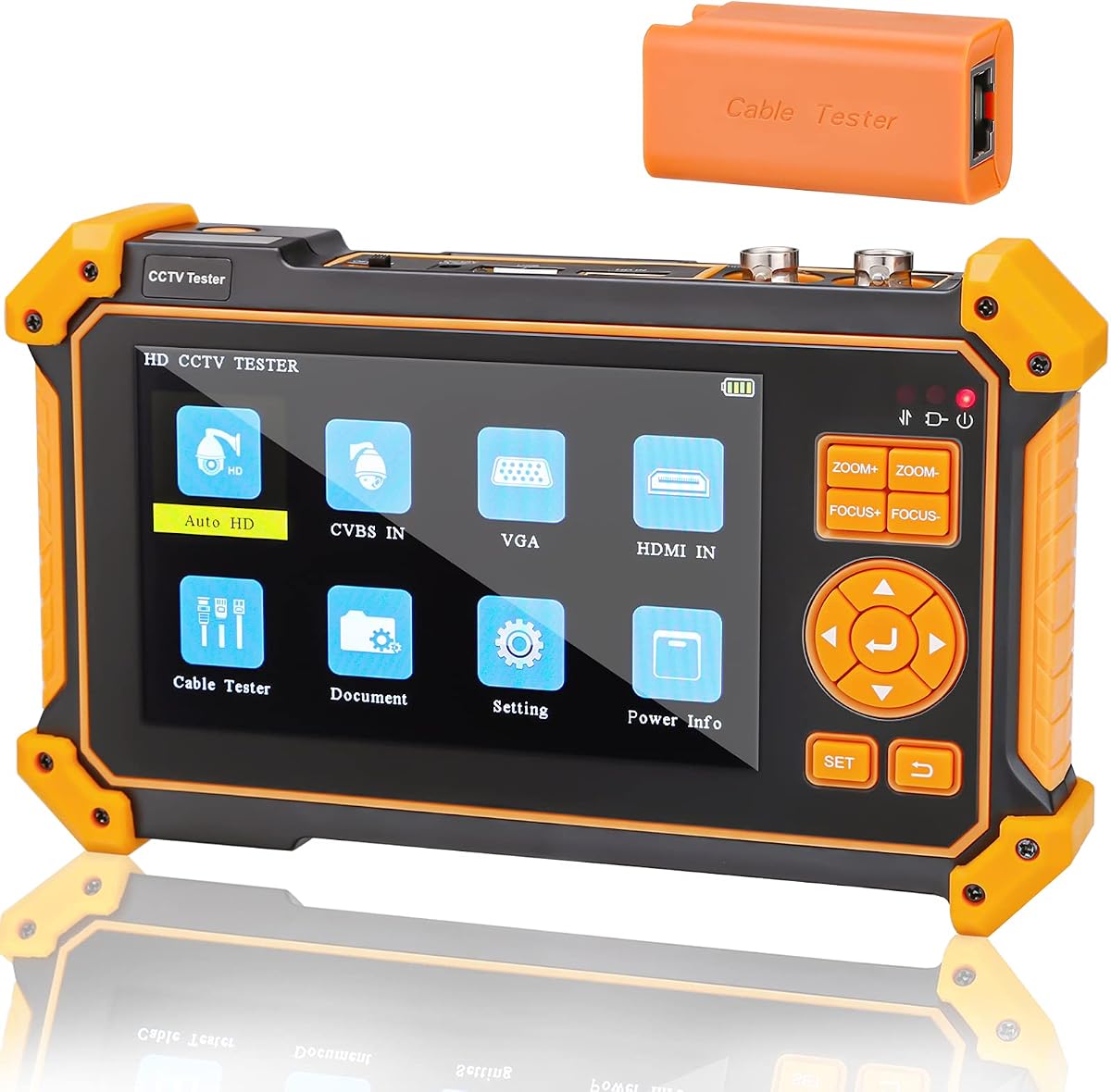
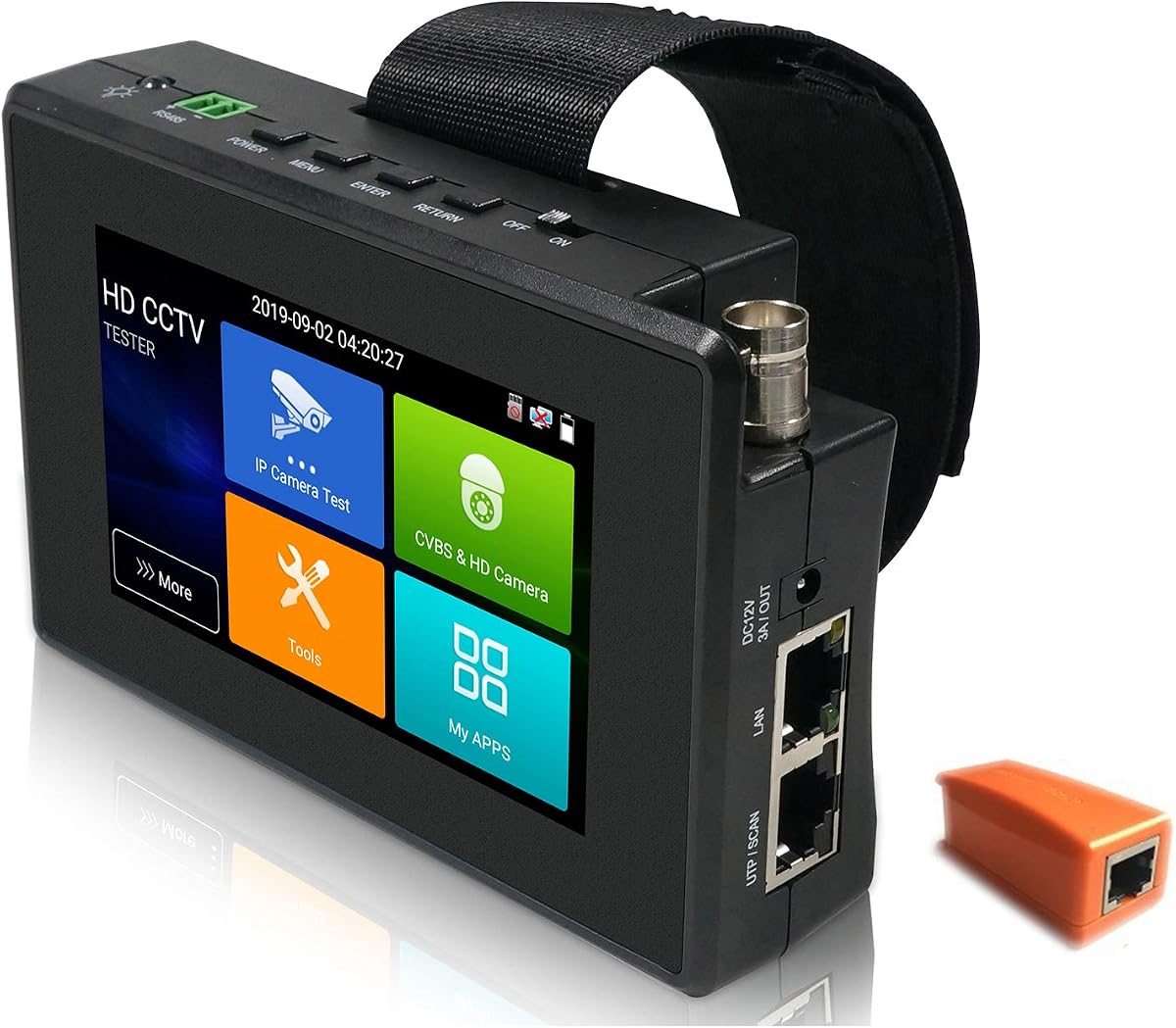
The Rsrteng tester stands out as a top-tier choice for professionals needing comprehensive testing capabilities. It features a bright 7-inch screen and supports the latest high-resolution IP standards effectively.
We may earn a commission when you buy through this link, at no additional cost to you.
Its standout feature is the 90W PoE output which allows it to power most PTZ cameras directly. This eliminates the need for external power supplies during installation and reduces clutter significantly.
While the unit is robust it may feel heavier than smaller handheld alternatives. Some users might find the Android interface requires a brief learning period compared to simpler menu systems.
This monitor is ideal for installers managing complex networks or high-end camera systems. Its balance of power and display quality makes it a reliable long-term investment for your toolkit.
The 90W PoE capability ensures you can test high-power PTZ cameras without additional adapters on site.
Running Android 11 allows for potential app expansions and provides a modern interface for managing camera settings.
We may earn a commission when you buy through this link, at no additional cost to you.
This model offers exceptional value for technicians who primarily work with analog and coaxial camera systems. It is compact and easy to carry around job sites without adding bulk to your bag.
We may earn a commission when you buy through this link, at no additional cost to you.
The built-in UTP cable tester is a significant advantage for this price point. It allows you to verify cable continuity and locate faults quickly without needing a separate tool in your pocket.
Do note that it does not support IP camera testing which limits its use for modern network systems. The screen is also non-touch so navigation relies on physical buttons which some may find slower.
Choose this device if you need a reliable tool for standard CCTV maintenance at a low cost. It performs its core functions well and helps save money on separate cable testers.
The UTP test feature lets you confirm network cable integrity instantly during analog system upgrades.
Its small form factor fits easily in a vest pocket making it ideal for quick diagnostic checks.
We may earn a commission when you buy through this link, at no additional cost to you.
The WANLUTECH E88 model is a premium choice designed for demanding installation environments requiring fiber optic and high-power IP support. The large touchscreen provides a comfortable workspace for navigating complex menus.
We may earn a commission when you buy through this link, at no additional cost to you.
Its inclusion of an SFP optical fiber module port is rare in this category. This allows you to test fiber connections directly which is crucial for large-scale enterprise security installations.
The device is bulkier than average portable testers which might be a concern for travel. It also commands a higher price so you must ensure you need these specific premium features.
Invest in this unit if you are handling enterprise-grade projects with fiber infrastructure. The ability to test optical links and high-wattage cameras makes it a versatile master tool.
The SFP port enables direct optical network testing reducing the need for separate fiber testers.
The eight-inch screen offers ample space to view multiple camera feeds or detailed configuration windows.
We may earn a commission when you buy through this link, at no additional cost to you.
This upgraded model supports up to 8K resolution which makes it future-proof for next-generation camera installations. It combines high resolution testing with essential power and optical features in one unit.
We may earn a commission when you buy through this link, at no additional cost to you.
The integrated cable tracer helps locate specific wires within a bundle without needing an extra tool. This feature is highly useful when dealing with messy junction boxes or retrofitting existing buildings.
The sheer number of features can make the interface feel crowded for new users. Additionally the price reflects its advanced capabilities so it may be overkill for standard residential installations.
Opt for this tester if you anticipate working with ultra-high-definition IP cameras soon. The combination of 8K support and cable tracing provides a complete solution for advanced installers.
Supporting 8K ensures you can verify the latest camera models without upgrading your hardware again.
The built-in tracer helps find hidden wires quickly saving time during complex network setups.
We may earn a commission when you buy through this link, at no additional cost to you.
This model is designed for technicians who need a portable device that still supports modern IP testing. The four-inch touchscreen is responsive and fits easily into tight spaces where larger units would struggle.
We may earn a commission when you buy through this link, at no additional cost to you.
It supports both IP and analog cameras giving you flexibility across different project types. The Wi-Fi hotspot feature allows you to connect to cameras wirelessly which speeds up configuration significantly.
The PoE output is limited to 30W which may not power larger PTZ cameras directly. You will need an external supply for high-draw devices but this is acceptable for standard fixed cameras.
Select this unit if you need a lightweight travel companion that still handles network cameras. It offers a great balance between portability and functionality for residential or small business jobs.
The compact screen size makes navigation easy even in confined installation spaces.
Built-in Wi-Fi simplifies testing of wireless cameras without needing additional network bridges.
We may earn a commission when you buy through this link, at no additional cost to you.
The Triplett unit focuses on providing essential connectivity and power testing without unnecessary complications. It is a solid choice for technicians who need a reliable backup device for quick checks.
We may earn a commission when you buy through this link, at no additional cost to you.
It includes an Ookla speed test which allows you to verify internet bandwidth directly from the camera connection. This feature is useful for confirming that your camera stream will be smooth after installation.
It lacks advanced cable testing tools like TDR which means you may still need a separate tester for wires. The screen resolution is also modest compared to newer premium models available today.
This device works well for basic verification tasks where speed is important. It is a good secondary option to keep in your vehicle for rapid network diagnostics.
The integrated speed test helps ensure your network can handle the video stream effectively.
The straightforward layout reduces the learning curve for quick operational checks.
We may earn a commission when you buy through this link, at no additional cost to you.
This model is strictly for analog CCTV systems offering a simple and effective solution for older camera maintenance. The five-inch screen provides a clear view of video feeds without the complexity of OS menus.
We may earn a commission when you buy through this link, at no additional cost to you.
It boasts an impressive eleven-hour battery life which ensures you can work all day without needing a charger. This reliability is crucial for outdoor installations where power access is limited.
It does not support IP cameras so it is useless for modern network systems. The non-touch screen relies on buttons which can be slightly slower to use than a touch interface.
Use this for maintaining legacy buildings or small businesses with analog setups. Its endurance and simplicity make it a reliable tool for specific maintenance-only tasks.
The long battery life allows for uninterrupted work on large analog sites.
Dedicated to analog signals it offers a streamlined experience without software bloat.
We may earn a commission when you buy through this link, at no additional cost to you.
This unit stands out by including a video level meter which helps optimize signal quality for coaxial cameras. It combines standard testing with these additional video diagnostics in a single handheld device.
We may earn a commission when you buy through this link, at no additional cost to you.
It supports both IP and analog cameras making it versatile for mixed environment jobs. The HDMI output allows you to project feeds to a larger monitor which is helpful during system demos.
The PoE power is standard but not the highest available in the market. Some advanced network tools may feel less robust compared to specialized networking equipment.
Choose this if you need to verify video signal levels directly during installation. It is a solid all-rounder for technicians who handle both analog and IP systems regularly.
The built-in video meter ensures you are getting the best image quality from analog cameras.
HDMI output capability makes it easy to share camera views with clients on a big screen.
We may earn a commission when you buy through this link, at no additional cost to you.
This model offers a practical range of video inputs including HDMI and VGA making it useful for debugging recorders as well as cameras. It comes with a tool bag which helps keep accessories organized.
We may earn a commission when you buy through this link, at no additional cost to you.
It supports high resolution analog signals up to 8MP which covers most modern coaxial cameras. The PTZ control is responsive and allows you to configure camera settings directly on the fly.
Like other analog-only units it cannot test IP cameras so it is not a standalone solution for network systems. The battery life is decent but not exceptional compared to some competitors.
Select this unit if you already have a separate IP tester and need a dedicated analog device. The added inputs make it a useful secondary monitor for your existing toolbox.
HDMI and VGA inputs allow you to connect to DVRs for direct visual inspection.
The included bag keeps the device safe and organized during transport to job sites.
We may earn a commission when you buy through this link, at no additional cost to you.
The unique feature here is the 180-degree screen rotation which offers ergonomic flexibility. This is particularly useful when you need to access ports on the bottom of the device while viewing the screen.
We may earn a commission when you buy through this link, at no additional cost to you.
It handles both IP and analog cameras well making it a versatile general-purpose tool. The included IP scan and cable test tools cover the basic needs of most residential installers.
The four-inch screen is compact but may feel small for detailed menu navigation. The power output is moderate so it may struggle with high-draw PTZ cameras without extra power.
Pick this if ergonomics and basic testing are your main concerns. The rotation feature makes it easier to use in awkward positions compared to standard fixed-screen units.
The rotating screen allows for better viewing angles during awkward installation tasks.
Supporting both IP and analog covers most general needs in mixed system environments.
We may earn a commission when you buy through this link, at no additional cost to you.
Choosing the right CCTV test monitor involves assessing your specific camera types and job site requirements. Below are key factors to consider before making your final selection.
Ensure the unit supports the specific protocols used by your cameras. You need to check if it handles IP as well as TVI CVI or AHD analog formats.
Match the monitor to your existing inventory to avoid purchasing a tool that cannot communicate with your devices.
Look for PoE output ratings that match your camera power needs. High-wattage cameras require at least 60W or 90W to function during testing.
Verify the DC voltage options to ensure you can power cameras directly without needing extra adapters on site.
Screen size dictates how easily you can view video feeds during installation. A larger screen helps identify image defects and menu errors effectively.
Consider the weight and portability if you carry the device up ladders or long distances daily.
Integrated cable testers save the need for carrying separate tools to check wire continuity. Look for TDR features that can detect length and faults in the cable.
This capability speeds up troubleshooting significantly when you encounter connectivity issues during a setup.
Battery capacity determines how long you can work without recharging. Aim for a unit that offers at least eight hours of continuous operation for a full shift.
Quick charging support is also a valuable feature to minimize downtime if you need to top up mid-day.
Extra tools like PTZ control or network scanning can streamline specific workflows. Decide which features are essential to your daily tasks versus those that are nice to have.
Software updates and support are important to ensure the device stays compatible with new camera releases.
Start by connecting the appropriate camera cable such as Ethernet or BNC to the corresponding port. Ensure the power output is active if you are powering the camera directly from the unit.
Navigate to the detection menu to allow the device to find and identify the connected camera. Review the on-screen parameters to confirm resolution and signal status before proceeding.
Store the unit in a protective case when not in use to prevent damage to the screen and ports. Regularly update the software to keep all features functioning correctly.
Most standard monitors work on copper Ethernet but some high-end models include SFP ports. Check the specific specs to see if it supports optical modules for fiber connections.
Many models include RS485 or IP-based controls to operate PTZ functions. Ensure the protocol matches your camera brand before purchasing.
Cable testing varies by model but many support lengths over one hundred meters. Check the datasheet for the exact TDR range limit.
Some models with internal memory or SD slots allow for video recording. This is useful for documenting installations or troubleshooting issues later.
No one of the main benefits of these devices is standalone configuration. They can manage IP addresses and settings without a PC.
Most units are designed for indoor or covered outdoor use and lack full waterproof ratings. Always check the IP rating if you plan to leave them outside.
Hybrid models support both analog and IP cameras effectively. This is ideal for upgrading sites that mix legacy and modern equipment.
Our top picks cover a wide range of needs from budget-friendly analog tools to premium high-power units. The Rsrteng model stands out for overall performance while the WSDCAM offers excellent value.
Prioritize power output and screen size based on the specific cameras you install most often. A unit that matches your workflow will save you time and reduce frustration.
Please verify current pricing and stock before buying as these values change frequently. Investing in the right tool now can pay off in efficiency and job accuracy.