
Highwings HDMI Cable 6.6 ft
4.7Editor score
Braided durable design
HDMI 2.0 compliant
Gold plated connectors
Find the best HDMI cable for Fire TV Cube with this expert guide comparing top models for 4K, speed, and durability to upgrade your home theater setup.
Choosing the right HDMI cable for your Fire TV Cube ensures smooth streaming and crisp visuals. A high-quality cable supports 4K resolution, high refresh rates, and reliable connectivity for gaming and movies without signal loss or flickering.
This guide evaluates ten top-rated cables based on build quality, speed ratings, and compatibility. We analyzed features like bandwidth capacity, connector materials, and cable length to help you find the perfect match for your entertainment needs.
Each pick highlights specific strengths and ideal use cases. Prices may fluctuate frequently so check current offers before buying. Use this resource to make an informed decision that maximizes your Fire TV Cube performance.
4.7Editor score

4.7Editor score

4.7Editor score
This table provides a quick side by side comparison of all ten products including key specifications and ratings to help you decide quickly.




The Amazon Basics HDMI Cable stands out as a reliable choice for Fire TV Cube users seeking quality without extra cost. It holds a high rating and delivers consistent 4K performance for streaming and gaming applications.
We may earn a commission when you buy through this link, at no additional cost to you.
This cable supports 18Gbps bandwidth and 4K at 60Hz ensuring smooth visuals. The inclusion of Ethernet sharing reduces cable clutter and backward compatibility ensures it works with older devices seamlessly.
The jacket is simple compared to braided options which might be less durable over time. However for typical home entertainment use it offers excellent value and reliable connectivity.
Buyers looking for a straightforward and cost effective solution should choose this cable. It provides essential high speed features needed for most Fire TV Cube setups without unnecessary features.
Ensures clear picture and audio without dropouts during use.
Allows sharing internet connection between devices via the cable.
We may earn a commission when you buy through this link, at no additional cost to you.
PowerBear offers a 10 foot option ideal for setups where the Fire TV Cube sits far from the display. Its sturdy nylon braid and gold connectors promise durability and resistance to corrosion over time.
We may earn a commission when you buy through this link, at no additional cost to you.
The 30AWG copper wire ensures stable signal transmission up to 4K at 60Hz. CL3 rating makes it safer for in wall installation if needed for clean cable management.
The cable is slightly thicker and costs more than standard six foot options. This might be unnecessary if your devices are close together but valuable for larger rooms.
If you need extra length and durable build quality this cable fits the bill. It balances performance and physical resilience well for demanding home theater layouts.
CL3 rating allows safe installation inside walls for clean looks.
Gold connectors and braiding protect against wear and signal loss.
We may earn a commission when you buy through this link, at no additional cost to you.
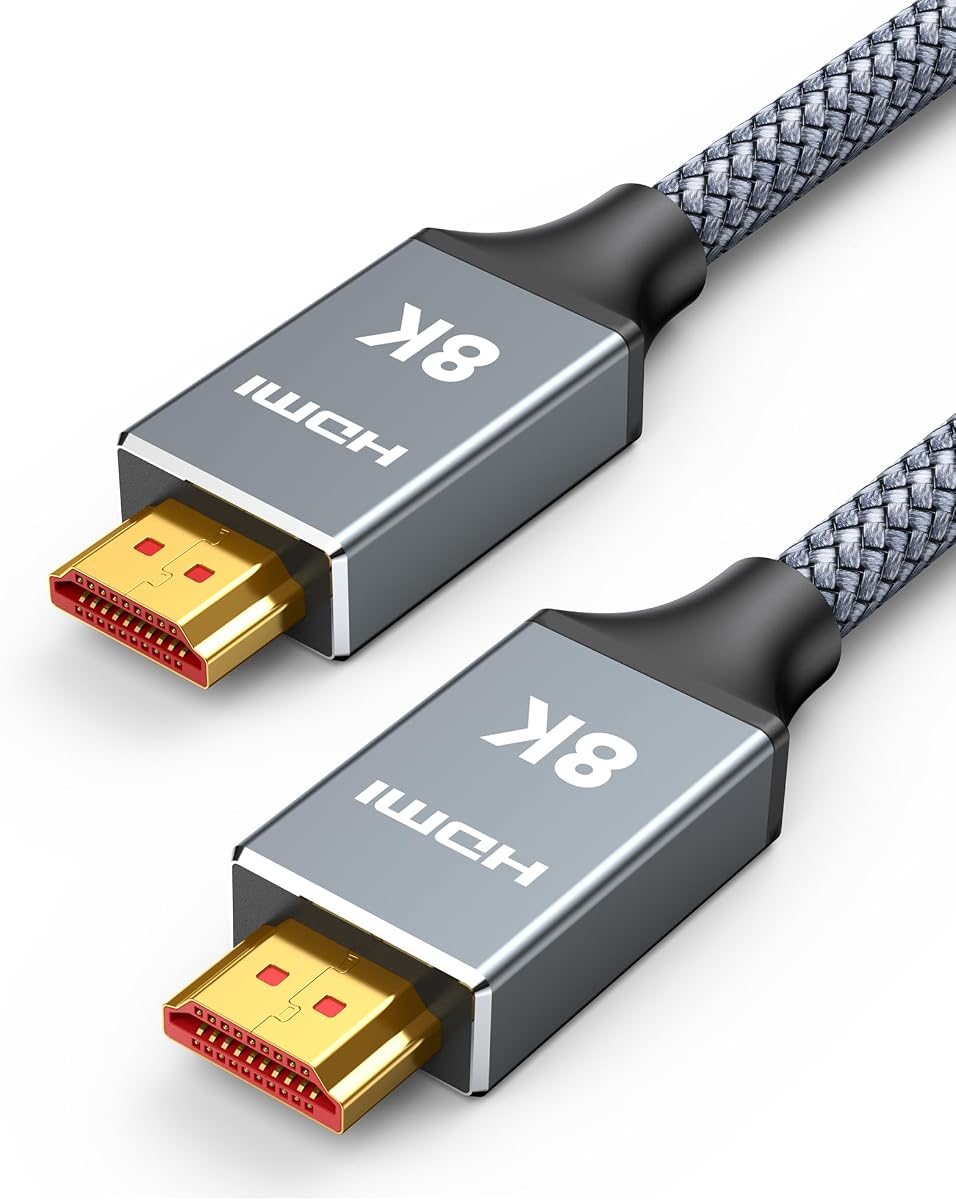
Highwings delivers a budget friendly HDMI cable that does not sacrifice core features. It supports HDMI 2.0 standards with HDR and ARC ensuring your Fire TV Cube outputs high quality video.
We may earn a commission when you buy through this link, at no additional cost to you.
The braided design adds protection against daily wear and bending. Gold connectors resist corrosion maintaining stable signal integrity even with frequent plugging and unplugging.
It lacks advanced 4K120Hz features found in newer cables but suits most current streaming needs perfectly. The price point makes it accessible for users on a tight budget.
This cable is a smart buy for standard entertainment setups needing reliable 4K performance. It combines essential features with a cost effective price for everyday use.
Supports HDR content for better contrast and color on displays.
Gold plated connectors prevent oxidation and signal degradation over time.
We may earn a commission when you buy through this link, at no additional cost to you.
This converter helps connect modern Fire TV Cube devices to older televisions lacking HDMI ports. It translates HDMI signals to standard RCA composite inputs allowing basic streaming on legacy screens.
We may earn a commission when you buy through this link, at no additional cost to you.
Installation is straightforward with included cables and adapters. It is designed specifically for Amazon media players ensuring compatibility and reducing setup confusion.
The output is standard definition which lacks the sharpness of modern 4K displays. This solution is purely functional for older sets and not for high fidelity viewing.
Choose this only if your TV lacks an HDMI input. It offers a practical way to modernize older hardware without replacing the entire television system.
Enables Fire TV Cube to work with pre HDMI televisions easily.
Includes power adapter and cables for immediate setup convenience.
We may earn a commission when you buy through this link, at no additional cost to you.
This extender is useful when the Fire TV Cube or Stick needs frequent removal or repositioning. It acts as a buffer reducing physical stress on the TV HDMI port from constant plugging.
We may earn a commission when you buy through this link, at no additional cost to you.
Its short length adds minimal extra cable clutter while improving accessibility. It supports various Fire TV devices and makes swapping units convenient for troubleshooting or upgrades.
The product is more niche for specific maintenance needs than general connectivity. It may not fit all setups but saves valuable port health in frequent use cases.
Ideal for users who frequently change streaming devices. It provides a simple technical solution to protect your TV from wear and tear.
Prevents wear on TV HDMI port from repeated connections.
Makes it easier to remove and reinstall streaming devices quickly.
We may earn a commission when you buy through this link, at no additional cost to you.
Capshi offers HDMI 2.1 specs supporting 4K at 120Hz and 48Gbps bandwidth. This makes it ideal for users who want future proof connections for advanced gaming and next gen consoles.
We may earn a commission when you buy through this link, at no additional cost to you.
It supports VRR and ALLM for smoother gameplay on compatible devices. The nylon braided jacket and gold plated connectors ensure durability and reliable signal over time.
For typical Fire TV Cube streaming needs these features might be excessive. The extra speed benefits more dedicated gaming or high end home theater applications.
Buy this if you plan to upgrade your display or console soon. It guarantees compatibility with upcoming standards and high refresh rate content.
Reduces screen tearing for smoother visuals during gaming sessions.
48Gbps bandwidth handles massive data rates for 8K content.
We may earn a commission when you buy through this link, at no additional cost to you.
Silkland provides a premium 10 foot 2 pack with official HDMI 2.1 certification. This ensures top tier bandwidth and quality verified by standards bodies for maximum compatibility.
We may earn a commission when you buy through this link, at no additional cost to you.
The E-Braid technology offers exceptional durability and signal protection. Supports 120Hz gaming and immersive audio formats like Dolby Atmos for rich home theater sound.
The price is higher than basic cables but the certified quality and dual pack offset this. Ideal for households wanting multiple high performance connections.
Choose this if you need certified reliability and want spare cables. It balances high-end specs with a complete package for demanding setups.
Official certification guarantees meets official HDMI standards strictly.
Supports immersive audio formats for theater quality home listening.
We may earn a commission when you buy through this link, at no additional cost to you.
This 6.6 foot option balances performance and manageability for most living rooms. It features official HDMI 2.1 certification ensuring accurate 48Gbps speeds for high refresh rate content.
We may earn a commission when you buy through this link, at no additional cost to you.
Ferrite beads and braided cords reduce interference and improve durability. HDR support ensures vivid colors and contrast suitable for modern streaming media.
It is slightly more expensive than uncertified cables but offers guaranteed compliance. Ideal for users wanting certified reliability without extreme lengths or bulk.
Perfect for standard room setups needing certified HDMI 2.1 performance. It delivers high fidelity without unnecessary length or cost.
Ferrite beads block interference for clean stable audio video signals.
Enhances brightness and contrast details for lifelike picture quality.
We may earn a commission when you buy through this link, at no additional cost to you.
This compact 3.3 foot 2 pack suits setups where devices are close together. Official HDMI 2.1 certification ensures reliable 8K and 4K120Hz performance for demanding applications.
We may earn a commission when you buy through this link, at no additional cost to you.
Its short length minimizes cable clutter and keeps the setup tidy. Braided construction and magnetic beads ensure stability even in compact entertainment centers.
If you need longer reach it may be too short. Ideal for users wanting premium specs in a minimal form factor.
Choose this for tight spaces needing certified performance. It provides high speed connectivity without the bulk of longer cables.
Short length keeps cable mess to minimum in small spaces.
Certified HDMI 2.1 ensures accurate signal transmission for high res content.
We may earn a commission when you buy through this link, at no additional cost to you.
Rankie offers a budget friendly 2 pack with 6 feet cables for multiple connections. While older Category 2 specs they still support basic 4K and 3D content reliably.
We may earn a commission when you buy through this link, at no additional cost to you.
Ethernet sharing and ARC support make them versatile for standard home setups. The simple design works well for basic streaming needs without extra features.
Lacks modern HDMI 2.1 features like 120Hz or 8K support. For everyday TV viewing they provide dependable connectivity at a low price point.
Ideal for secondary rooms or simple setups needing spare cables. They deliver essential performance without unnecessary costs.
Two cables provide cost effective solution for multiple connections.
Sufficient for standard streaming and entertainment without high refresh rates.
We may earn a commission when you buy through this link, at no additional cost to you.
Selecting the right cable involves understanding speed ratings and build materials to ensure your Fire TV Cube performs at its best.
Bandwidth determines how much data the cable can transfer which impacts resolution and refresh rate. Look for at least 18Gbps for 4K60Hz and 48Gbps for 8K or 120Hz gaming.
Prioritize cables matching your display capabilities.
Measure the distance between your Fire TV Cube and your TV before buying. Cables come in lengths from 3 feet to 10 feet or more to suit different room layouts.
Choose the shortest cable needed to reduce clutter.
Materials like braided nylon and gold plated connectors extend cable lifespan. Check for reinforced joints to prevent cracking at connection points during frequent use.
Opt for durable jackets if cables will be moved often.
Ensure the cable matches your TV and device HDMI versions. HDMI 2.0 supports 4K60Hz while HDMI 2.1 allows 120Hz and higher resolutions for future proofing.
Match cable standards to device specs for best results.
Look for support for ARC, eARC, VRR, and HDR if needed. These features improve audio return and gaming performance by enabling advanced signal protocols.
Verify protocol support matches your device features.
Certified cables guarantee performance meets official HDMI standards. Certification ensures reliability and compatibility with high bandwidth requirements.
Choose certified cables for critical applications.
Prices vary widely depending on materials and specs. Balance cost with necessary features to avoid overspending on capabilities you won't use.
Set a budget aligned with your viewing needs.
Buying cables in packs can offer better value for multiple rooms. Check if packaging includes spare cables or storage solutions for organization.
Consider multi-packs for complete home setups.
Connect one end of the HDMI cable to the HDMI output port on your Fire TV Cube and the other end to an available HDMI input on your TV or receiver. Ensure both connections are snug to maintain signal integrity.
Turn on your Fire TV Cube and select the corresponding HDMI input on your TV to view your content. Adjust your TV display settings if necessary to optimize resolution and refresh rates.
Avoid bending the cable sharply and keep it away from heat sources to prevent damage. Periodically check connectors for dust and clean gently with a soft cloth if needed.
For standard 4K60Hz content on Fire TV Cube you need a cable supporting at least 18Gbps bandwidth. Most high speed HDMI 2.0 cables work well for this.
Yes a poor quality cable may cause signal dropouts or lower resolution. High quality cables with proper shielding ensure stable transmission of video and audio data.
Choose a length that reaches your TV comfortably without excess slack. Six feet is common for most setups but measure your distance to confirm.
Fire TV Cube supports up to 4K60Hz so HDMI 2.0 cables are sufficient. HDMI 2.1 is useful if you plan to upgrade to higher refresh rate displays soon.
Yes some HDMI cables support Ethernet sharing which reduces the need for separate network cables. Check product details to confirm Ethernet support if desired.
Use a dry soft cloth to wipe connectors and cable surface. Avoid liquids and harsh chemicals to prevent damage to the protective coating and connectors.
Choosing the right HDMI cable ensures your Fire TV Cube delivers smooth high quality streaming and gaming. This guide highlighted top options balancing speed durability and value.
Prioritize bandwidth and build quality to avoid performance bottlenecks. Certified cables offer peace of mind for reliable connectivity over time.
Prices change so check current deals before purchase. Use this guide to find the perfect cable for your setup.