
Fingerprint Door Lock Black
4.0Editor score
Affordable smart entry solution
Supports many fingerprints
Simple DIY installation process
This guide compares the top biometric door knob models for security and convenience, evaluating sensors, battery life, and installation ease for modern homes.
Modern homes demand smart security solutions that balance convenience with robust protection. Biometric door knobs offer a seamless way to secure entry points without traditional keys, using fingerprint technology for rapid access.
We analyzed ten leading models based on sensor accuracy, battery performance, installation simplicity, and additional features like keypad codes or app control. Each product was vetted against real-world usage scenarios to ensure reliability.
Every pick highlights unique strengths and potential limitations to help you choose the right lock for your space. Note that availability and pricing may change, so verify current details before purchasing your preferred model.
4.0Editor score

4.8Editor score
4.5Editor score
Below is a side-by-side overview of the ten selected biometric door knobs. Each entry lists key specifications to help you quickly compare features like unlocking methods and battery types.


This biometric door knob stands out for its impressive speed and versatile access methods. With a 4.8 rating, it delivers reliable performance for bedrooms, home offices, and rental properties.
We may earn a commission when you buy through this link, at no additional cost to you.
The upgraded sensor recognizes prints in just 0.2 seconds, while the anti-peep keypad and IC card options provide flexibility. The larger sensor area improves accuracy for dry or elderly fingers.
While it relies on AAA batteries, the USB C port ensures you can power it quickly if they drain. The lack of a remote gateway means you need to be within Bluetooth range for app control.
For most homeowners seeking a balance of speed and security, this model is an excellent choice. It simplifies daily entry without compromising on safety features or ease of setup.
The 35 percent larger sensor area ensures smoother scanning even if your hand is slightly off angle during use.
Included mechanical keys and an emergency port guarantee you never get locked out during battery issues or power failures.
We may earn a commission when you buy through this link, at no additional cost to you.
Ideal for those on a tight budget, this lock provides essential biometric features without breaking the bank. It offers four ways to unlock, including fingerprints and keypad codes.
We may earn a commission when you buy through this link, at no additional cost to you.
The system stores up to 100 fingerprints and 50 passwords, making it suitable for families or small offices. Setup requires registering an admin fingerprint first to prevent unauthorized access.
The USB port allows emergency power but cannot charge internal batteries, which is a limitation compared to rechargeable models. Recognition takes around 0.5 seconds, which is still efficient for daily use.
If you need a cost effective solution for interior doors like bedrooms or offices, this lock delivers value. It combines basic smart features with a straightforward installation process.
Supporting 100 fingerprints ensures you can add access for all family members or frequent guests without running out of space.
Video tutorials and included tools make the installation process simple even for those with minimal DIY experience.
We may earn a commission when you buy through this link, at no additional cost to you.
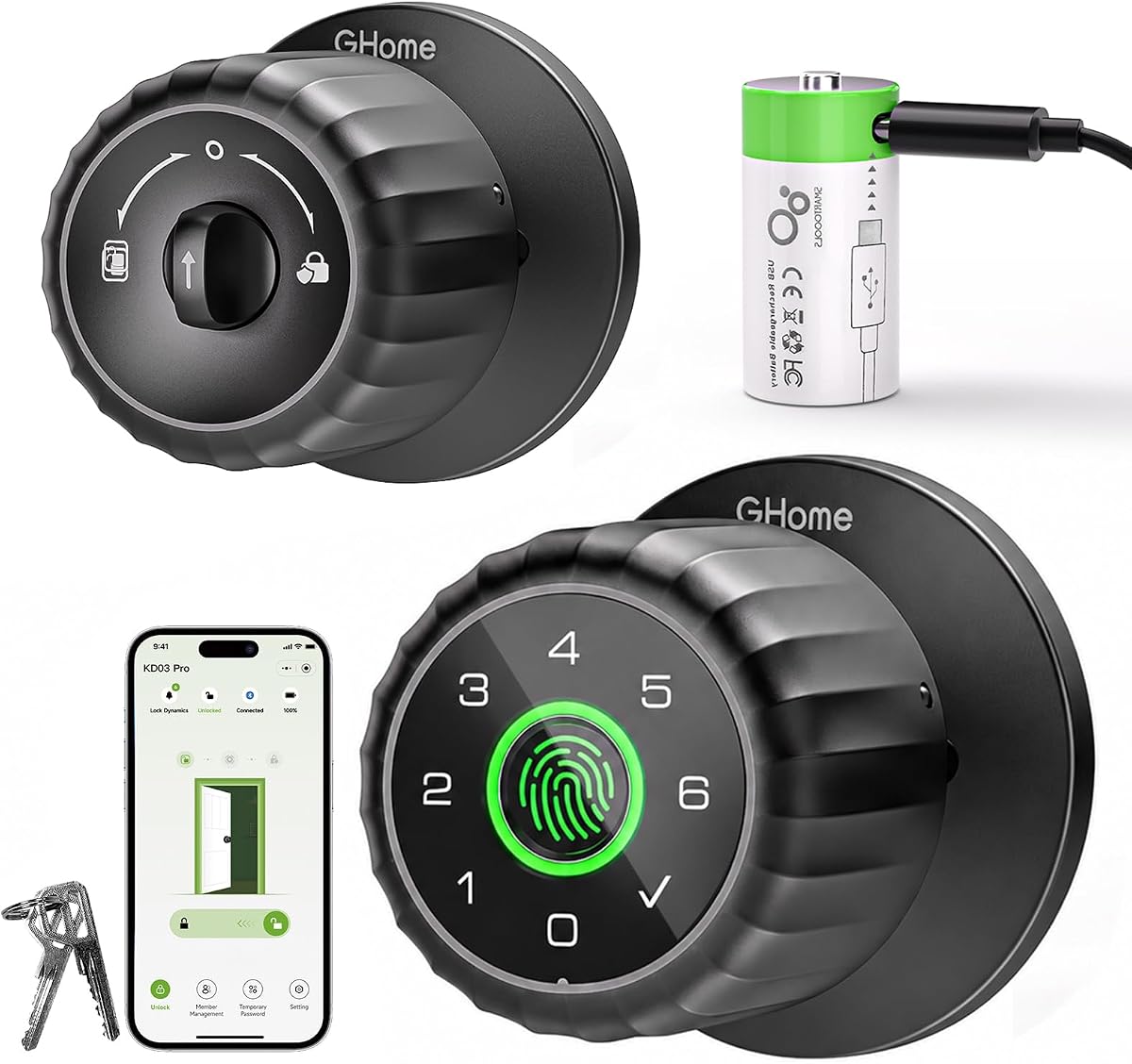
This premium model introduces a removable battery that charges indoors like a phone, eliminating the need to leave power banks on the door. It boasts a 4.5 rating for its robust features.
We may earn a commission when you buy through this link, at no additional cost to you.
The AI self learning chip improves recognition over time, while local storage keeps your data secure from cloud breaches. You get up to 300 days of use per charge with the 700mAh battery.
While the price is higher, the convenience of indoor charging and advanced privacy features justify the cost for many users. A gateway must be bought separately for remote access beyond Bluetooth range.
For households prioritizing privacy and convenience, this is the top choice. It blends cutting edge technology with practical design to offer a seamless and secure entry experience.
Removing the battery to charge inside removes weather risks and ensures you always have a charged lock ready to go.
Storing fingerprint data locally means no external server stores your biometric info, enhancing overall household privacy and safety.
We may earn a commission when you buy through this link, at no additional cost to you.
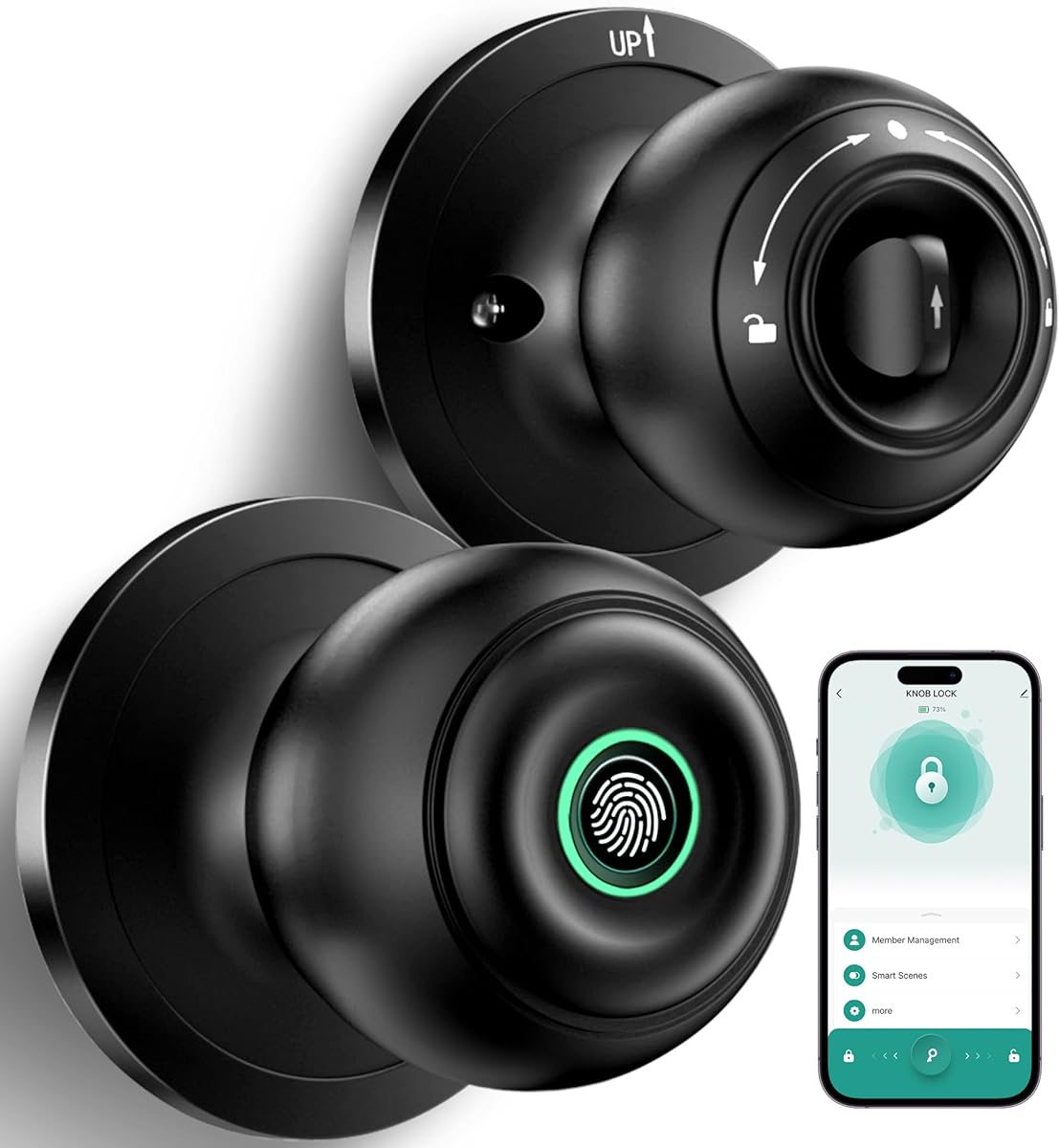
This sleek matte black lock focuses on user customization with modes like passage, normal, privacy, and silent. It supports app control within Bluetooth range for easy management.
We may earn a commission when you buy through this link, at no additional cost to you.
A rechargeable battery lasts up to a year and charges via USB C. You can set fingerprints and check access logs through the app, though remote control needs a separate gateway.
It is not suitable for doors with weather strips, which may limit exterior use. However, for interior doors where noise reduction is key, the silent mode is a standout feature.
If you want a modern look with flexible modes for different times of day, this lock fits well. It balances app integration with reliable mechanical entry options for backup.
Ideal for nurseries or offices, the silent mode ensures no clicking sounds disturb others when you lock or unlock the door.
Access records allow you to monitor who enters your space, offering peace of mind for shared apartments or small offices.
We may earn a commission when you buy through this link, at no additional cost to you.
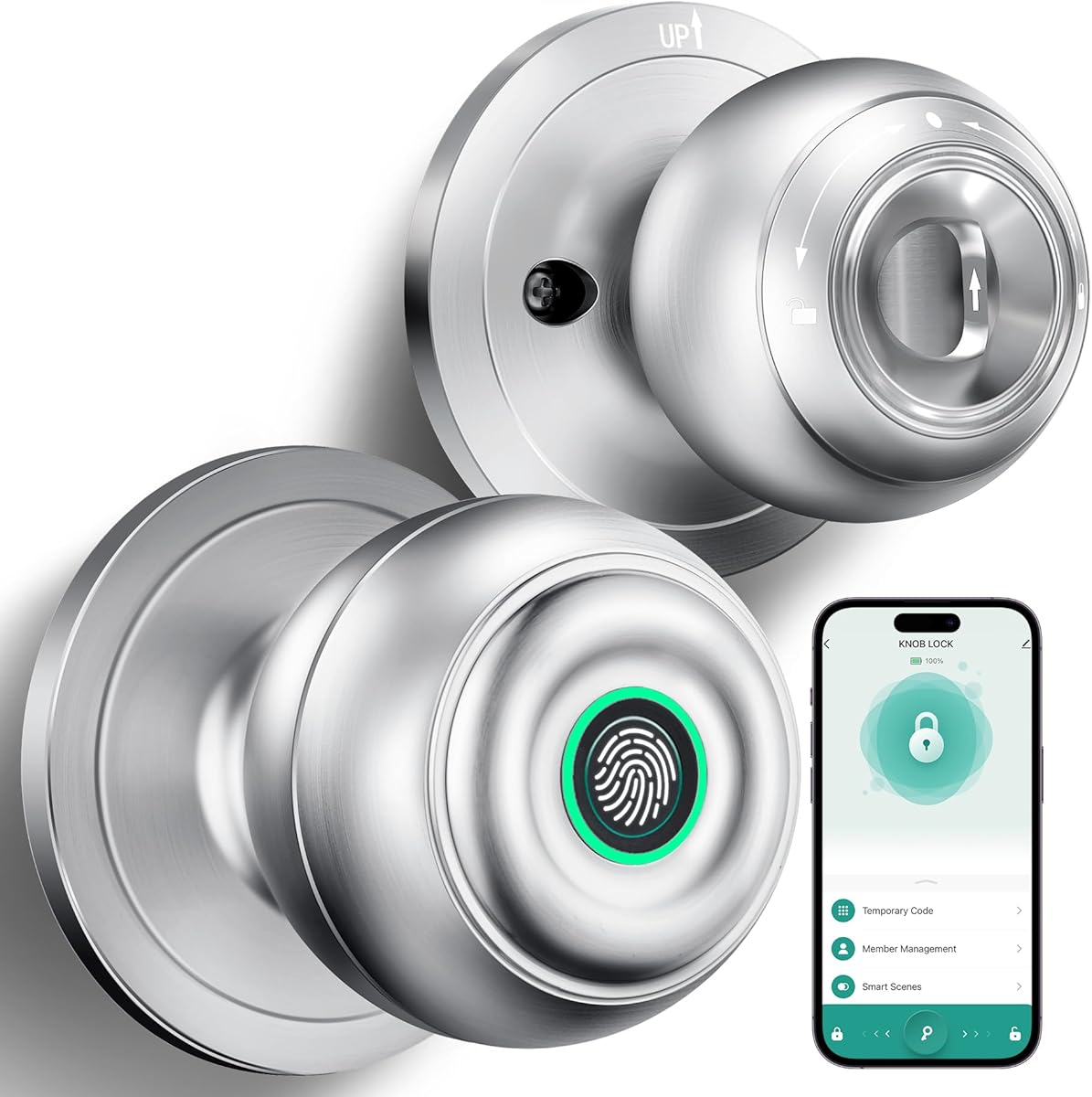
Matching the matte black version in features, this silver finish offers a clean look for modern interiors. It includes app control and various modes to tailor the lock to your lifestyle.
We may earn a commission when you buy through this link, at no additional cost to you.
Like the black variant, it runs on a rechargeable battery with USB C charging and sends low battery notifications via the app. Setup is quick and requires only a screwdriver.
The privacy and silent modes make it versatile for bedrooms or study rooms. The main constraint is compatibility with weather stripped doors, so verify your door type before buying.
For homes with silver hardware, this lock provides a cohesive aesthetic without sacrificing smart functionality. It is a reliable choice for anyone wanting a touch of elegance.
The polished silver finish complements contemporary decor, ensuring your smart lock looks intentional and integrated into the room design.
App access lets you manage user permissions remotely within Bluetooth range, simplifying guest access without handing out physical keys.
We may earn a commission when you buy through this link, at no additional cost to you.
This model shines with features like one time guest passcodes and a backlit keypad for nighttime use. It charges fully in 4 to 6 hours and lasts up to a year.
We may earn a commission when you buy through this link, at no additional cost to you.
The keypad includes anti peep protection to hide your code from onlookers. Installation fits standard US doors and takes about 15 minutes with a single screwdriver.
While it offers great guest access options, the app works only within Bluetooth range. You should keep the mechanical keys nearby for emergencies in case of battery failure.
For hosts or families often expecting visitors, the guest codes are a major benefit. It combines smart convenience with classic security elements for a balanced entry solution.
The backlit keypad ensures you can enter codes easily in dim hallways or bedrooms without fumbling in the dark.
Temporary codes let you grant access to sitters or delivery drivers without needing to share permanent codes or physical keys.
We may earn a commission when you buy through this link, at no additional cost to you.
Hosts will appreciate the ability to manage access logs and share temporary codes without needing a gateway. It uses local storage to keep data secure and private.
We may earn a commission when you buy through this link, at no additional cost to you.
The self learning AI improves recognition accuracy over time, adapting to your fingerprint patterns. Auto lock engages after 5 seconds to ensure doors never stay open by accident.
While it supports 20 fingerprints and passwords, larger properties might need more slots. The Bluetooth app control is efficient but limits remote features unless you buy a gateway later.
For small rentals or shared spaces, this lock offers essential smart features at a reasonable level. It simplifies guest turnover while maintaining a secure environment for residents.
The AI chip refines recognition speed and reliability as you use it daily, reducing false rejections over time.
Detailed logs show who entered and when, providing accountability for shared offices or rental units.
We may earn a commission when you buy through this link, at no additional cost to you.
Identical in specs to the previous model, this version offers the same set of smart features for secure entry. It is a strong contender for those seeking local storage and app management.
We may earn a commission when you buy through this link, at no additional cost to you.
The auto lock feature ensures security is maintained automatically, reducing the chance of leaving a door open. Local storage means your data never travels to external servers.
With support for 20 users, it fits average households well. However, remote access requires a gateway, so consider that if you need to unlock from outside your home.
For users wanting reliable performance without complex setups, this model works well. It strikes a good balance between advanced features and everyday usability for most homes.
Keep the door unlocked during events or busy times with the passage mode, then switch back to privacy for security.
Storing fingerprints locally minimizes hacking risks associated with cloud based systems, keeping your home data safer.
We may earn a commission when you buy through this link, at no additional cost to you.
This silver model offers 100 fingerprint storage and a 4-in-1 unlocking system for versatile access. It is designed for quick installation with video tutorials and all necessary tools included.
We may earn a commission when you buy through this link, at no additional cost to you.
A critical step is registering an admin fingerprint first, or any print will unlock the door. The USB port allows emergency power with an external bank, though it cannot charge internal batteries.
While it has a lower rating than top picks, it remains a solid budget option for bedrooms or offices. Ensure you follow setup instructions carefully to avoid security risks.
If you need a high capacity lock without spending much, this is viable. Just remember to handle the initial admin setup properly to ensure only authorized users can access it.
Setting an admin correctly is vital to prevent unauthorized entry, as the lock allows any fingerprint before this step.
The USB port provides a backup in case of battery drain, ensuring you can enter if power is the only issue.
We may earn a commission when you buy through this link, at no additional cost to you.
This silver lock is well suited for rental units where non destructive installation is a plus. It supports many fingerprints, ideal for roommates or shared spaces requiring individual access.
We may earn a commission when you buy through this link, at no additional cost to you.
You can store up to 100 prints and 50 passwords, providing ample space for various users. The USB emergency port ensures access during power failures, though it does not charge batteries.
Setup requires careful attention to the admin fingerprint rule to maintain security. Installation is straightforward without drilling, fitting common wooden doors found in many apartment buildings.
For renters who want control over entry without modifying the door, this lock is practical. Just ensure you register the admin fingerprint immediately after setup to keep your space secure.
The non drilling design preserves your security deposit by avoiding damage to the door frame or existing hardware.
High capacity storage lets roommates each have their own print, making sharing a space more organized and secure.
We may earn a commission when you buy through this link, at no additional cost to you.
Choosing the right biometric door knob involves evaluating several key factors to ensure it meets your security and convenience needs.
Look for models with larger sensor areas and faster recognition speeds, such as 0.2 seconds. A high DPI sensor improves accuracy, especially for dry or worn fingerprints.
Prioritize sensors that have self learning AI to adapt to your finger over time for better reliability.
Ensure the lock offers multiple ways to unlock, including fingerprints, keypad codes, IC cards, and mechanical keys. This redundancy prevents lockouts if one method fails.
A model with 5-in-1 options provides more flexibility for different household members or guests.
Decide between rechargeable batteries and replaceable ones. Rechargeable models are eco friendly and save money long term but may need charging.
Check battery life ratings and whether emergency ports like USB or USB-C are available for quick power boosts.
Verify that the lock fits your door thickness and backset size. Most standard US doors fit, but always measure before purchasing.
DIY installation tools and tutorials should be included to avoid professional locksmith fees.
Apps allow you to manage users, check logs, and receive battery alerts. Ensure the app works within your desired range, usually Bluetooth.
Remote access may require a separate gateway, so factor that into your budget if needed.
Privacy modes and anti-peep keypads protect your access codes from onlookers. Local data storage is safer than cloud storage to prevent data breaches.
Auto-lock timers add convenience and security by locking the door automatically after use.
Choose brands that offer at least a 12-month warranty and responsive customer service. This ensures you can resolve issues quickly if they arise.
Lifetime technical support is a strong indicator of product reliability and manufacturer commitment.
Compare features against the price to find the best value. Budget models may lack premium features like rechargeable batteries or larger sensors.
Investing in a slightly higher cost model can pay off in durability and long term security benefits.
Begin by reading the setup instructions carefully to register an administrator fingerprint first. This step ensures only authorized users can change settings or add new access methods.
Clean the sensor regularly with a soft, dry cloth to maintain accuracy. Dust or moisture on the surface can interfere with recognition speed and reliability.
Monitor battery levels via the app or low battery alerts. Charge or replace batteries promptly to avoid unexpected lockouts during use.
Most models work well for adults and older children, but elderly fingers with worn ridges might have trouble. Look for larger sensors that handle dry prints better to improve success rates.
Some models are designed for interior doors only. Check the weather resistance rating if you plan to install one outside to avoid damage from rain or humidity.
Capacity varies by model, with some supporting up to 100 prints. This is usually enough for most families or small offices without needing extra devices.
Most locks have mechanical keys or emergency ports like USB. You can use these to gain entry or power the device temporarily until the battery is replaced.
Yes, they provide a high level of security compared to traditional keys. Local storage of data and anti-peep features further protect your privacy from potential threats.
No, most features work without internet using Bluetooth. However, remote access from outside your home may require a gateway connected to your Wi-Fi network.
The top picks offer a range of options from budget friendly models to premium smart locks. Each has unique strengths depending on your specific needs and space requirements.
Consider what matters most to you, such as battery life, app features, or ease of installation. Prioritize security features like local data storage for peace of mind.
Prices and availability can change over time, so always check current details before making a purchase. Verify warranty terms to ensure you are covered if issues arise.