
QIDI Max4 Combo
4.5Editor score
65°C Heated Chamber
Closed-Loop Motors
800mm/s Speed
This guide compares the top 10 FDM printers for large prints, evaluating build volume, speed, accuracy, and material compatibility to help you choose the right
Finding an FDM printer for large prints requires balancing build volume with precision and speed. Large format machines enable creating oversized prototypes and functional parts without assembly. They demand robust frames and reliable extrusion systems to maintain quality across massive areas.
We evaluated ten leading models based on their physical dimensions, motion systems, and automation features. Each entry offers a unique approach to handling big prints, from CoreXY rigs to specialized enclosed chambers. Our analysis focuses on real-world usability and production potential.
Each selection highlights key strengths and trade-offs for specific workflows. You will find options ranging from budget-friendly open frames to advanced industrial units. Note that prices and availability fluctuate, so verify current terms before purchasing your next large format machine.
4.5Editor score

4.0Editor score

4.1Editor score
The following table provides a side-by-side comparison of the ten FDM printers selected for this guide. It highlights their key specifications to help you quickly identify which model fits your specific needs for large format printing.



The Creality Ender 5 Max is a robust choice for creators needing a large build volume. It holds a solid rating and is designed to handle oversized prototypes without splitting parts. Its CoreXY motion system supports rapid printing speeds up to 700mm/s.
We may earn a commission when you buy through this link, at no additional cost to you.
This model features a rigid all-metal frame that minimizes vibration during tall prints. The 64-point auto leveling ensures a perfect first layer every time. Dual-gear extruders provide reliable feeding for continuous production tasks over 24-hour cycles.
While the performance is strong, the initial setup can be intricate for absolute beginners. Users might find bed adhesion requires tweaking depending on the material used. However, these are minor trade-offs for the sheer size and speed capabilities offered.
Ideal for print farms and businesses scaling up production, this printer offers expandable control via WLAN. If you need a workhorse for 400mm prints without breaking the bank, this is a top contender to consider for your workshop.
The CoreXY motion system paired with high-torque motors allows for swift output ideal for rapid prototyping.
Multi-printer control over WLAN lets you manage grouped printers efficiently for large-scale studio workflows.
We may earn a commission when you buy through this link, at no additional cost to you.
The QIDI Max4 Combo stands out as a premium option for engineering-grade printing. It earns a high rating for its reliable performance and large build area. The heated chamber enables printing challenging materials like PC and PPS without deformation.
We may earn a commission when you buy through this link, at no additional cost to you.
Features like closed-loop motors on the X and Y axes eliminate backlash and resonance. This ensures smooth motion even at high speeds. The AI camera monitors prints for anomalies, pausing immediately if issues arise to save material and time.
The main drawback is the cost, which is significantly higher than consumer-grade machines. Additionally, the Polar Cooler accessory must be purchased separately for optimal results. Despite this, the included features offer substantial value for professional use.
This printer is perfect for users requiring industrial reliability and material versatility. If you need to produce functional end-use parts or molds in one piece, the Max4 Combo delivers the necessary temperature control and stability.
The 65°C active heated chamber creates ideal conditions for printing high-temperature engineering filaments reliably.
Built-in AI camera detects abnormalities like spaghetti failures to prevent waste during long prints.
We may earn a commission when you buy through this link, at no additional cost to you.
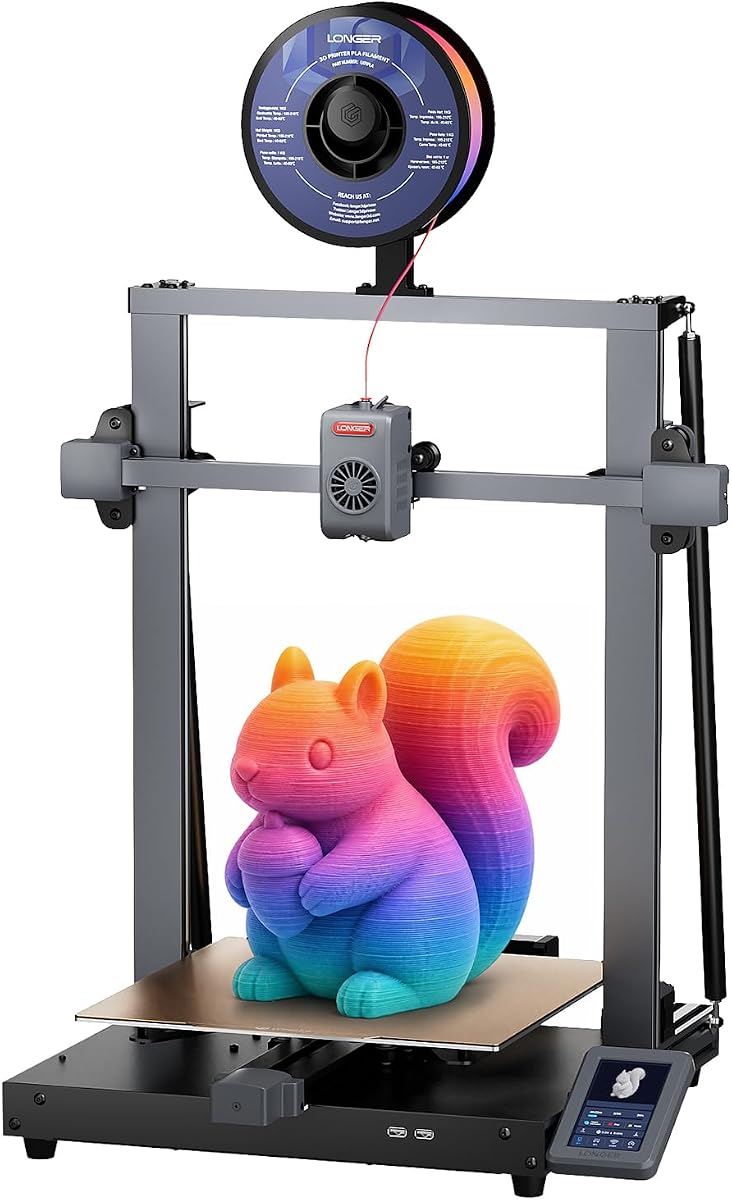
The LONGER LK5 Pro 3 offers a rare combination of height and affordability in the FDM market. It has a respectable rating and is designed to make large prints accessible to hobbyists. The machine ships mostly pre-assembled to save time.
We may earn a commission when you buy through this link, at no additional cost to you.
It features a triangular structure reinforced with diagonal rods to reduce vibration. The open-source motherboard allows enthusiasts to tweak firmware settings for custom needs. Silent drivers ensure the machine runs quietly during overnight prints.
While cost-effective, users might experience variability in component quality from the factory. Bed leveling can require manual adjustments despite claims of automation. These issues are manageable for those willing to tinker with the setup.
This model is ideal for beginners or small workshops needing vertical build space. If your priority is printing tall objects without spending a fortune, the LK5 Pro 3 provides a solid foundation to start your large printing journey.
With a height of 400mm, this printer accommodates tall models like props or architectural sections.
The upgrade motherboard allows users to edit G-code and optimize settings for specific material types.
We may earn a commission when you buy through this link, at no additional cost to you.
The Bambu Lab P1S is a powerful enclosed machine designed for ease of use. It holds a high rating for its reliability and speed. The sealed enclosure makes it suitable for ABS and ASA filaments that warp easily.
We may earn a commission when you buy through this link, at no additional cost to you.
It supports up to 16 colors when connected to the AMS system for vibrant prints. The auto bed leveling simplifies setup for users of all skill levels. With acceleration reaching 20000mm/s², it produces parts very quickly.
Its primary limitation is a smaller build volume compared to true large format rivals. The multi-color features also rely on purchasing additional accessories like the AMS. These costs add up if you need full color capabilities.
This printer is best for users prioritizing speed and quality over size. If you need fast results for functional prototypes and do not require massive dimensions, the P1S offers a refined experience.
The fully enclosed body helps maintain consistent temperatures for engineering filaments like ABS.
Auto bed leveling and quick assembly mean you can start printing within fifteen minutes.
We may earn a commission when you buy through this link, at no additional cost to you.
The Snapmaker U1 redefines multi-color printing with four independent toolheads. It boasts an excellent rating for its robust engineering. The system allows swapping tools in just five seconds without manual intervention.
We may earn a commission when you buy through this link, at no additional cost to you.
Users can combine rigid and flexible materials in a single print. The automatic tool changer reduces waste compared to traditional spool swapping. This makes it highly efficient for prototypes requiring complex internal structures.
The main downsides are the moderate build size and the premium price for the toolheads. While versatile, it is not a top choice if sheer size is your priority. The locking mechanism though is tested for millions of cycles.
Ideal for designers needing functional prototypes with varied materials, this printer excels in flexibility. If you require speed in color changes and material mixing, the U1 provides unmatched convenience in this category.
Switching toolheads instead of loading filament saves time and reduces material waste significantly.
Smart calibration systems ensure accurate offsets and first layers for reliable prints.
We may earn a commission when you buy through this link, at no additional cost to you.
The Creality K2 Plus Combo integrates advanced automation into a large format design. It offers a solid rating for its balance of speed and capability. The CFS system enables 16-color printing by managing filament automatically.
We may earn a commission when you buy through this link, at no additional cost to you.
Its aerospace-grade matrix frame ensures rigidity during high-speed printing. Dual AI cameras monitor the print and toolhead for flow optimization. This level of monitoring reduces failure rates and improves overall success.
Some users may find the array of features complex to master initially. The chamber temperature support is great but might require adjustments for specific high-temp filaments. These are manageable steps for gaining its full potential.
This model suits those wanting a future-proof machine with strong software integration. If you aim to produce large colorful parts with minimal manual oversight, the K2 Plus offers a comprehensive ecosystem.
The CFS system reads RFID tags to automate color switching and relay empty spools seamlessly.
Step-servo motors provide 30000mm/s² acceleration for fast yet accurate large-scale printing.
We may earn a commission when you buy through this link, at no additional cost to you.
The ANYCUBIC Kobra X focuses on efficiency with a space-saving design. It earns a strong rating for its multi-color capabilities. The top-mount architecture reduces the footprint compared to side-box systems.
We may earn a commission when you buy through this link, at no additional cost to you.
Native 4-color support allows for detailed models without painting. The LeviQ 3.0 system ensures bed variances are eliminated completely. This reduces manual compensation and improves first layer success significantly.
Its build size is more modest, which might not suit giant prints. Expanding color options further requires purchasing multiple ACE Pro units. These costs can add up for users wanting full customization.
Best for small businesses maximizing workbench space, this printer offers great density. If you need efficient production and reliable color printing in a compact setup, the Kobra X is a smart investment.
The vertical spool holder saves bench space for high-density production outputs.
LeviQ 3.0 uses a 49-point mesh to eliminate bed variances for flawless prints.
We may earn a commission when you buy through this link, at no additional cost to you.
The LONGER New LK10 Plus leverages Klipper firmware for impressive speed. It holds a high rating for its performance value. The build volume accommodates tall models or multiple parts in one job.
We may earn a commission when you buy through this link, at no additional cost to you.
Powered by a high-flow direct drive extruder, it handles various filaments smoothly. The eddy current sensor detects bed conditions for reliable calibration. This makes first-layer printing easier and more consistent for users.
While fast, it may require some tuning to get the best results. Users might need to adjust settings manually for specific materials. These tweaks are standard for high-performance open platforms.
Ideal for makers seeking speed without complex industrial features, this model fits well. If you want fast prototyping and good build space, the LK10 Plus is a capable choice.
Klipper firmware enables speeds up to 500mm/s while maintaining stable print quality.
Automatic Z-offset calibration ensures accurate nozzle distance for reliable adhesion.
We may earn a commission when you buy through this link, at no additional cost to you.
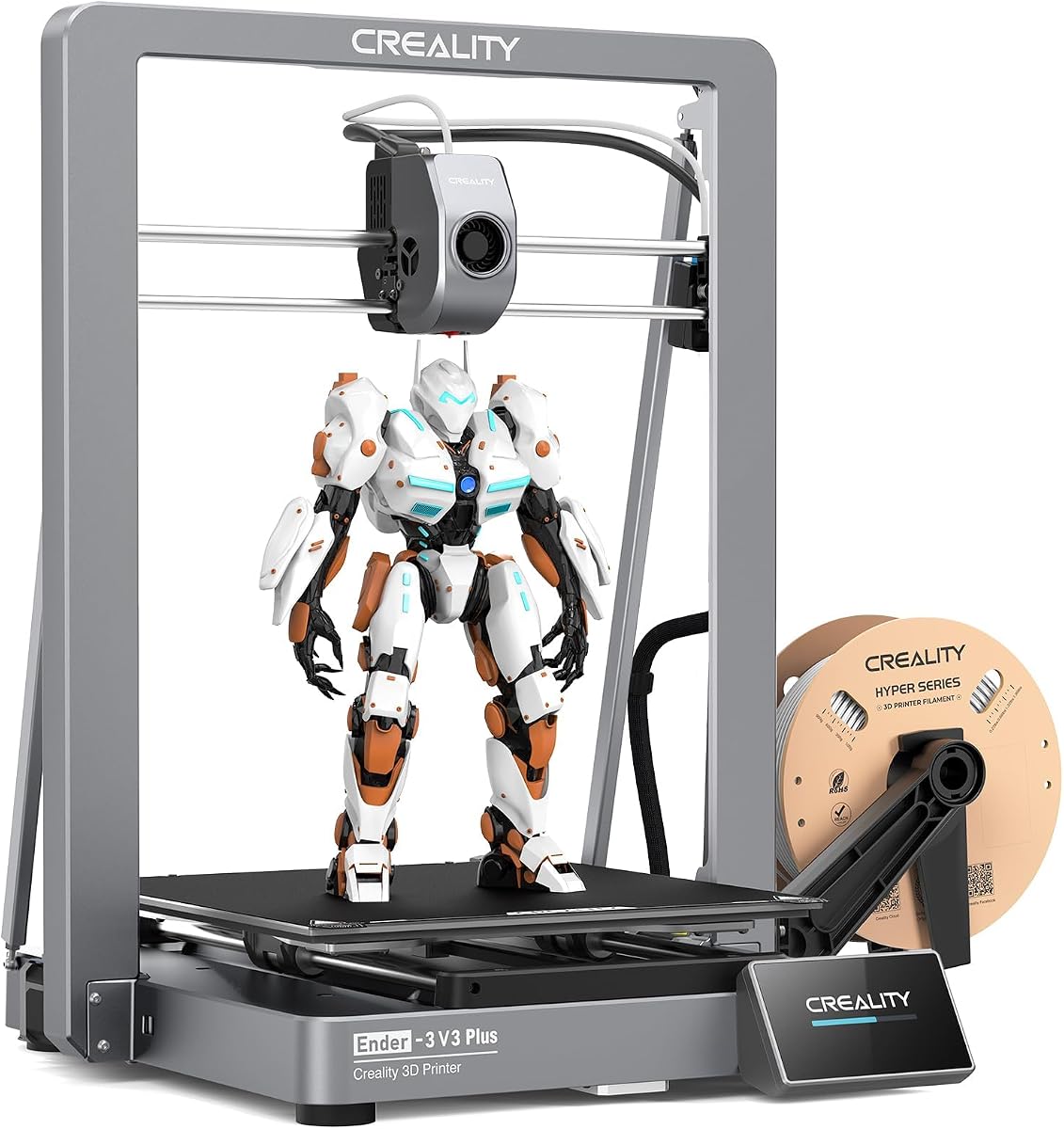
The Creality Ender 3 V3 Plus introduces a CoreXZ motion system. It offers decent speeds and a manageable build size. The design focuses on reducing wobbling and ensuring stable movement.
We may earn a commission when you buy through this link, at no additional cost to you.
The tri-metal nozzle resists wear and simplifies maintenance. Auto calibration gets the machine ready quickly without manual adjustments. This makes it accessible for casual creators and hobbyists.
Its rating suggests some quality inconsistency across units. The build volume is smaller than true large format options. Users needing massive prints may find this limited compared to other models.
Best for small-scale production and quick prototypes, this printer is a solid entry. If you value speed in a compact frame and do not need huge dimensions, it serves well.
The belt tension system ensures smooth movement without manual adjustments during high speeds.
Hardened steel tips ensure smooth material discharging and long service life.
We may earn a commission when you buy through this link, at no additional cost to you.
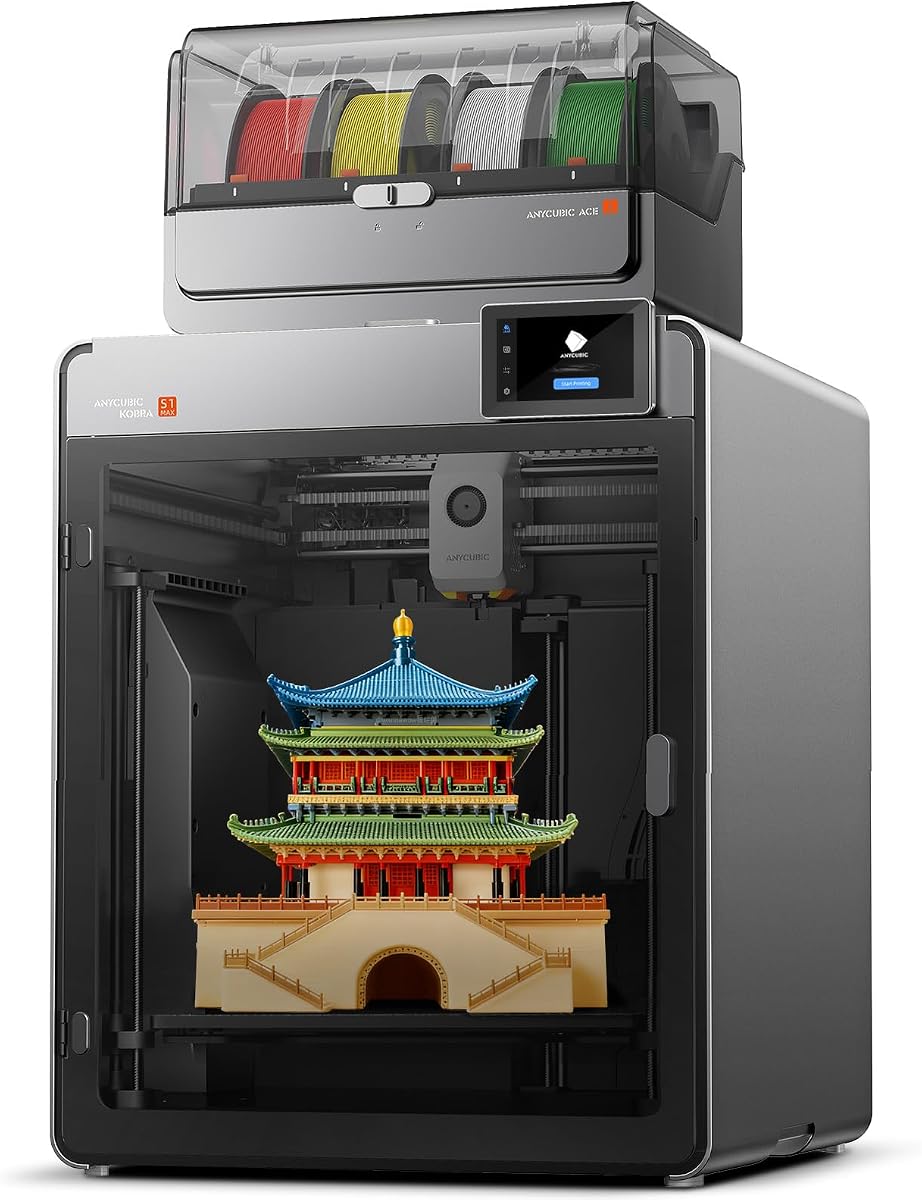
The Anycubic Kobra S1 Max Combo brings enclosure and color to large prints. It offers a reliable rating for its balance of size and features. The fully enclosed CoreXY system reduces ringing at high speeds.
We may earn a commission when you buy through this link, at no additional cost to you.
Equipped with ACE 2 Pro, it handles multi-color printing seamlessly. The heated chamber supports materials like ABS and ASA effectively. This ensures stable prints for functional engineering applications.
Initial setup requires care to ensure bed leveling accuracy. Expanding to 16 colors requires additional units which increase cost. These are expected steps for advanced multi-color workflows.
Ideal for makers needing a versatile all-rounder, this printer fits well. If you want a large build with reliable enclosure and color options, the S1 Max is a strong choice.
Active compensation reduces ringing to ensure consistent high-speed print quality.
The 65°C chamber and 350°C hotend support a wide range of engineering materials.
We may earn a commission when you buy through this link, at no additional cost to you.
Selecting the right large format FDM printer involves evaluating several critical technical factors. This guide breaks down the essential elements to consider for your specific workflow.
The physical dimensions of your printer determine the size of parts you can create. Ensure the build volume exceeds your largest projected models to avoid splitting and reassembly.
Always measure your largest anticipated print and compare it against the X, Y, and Z axis limits.
Motion systems like CoreXY offer better speed and stability than traditional Cartesian setups. They reduce vibration which is crucial for tall prints.
Look for systems with rigid frames and reliable belts to prevent wobbling during high-speed moves.
Different materials require specific nozzle temperatures and heated chambers. Engineering plastics like ABS need higher temperatures and enclosure to prevent warping.
Verify that the printer supports the specific filaments you intend to use before buying.
High print speeds and acceleration allow for faster turnaround times. Faster machines can save hours on large prototypes but require precise calibration.
Check for specs like mm/s speed and mm/s² acceleration to gauge production efficiency.
Features like auto bed leveling and filament runout detection reduce manual intervention. Automation minimizes failed prints and saves time.
Prioritize models with automatic calibration if you cannot monitor every print.
Remote control via network or app allows for better fleet management. Slicing software compatibility also affects print quality and ease of use.
Ensure the printer offers reliable connectivity options for your workshop needs.
A rigid frame made of metal or reinforced materials ensures consistent results. Flexible frames can lead to print artifacts.
Invest in machines with die-cast aluminum or sturdy metal structures.
Good customer service is vital for troubleshooting complex issues. A solid warranty protects your investment during the first year.
Check brand reputation for responsiveness and spare parts availability.
Before starting your first large print, calibrate the bed thoroughly. Use a level to ensure the nozzle height is uniform across the entire print area.
Monitor your prints regularly during the first hour to catch any adhesion issues early. Adjust the bed temperature if you notice warping or lifting corners.
Clean the build plate after every few prints to remove oils and dust. Replace worn belts and lubricate rods to maintain the machine long-term.
The ideal build volume depends on your project needs. Generally, a 400x400x400mm capacity is recommended for large prototypes without needing to split parts.
An enclosure is necessary for engineering materials like ABS to prevent warping. For PLA, it is optional but helps with stability and noise reduction.
Modern machines can reach speeds up to 700mm/s. However, accuracy should be prioritized over raw speed for large prints.
Yes, large build volumes allow batch printing. Arrange parts efficiently in the slicer to maximize the bed area.
Auto leveling is crucial to compensate for bed imperfections. It ensures consistent first layer adhesion across the whole surface.
PLA and PETG are safe choices for beginners. ASA and ABS work better with heated chambers to avoid warping.
Clean the bed and check belts weekly. Lubricate rods monthly to prevent friction and ensure smooth movement.
Most use standard slicers like Cura or PrusaSlicer. Networked printers may require specific apps for remote control.
The top picks like the Ender 5 Max, QIDI Max4 Combo, and LONGER LK5 Pro 3 offer distinct advantages. Each caters to different priorities such as industrial material support or cost efficiency.
Prioritize build volume and stability when making your decision. Ensure the machine aligns with your specific materials and workflow speed requirements.
Prices and models change frequently so always verify current terms before buying. Check availability and support options to secure the best value for your investment.