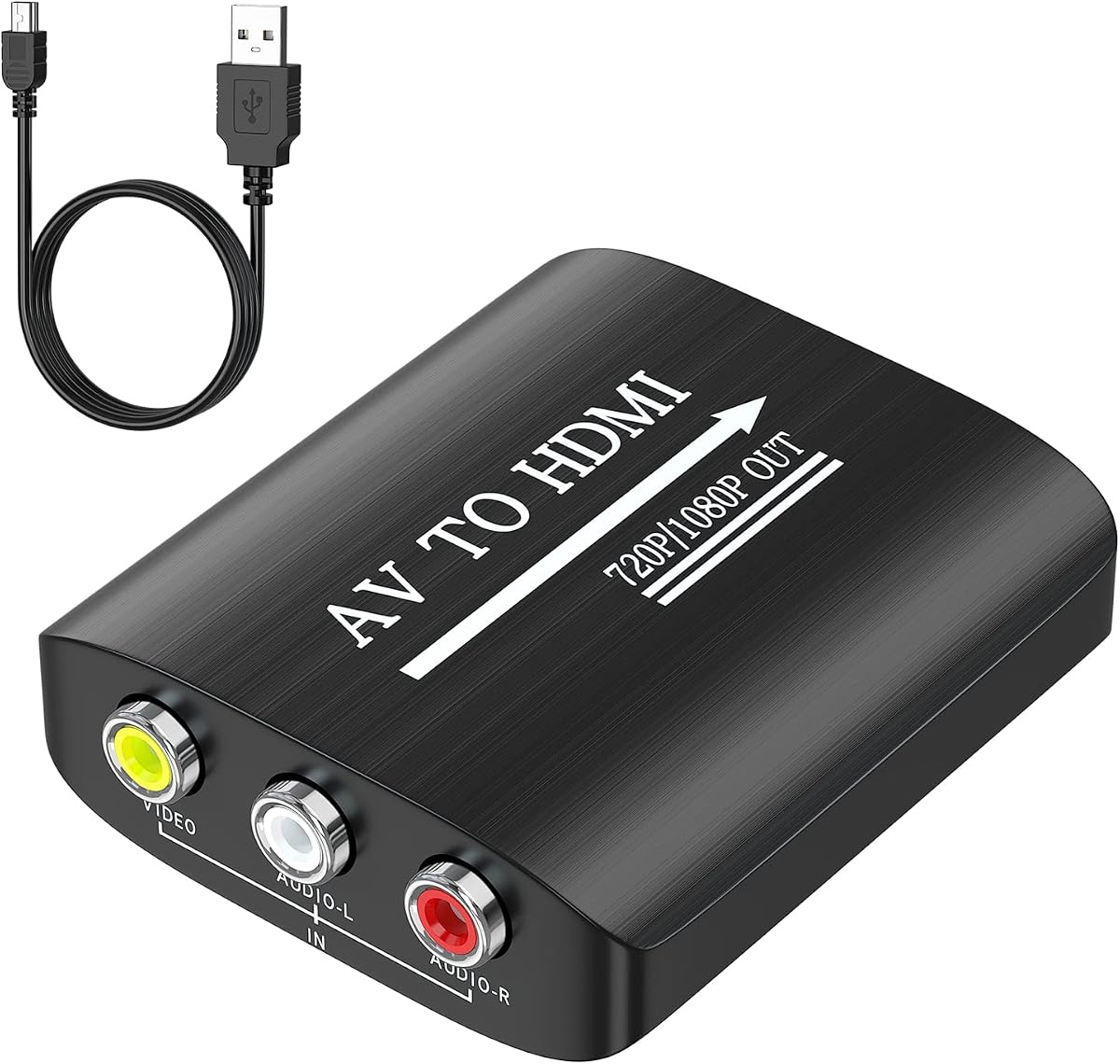
GINGIN AV to HDMI Converter
4.3Editor score
Supports multiple consoles
720p to 1080p output
Plug and play design
This guide compares the top HDMI adapter for PS1 solutions to help you connect retro consoles to modern TVs with optimal signal quality and reliability.
Finding a reliable HDMI adapter for PS1 can be challenging for retro gaming enthusiasts. These devices bridge the gap between legacy consoles and modern displays, ensuring your classic games look their best.
We evaluated ten top-rated adapters based on signal quality, ease of use, and compatibility. Each option offers unique features to enhance your gaming experience on HD TVs and monitors today.
Every pick highlights key strengths and potential drawbacks to inform your decision. Prices may fluctuate frequently, so check current listings before purchasing to ensure you get the best value available.
4.3Editor score

4.6Editor score

4.2Editor score
This table provides a side-by-side overview of the ten leading HDMI adapters for PS1. Compare their key specifications and features to find the perfect match for your setup.


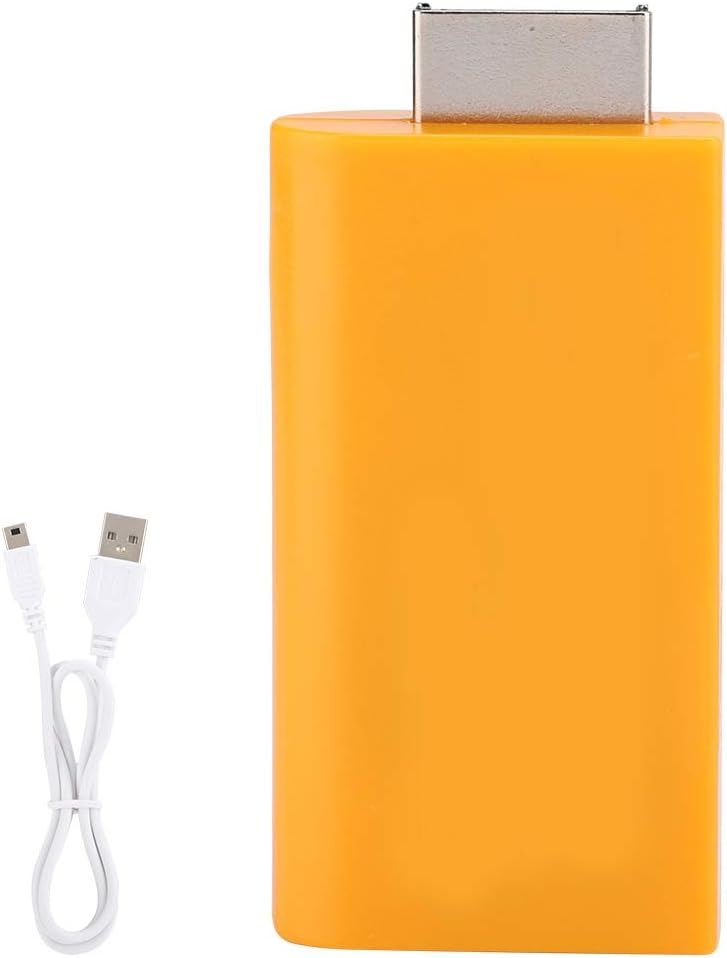

This adapter stands out for its ability to deliver a clean HDMI signal from your PS1. With a strong rating and positive feedback, it offers a balance of performance and usability that appeals to most gamers.
We may earn a commission when you buy through this link, at no additional cost to you.
The standout feature is the upscaling engine which sharpens images without adding noticeable lag. It also includes a physical switch to toggle between 4:3 and 16:9 modes, giving you control over how the image fits your screen.
While it costs more than basic converters, the included cables and reliable performance justify the investment. The detachable HDMI port means you can upgrade the cable later if needed without replacing the whole unit.
Gamers seeking a premium experience for their PS1 should consider this adapter. It delivers a modern connection with minimal compromises on the original look of retro games.
The internal chip processes the analog signal to reduce noise and blur before sending it to your TV.
Use the toggle switch to match your display preferences whether you prefer the original square or widescreen view.
We may earn a commission when you buy through this link, at no additional cost to you.
This adapter focuses on leveraging the S-Video signal for a clearer picture than standard composite. It is a straightforward solution for connecting older consoles to modern displays with minimal fuss.
We may earn a commission when you buy through this link, at no additional cost to you.
By using the Y/C signal path, it avoids some of the color bleeding common with composite video. The package includes an HDMI cable and a power cable, which simplifies the initial setup significantly.
It relies on the console to output the correct signal, so your experience may vary based on your hardware condition. The need for a separate power source adds a minor step to your setup routine.
If you want a direct connection without extra adapters, this converter is a strong contender. It works well for those who already have a USB power source nearby.
Using S-Video input helps separate color and luminance for a sharper image on compatible displays.
Getting an HDMI and power cable in the box means you can connect immediately without extra trips to the store.
We may earn a commission when you buy through this link, at no additional cost to you.
For those watching their budget, this adapter offers a basic but effective way to connect to HDMI. It supports true RGB signals which can improve color accuracy on compatible screens.
We may earn a commission when you buy through this link, at no additional cost to you.
It is highly portable and easy to store in a console bag or drawer. The setup is simple with no software or drivers required to get it running on your display.
Keep in mind that it does not enhance the image quality beyond signal transfer. You must provide your own power source which adds a small hurdle to the setup process.
This adapter is ideal for casual players who need a quick connection for retro gaming. It delivers the essentials without extra features or cost.
True RGB output ensures colors are rendered accurately without mixing luminance and chrominance signals.
Its small size makes it easy to take to friend's houses or LAN parties for retro sessions.
We may earn a commission when you buy through this link, at no additional cost to you.
This converter is a budget-friendly option that works with a wide range of devices beyond just the PlayStation. It handles composite video input and converts it to HDMI for modern TVs.
We may earn a commission when you buy through this link, at no additional cost to you.
It is perfect for households with multiple retro consoles since it supports systems like N64 and SNES. The plug and play nature means you can set it up in seconds without technical knowledge.
However it does not include an HDMI cable or power adapter so you may need to purchase these separately. This adds to the final cost but the unit itself remains very affordable.
If you need a versatile solution for several old game systems this adapter is a smart choice. It delivers basic functionality without breaking the bank.
Works with most analog video sources including VHS players and older game consoles from the 90s.
Supports up to 1080p output so it works well with most HD screens and projectors.
We may earn a commission when you buy through this link, at no additional cost to you.
This premium adapter offers dedicated hardware designed specifically for PlayStation consoles. It allows switching between RGB and component modes to match your display settings for the best image.
We may earn a commission when you buy through this link, at no additional cost to you.
The cable is built to last with durable connectors and wiring that resist wear over time. Support is solid with a full year of warranty coverage for peace of mind.
You will need to manually switch modes on the console and adapter which can be a small inconvenience. The price is also higher than generic converters but you get more control and quality.
Serious gamers who want the best possible connection for their PS1 will appreciate this option. It offers a tailored experience that generic adapters cannot match.
The switch lets you align the output with your TV settings for clearer images and colors.
Reinforced cable ends and high quality materials ensure the unit survives daily use.
We may earn a commission when you buy through this link, at no additional cost to you.
This converter offers a straightforward way to connect RCA cables to HDMI inputs. It is designed to be easy to use with all essential components included in the package.
We may earn a commission when you buy through this link, at no additional cost to you.
The inclusion of an HDMI cable reduces the hassle of finding compatible cables for your setup. It supports multiple TV formats which makes it useful for users in different regions.
Note that it does not support 4K displays so it is best for HD TVs. The external power cable ensures stable operation but requires a free USB port nearby.
For users wanting reliability and ease of use this adapter is a strong choice. It works well for standard HD setups without complications.
Getting an HDMI cable in the box simplifies the setup process significantly for new users.
Handles various analog formats so it adapts to signals from different regions and systems.
We may earn a commission when you buy through this link, at no additional cost to you.
This adapter supports both PS1 and PS2 with a focus on digital output for clearer signals. It handles multiple resolution formats and converts them to a standard HDMI output.
We may earn a commission when you buy through this link, at no additional cost to you.
The built-in switch allows changing between RGB and component modes easily. This flexibility helps you match the output to your display capabilities for better results.
Signal processing is designed to be lossless in theory though you may notice differences based on your hardware. The need for manual mode switching requires a bit of setup knowledge.
Gamers with mixed console setups will find this unit convenient for its versatility. It bridges the gap between older signals and modern digital inputs effectively.
Full digital output ensures minimal signal loss over the cable length to your TV.
One device works for PS1 PS One and PS2 Fat or Slim models making it cost effective.
We may earn a commission when you buy through this link, at no additional cost to you.
This adapter focuses on ease of use with minimal configuration needed to get started. It supports 1080p signals at 60Hz and includes a built-in switch for aspect ratios.
We may earn a commission when you buy through this link, at no additional cost to you.
The plug and play design means you can connect it and start gaming quickly. You get a USB cable for power which is standard for these types of converters.
It does not include an HDMI cable so you need to have one on hand. The unit is compact making it easy to hide behind your TV or monitor.
If you want a no-fuss connection for your PS1 this adapter is a practical pick. It handles the basics well without requiring extra technical steps.
The button lets you quickly toggle between original square or widescreen modes on your TV.
Its small size ensures it takes up very little space in your entertainment setup.
We may earn a commission when you buy through this link, at no additional cost to you.
This unit focuses on durability and signal stability with shielded cables. It is designed to be easy to carry and set up anywhere you have an HDMI display.
We may earn a commission when you buy through this link, at no additional cost to you.
The tinned copper wires help resist oxidation and maintain signal clarity over time. This design choice helps reduce interference which can be an issue with longer cable runs.
While it is compact and portable, the product rating is currently low. You may want to check user feedback before purchasing to ensure it meets your expectations.
For users seeking a basic and portable adapter this model is worth considering. It offers a simple solution for standard HDMI connections.
The shielded design helps protect against external electrical noise for clearer video.
The palm sized form makes it convenient to store in any drawer or bag.
We may earn a commission when you buy through this link, at no additional cost to you.
This adapter supports a broader range of consoles including PS1 PS2 and PS3. It provides a simple plug and play experience with an aspect ratio switch for display control.
We may earn a commission when you buy through this link, at no additional cost to you.
The design is flexible and easy to handle allowing you to use it with various TVs. You do not need to install any software to get it working on your screen.
It does not enhance the video quality beyond signal transfer. You will need to rely on your TV settings to optimize the image for your viewing needs.
For users with multiple Sony consoles this adapter offers a unified solution. It is a good choice for simple setup across different systems.
Support for PS1 PS2 and PS3 makes it a versatile option for collectors.
The switch provides quick access to different viewing modes for your display.
We may earn a commission when you buy through this link, at no additional cost to you.
Choosing the right HDMI adapter involves considering signal types, power needs, and compatibility with your display. This guide outlines key factors to help you make an informed decision.
Check what video outputs your PS1 supports. Some adapters use composite while others use S-Video or RGB. S-Video and RGB inputs usually provide a cleaner image than composite video.
Look for adapters that match your console's best output signal for the best visual results.
Modern TVs are widescreen but PS1 games are designed for 4:3 screens. Choose an adapter with a switch to toggle between 4:3 and 16:9 modes to avoid stretching.
Ensure the adapter lets you change ratios to preserve the original look of retro games.
Most converters need external power via USB. Confirm if a cable is included or if you must buy one separately. This impacts the total setup cost and convenience.
Verify you have a free USB port on your TV or a separate power block for the adapter.
Some packages include an HDMI cable while others do not. Check the listing to avoid extra purchases. Including cables saves time and ensures you have the correct connectors.
Opt for kits that include necessary cables to streamline your initial setup.
Fast-paced games require low input lag. Look for adapters that advertise zero or minimal latency. High lag can make timing-based games difficult to play accurately.
Prioritize models designed to minimize processing delay for responsive gameplay.
Durability matters for long term use. Check connector types and cable materials. Shielded cables resist interference and tinned connectors resist oxidation better over time.
Select units with robust construction to ensure reliable performance for years.
Reputable brands offer warranties. Look for one year or longer coverage to protect your investment. Good customer service helps if you face setup issues or defects.
Choose brands with clear support policies to reduce risk after purchase.
Ensure the adapter supports at least 720p or 1080p output. This ensures compatibility with modern HDTVs. Higher resolution support means better compatibility with larger screens.
Match the output resolution to your display capabilities for the best clarity.
Connect the AV or S-Video cable from your PS1 to the adapter. Plug the adapter into a USB power source and turn on your console. Ensure the TV is set to the correct HDMI input channel.
Use the aspect ratio switch on the adapter if your screen shows stretched images. Adjust the TV settings to match the output resolution for the best clarity and colors.
Store the adapter in a dry place to prevent connector corrosion. Check cables regularly for wear and replace them if needed to maintain consistent signal quality.
No adapter can change the native resolution of the PS1. They convert analog signals to digital HDMI without adding extra graphics. The image may look sharper due to better signal conversion on modern TVs.
Most adapters work with default settings but some require you to switch between RGB and component modes. Check the manual for your specific adapter to ensure the correct mode is selected.
Check that the adapter is powered via USB and the cables are connected firmly. Ensure your TV is on the correct HDMI channel. Restarting the console can also resolve temporary connection issues.
Most adapters focus on PS1 and PS2 but some models support PS3. Verify the product description to confirm compatibility before purchasing for newer consoles.
HDMI offers digital transmission which avoids analog interference. However the original signal quality depends on the adapter. High quality converters can improve clarity over standard AV cables.
This may happen if the adapter and TV settings do not match. Try adjusting the TV color settings or switching the aspect ratio on the adapter to correct the display.
We highlighted the top adapters for PS1 based on performance and value. The HD Link HDMI Cable stands out for quality while the GINGIN AV to HDMI Converter offers great affordability.
Prioritize adapters with aspect ratio control and reliable power options for the best experience. These features help you enjoy retro games on modern screens without visual issues.
Check current prices and reviews before buying to ensure the adapter suits your needs. Prices change often and user feedback can provide valuable insights into real world performance.