
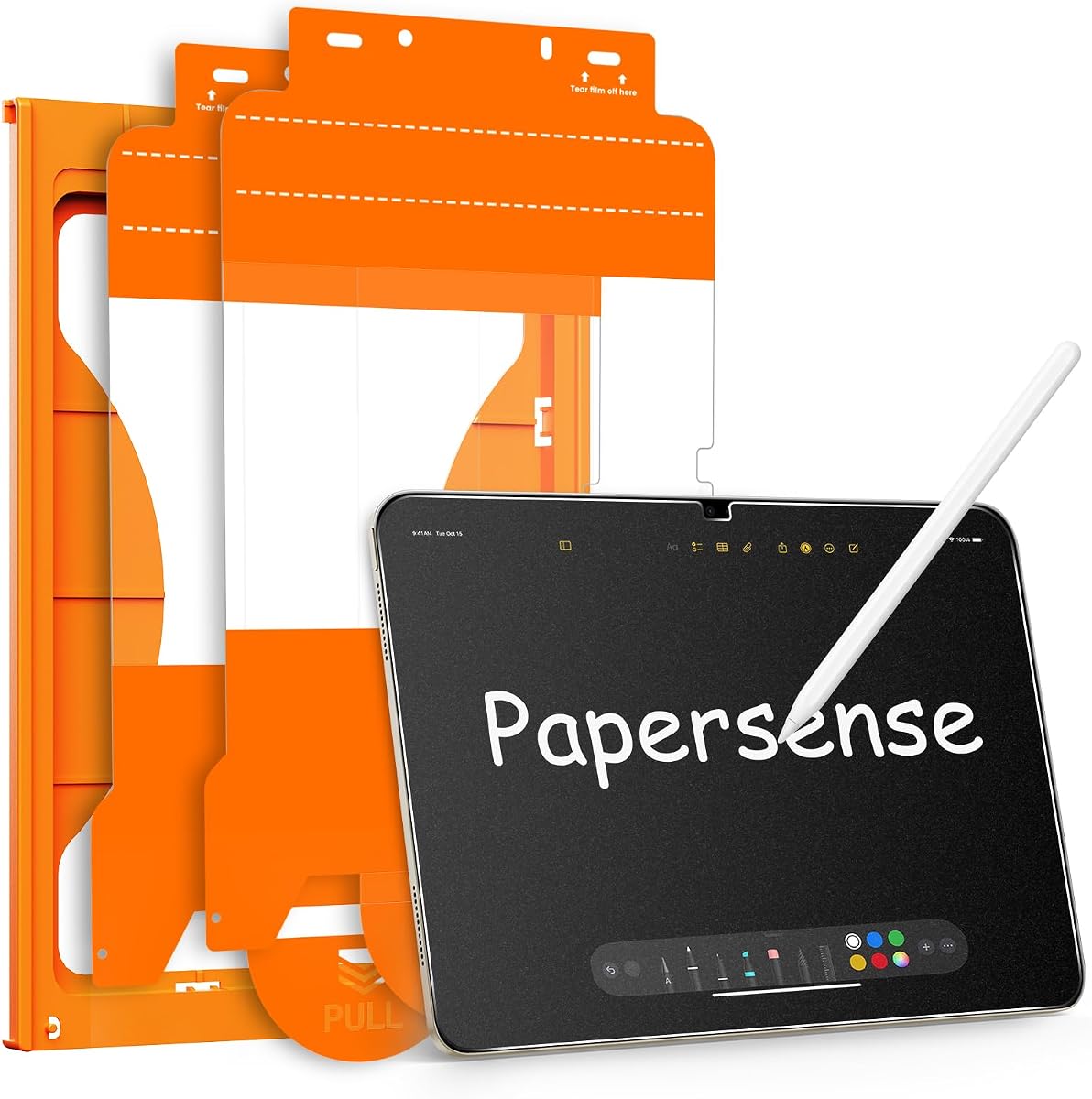
bersem 2 Pack Paperfeel Screen Protector
4.4Editor score
Ultra-thin 0.17mm design
Japanese imported material texture
Bubble-free installation kit included
Finding the right paper screen protector for your iPad A16 can transform your digital writing and drawing experience. These accessories mimic the texture of real paper, reducing glare and providing a familiar friction that enhances creativity and productivity for students and professionals alike.
We evaluated ten leading options based on compatibility with the latest iPad models, surface texture quality, impact resistance, and ease of installation. Each product was assessed for its ability to maintain touch sensitivity while offering a natural feel that reduces pencil tip wear over time.
Every pick below highlights specific strengths such as anti-glare performance, shatterproof design, or magnetic removability. While prices may vary, focusing on durability and tactile feel ensures you get the most value for your creative or academic workflow needs today.
4.4Editor score
4.6Editor score

4.2Editor score
As an Amazon Associate we earn from qualifying purchases.
The following comparison table outlines key specifications for each of the ten selected paper screen protectors to help you quickly identify differences in thickness, hardness, and special features.




The OMOTON PAPERSENSE paper screen protector stands out as the top choice for users seeking a balance between premium feel and functionality. With a 4.6 rating, it offers a high-end film that closely mimics natural paper texture while maintaining excellent clarity.
We may earn a commission when you buy through this link, at no additional cost to you.
Its upgraded material enhances the realism of writing and drawing, making it ideal for artists and students. The optimized design ensures instant responsiveness with the Apple Pencil, reducing friction that typically wears down tips over time.
While the price is higher than budget options, the investment pays off in durability and a smoother creative workflow. The complete installation kit eliminates most common setup frustrations, ensuring a bubble-free result on the first try.
If you prioritize writing quality and ease of use, this protector delivers the most authentic paper experience available for the iPad A16 series.
The unique texture provides realistic friction that improves control during detailed sketching or note-taking without compromising screen clarity.
Designed to meet accessory guidelines, it reduces tip wear significantly, saving you money on replacements while maintaining precise input.
We may earn a commission when you buy through this link, at no additional cost to you.
bersem offers an affordable option for those wanting paper feel without breaking the bank. Its 0.17mm ultra-thin PET film ensures high sensitivity while providing a matte finish that reduces glare effectively.
We may earn a commission when you buy through this link, at no additional cost to you.
The imported Japanese material gives a natural touch that helps prevent pencil slippage, making it a solid choice for students and casual artists. The included alignment tool simplifies the installation process significantly.
While it lacks the shatterproof protection of tempered glass, the matte coating and oleophobic layer protect against daily scratches and smudges. This makes it a practical choice for daily use where screen damage risk is lower.
If you need a cost-effective replacement or a secondary protector, this 2-pack delivers reliable performance and a pleasant writing experience.
Packed as a 2-pack, it offers excellent value for users who want to keep spares or protect multiple devices at a low cost.
The surface texture reduces glare and mimics paper friction, allowing for comfortable long-duration sketching sessions.
We may earn a commission when you buy through this link, at no additional cost to you.
Paperlike is a pioneer in paper screen technology, and the Paperlike 3 continues this legacy with a refined Nanodots surface. This design aims to deliver the perfect balance of friction and transparency for artists worldwide.
We may earn a commission when you buy through this link, at no additional cost to you.
Its ultra-thin profile ensures it stays within Apple’s accessory guidelines, meaning the Apple Pencil feels almost like it is touching the bare screen. The friction helps with control but is gentle enough to prevent rapid tip wear.
The Butterfly Application system is designed to make installation incredibly easy, using built-in dust-catching layers to ensure a clean fit. However, the lack of impact protection means it is mainly for scratch prevention and tactile feel.
For professionals who demand the absolute best drawing experience and trust a global brand, this protector justifies its premium price with unmatched refinement.
The proprietary Nanodots technology creates a texture that feels more organic than standard matte films, enhancing natural movement.
A unique install guide that walks users through placement step by step, minimizing alignment errors and ensuring dust-free results.
We may earn a commission when you buy through this link, at no additional cost to you.
The KCT Glass protector combines the safety of tempered glass with a textured surface that mimics paper. It is an excellent choice for users who prioritize impact resistance alongside a good writing feel.
We may earn a commission when you buy through this link, at no additional cost to you.
Its micro-textured matte film reduces glare while providing the friction needed for sketching. The advanced shatterproof design ensures that if a drop occurs, the glass holds together rather than shattering into sharp shards.
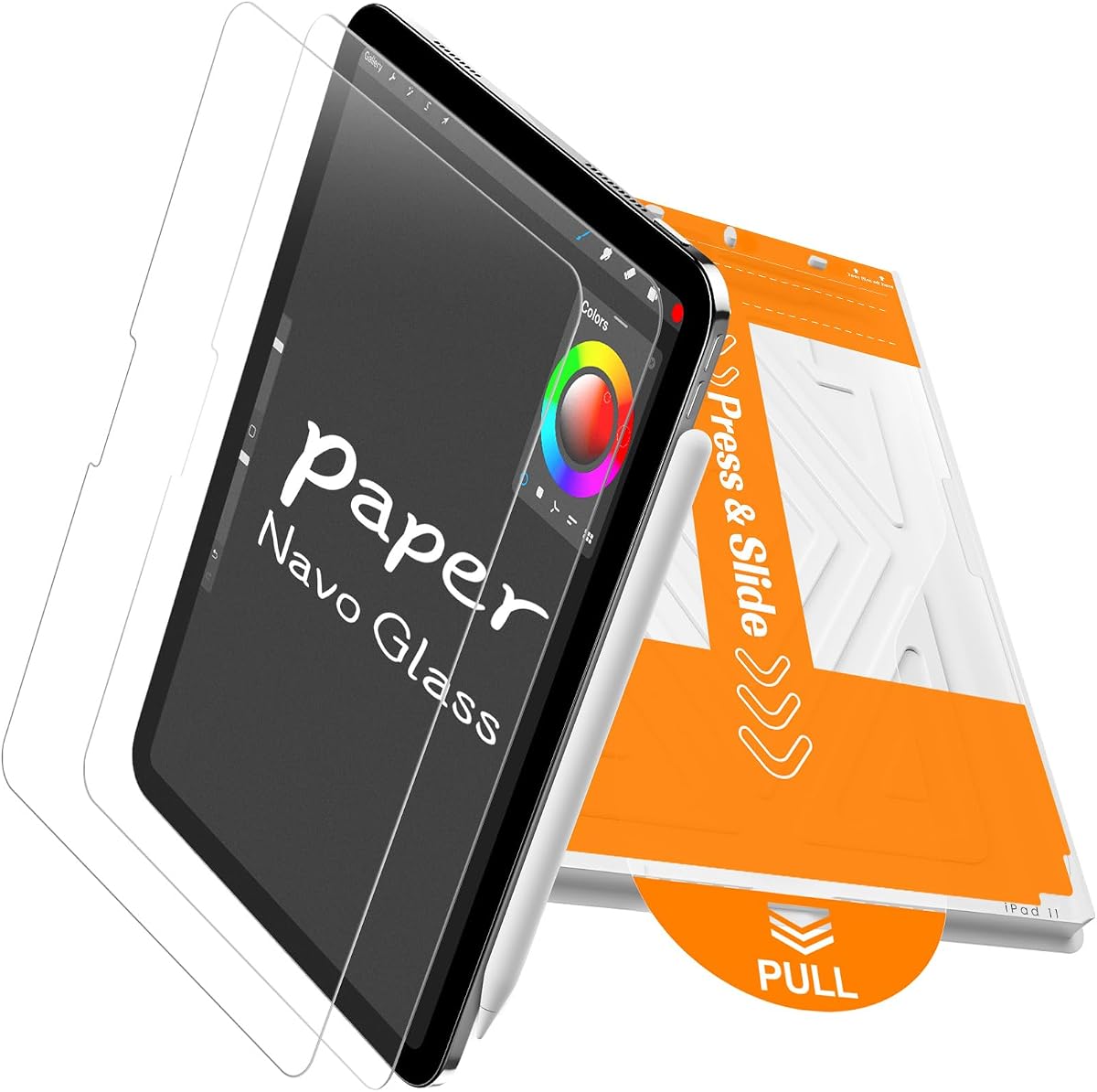
Installation is streamlined with a unique Press and Pull tab system that simplifies alignment and prevents bubbles effectively. This makes it one of the easiest options to install correctly on the first try.
If you frequently travel or worry about dropping your iPad, this model offers the best compromise between safety and paper-like functionality.
Tempered glass construction absorbs drops and protects the original display, ensuring peace of mind during daily use.
The Press and Pull tab system ensures perfect alignment and bubble-free results with minimal effort required from the user.
We may earn a commission when you buy through this link, at no additional cost to you.
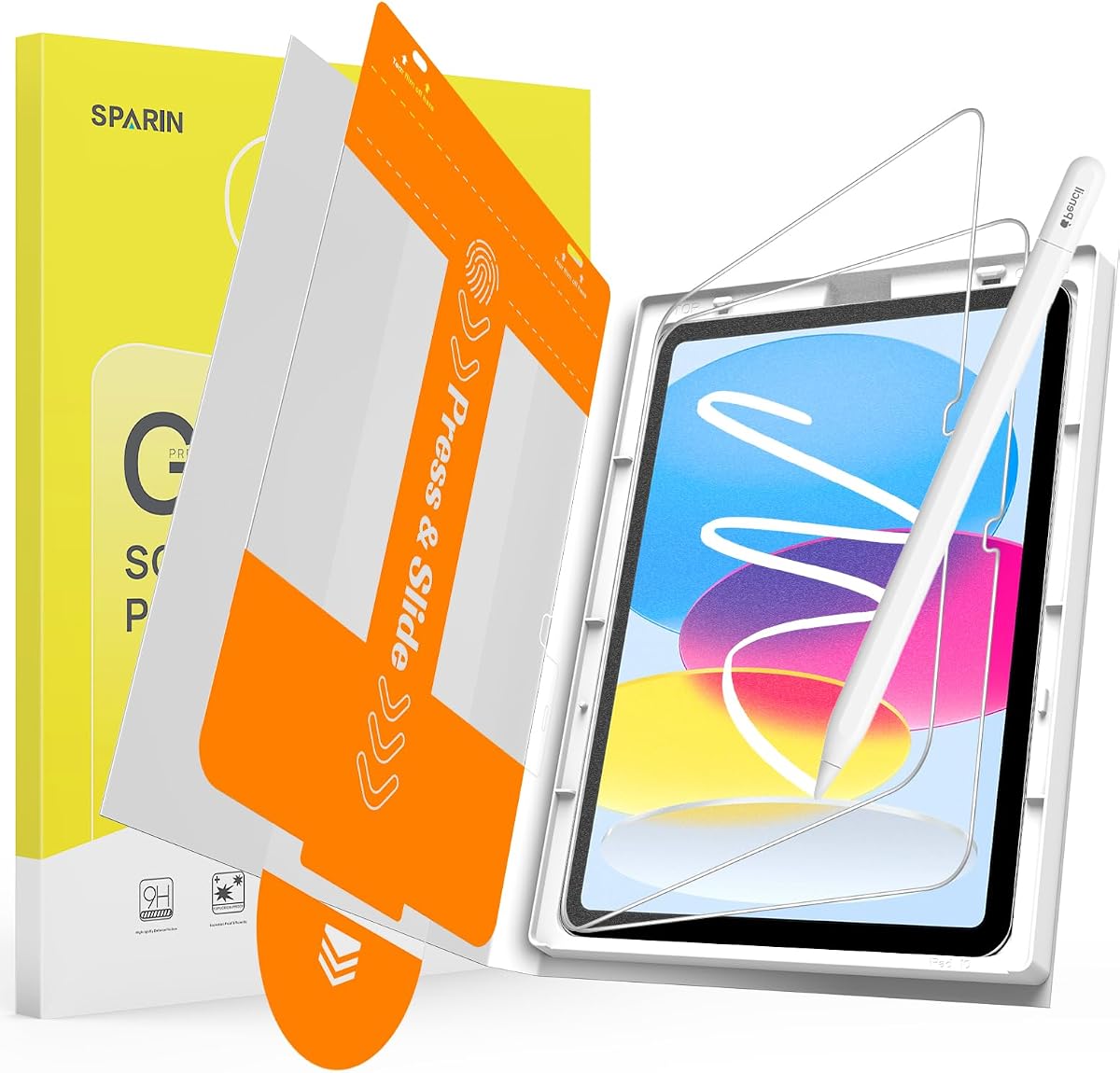
SPARIN provides a robust tempered glass solution that feels like paper thanks to its finely textured surface. Its 9H hardness rating ensures strong resistance against scratches and daily wear.
We may earn a commission when you buy through this link, at no additional cost to you.
The micro-textured matte finish allows for smooth Pencil input while maintaining color accuracy and True Tone compatibility. The alignment tray system guarantees precise placement, which is crucial for full coverage.
While it is slightly thicker than PET options, the durability makes up for it. It keeps the paper feel while offering real glass protection, making it ideal for artists who want security.
For users who need a reliable shield that doesn't compromise on writing quality, SPARIN is a strong contender.
High hardness rating resists scratches from keys and coins, keeping your screen looking pristine over time.
Edge-to-edge coverage ensures every inch of your display is protected, maximizing durability against accidental drops.
We may earn a commission when you buy through this link, at no additional cost to you.
PandaShield stands out by offering a 365-day worry-free warranty, ensuring you get a free replacement if issues arise. This makes it a very safe choice for purchasing screen protection.
We may earn a commission when you buy through this link, at no additional cost to you.
Its military-grade tempered glass is 9H hardness to handle drops and impacts. The innovative surface treatment restores the natural texture of paper, providing a tactile experience that feels authentic.
The oleophobic coating effectively prevents fingerprints and smudges, keeping the screen clean during heavy use. This is especially helpful for users who work in bright environments where glare can be distracting.
If customer service and warranty coverage are priorities, PandaShield offers the best peace of mind among the options reviewed.
A full 365-day warranty covers cracks or peeling, allowing you to replace the protector easily if issues occur.
Tempered glass construction provides 360-degree protection against chips and scratches from daily handling.
We may earn a commission when you buy through this link, at no additional cost to you.
MOBDIK focuses on maintaining the iPad’s original touch sensitivity through its ultra-thin 0.17mm design. It is a lightweight option that does not interfere with gestures or app switching.
We may earn a commission when you buy through this link, at no additional cost to you.
Crafted from Japanese PET film, it offers a smooth surface that feels comfortable for note-taking and reading. The matte coating diffuses light to reduce glare, making it suitable for outdoor work.
While it lacks the durability of tempered glass, it is an excellent choice for users who prioritize a natural screen feel and speed. The installation kit includes videos to guide you through the process.
For those who want a simple, responsive protector that feels like home, MOBDIK is a reliable choice.
Ultra-thin design ensures fast app switching and precise gesture control without any lag or delay.
The matte finish reduces light reflection and keeps colors vibrant even in bright lighting conditions.
We may earn a commission when you buy through this link, at no additional cost to you.
KCT offers a practical two-pack of PET paper protectors that are easy to install using plasma adsorption technology. This method helps the film adhere smoothly without extra tools.
We may earn a commission when you buy through this link, at no additional cost to you.
The textured surface provides a delicate frosted finish that reduces light refraction. It feels great for drawing and writing, mimicking the damping effect of real paper effectively.
Included squeegee cards help you smooth out bubbles, ensuring a clean look. This kit is well-suited for students who need durable protection at a budget-friendly price.
If you want reliable protection and good texture for less, this two-pack is a smart investment for your iPad.
Advanced technology helps the protector adsorb to the screen automatically, simplifying the installation process significantly.
Micro-grit surface delivers damping similar to paper, enhancing control during detailed writing tasks.
We may earn a commission when you buy through this link, at no additional cost to you.
This magnetic protector offers a unique detachable design that allows you to remove it whenever you want the original screen feel. It uses upgraded nano suction cups to stay secure during use.
We may earn a commission when you buy through this link, at no additional cost to you.
Its 3H hard coating resists daily scratches while the ultra-thin 0.25mm thickness keeps it unobtrusive. This design is compatible with other tempered glass protectors if you want double protection.
The anti-glare layer reduces reflections, making it easy to work in sunlight. It is a versatile choice for users who switch between video consumption and creative tasks frequently.
If you want the flexibility to remove the paper texture easily, this magnetic option is the most convenient solution.
Easy to remove and reattach without leaving residue, perfect for when you want to watch videos without glare.
Can be used on top of a thin glass protector to combine the benefits of texture and shock resistance.
We may earn a commission when you buy through this link, at no additional cost to you.
XIRON offers a simple and effective paper feel for users who need a straightforward solution. Its self-adhesive design ensures easy attachment without complex tools.
We may earn a commission when you buy through this link, at no additional cost to you.
The surface provides enough friction for comfortable sketching while reducing glare effectively. This makes it a good choice for daily note-taking in bright environments.
While it has a basic hardness rating, it protects against minor scratches. It is a great option for students or casual users who do not need premium features.
If you want a no-fuss, inexpensive way to add paper texture, XIRON does the job reliably.
The adhesive design allows for smooth attachment and bubble-free results with minimal effort from the user.
Reduced reflections improve readability and comfort during outdoor or high-light usage scenarios.
We may earn a commission when you buy through this link, at no additional cost to you.
Choosing the right paper screen protector involves balancing texture quality, durability, and installation ease. Use these factors to find a match for your workflow.
Most protectors use PET film or tempered glass. PET is thin and sensitive; glass is durable but heavier. Look for micro-textured surfaces that mimic paper friction to reduce glare and slippage.
Prioritize micro-textured surfaces that mimic paper friction to ensure natural movement.
Ultra-thin models under 0.2mm preserve touch responsiveness better than thicker glass options. A thinner protector ensures fast app switching and smooth gestures.
Choose models under 0.2mm thickness to maintain fast app switching and smooth gestures.
High friction surfaces increase tip wear. Look for balanced Nanodots or balanced texture that provides grip without grinding down the tip prematurely.
Look for balanced textures that provide grip without grinding down the tip prematurely.
Matte finishes diffuse light to reduce glare in bright environments. This is crucial for outdoor work and helps reduce eye strain during long sessions.
Matte finishes diffuse light to reduce glare in bright environments.
Look for alignment trays or pull tabs that simplify the process. Good kits include cleaning wipes and squeegees to ensure a bubble-free fit.
Look for alignment trays that simplify the process and ensure a bubble-free fit.
9H tempered glass resists scratches and drops, while PET offers basic protection. Consider your usage habits—active users benefit more from glass.
Consider usage habits; active users benefit more from 9H tempered glass.
Some models use magnets or suction cups for easy removal. If you switch between video and drawing often, removable protectors offer flexibility.
If you switch between video and drawing often, removable protectors offer flexibility.
Brands offering 365-day warranties provide better peace of mind against peeling or cracks. Reliable support ensures you can get replacements easily.
Brands offering 365-day warranties provide better peace of mind against peeling or cracks.
Clean the screen thoroughly with the included wipes to remove dust and oils before installation. Ensure the surface is completely dry to avoid bubbles or dust traps under the film.
Align the protector carefully using the provided trays or tabs. If it is a magnetic model, press it gently to secure the suction cups in place.
Wipe the surface regularly with a soft microfiber cloth to maintain clarity. Avoid harsh chemicals; the oleophobic layer helps repel smudges naturally.
Yes, matte protectors diffuse light which may slightly lower perceived brightness. However, this helps reduce glare in bright environments.
Yes, all these options are compatible with Apple Pencil. Many are optimized to provide natural friction while maintaining touch sensitivity.
Standard matte films increase wear. Balanced textures reduce wear. Use soft tips to extend the life of your accessory.
Yes, most models listed are specifically designed for iPad A16 11th Gen and 10th Gen models. Always check model numbers before buying.
Peel from a corner using a dust strip. For magnetic models, lift from the edge. Use cleaning wipes to remove residue if needed.
Tempered glass is more durable against drops and scratches. PET is thinner and more sensitive but offers less impact protection.
The OMOTON PAPERSENSE stands out for its balance of feel and clarity while bersem offers great value for budget buyers. Paperlike remains a top choice for premium texture and refinement.
Focus on material and installation features to match your workflow. If you draw daily, prioritize balanced friction to protect your Pencil tip effectively.
Prices may fluctuate so check current listings before purchasing. Ensure the model matches your iPad A16 version to avoid compatibility issues.