
TP-Link TL-SG105
4.7Editor score
Five Gigabit ports
Energy efficient operation
Fanless metal design
This guide compares the best Eero Ethernet switch options including PoE gateways and managed switches to expand your network coverage with reliable wired
Finding the right network expansion hardware is crucial for modern homes. An Eero Ethernet switch helps you connect more devices reliably without cluttering your space with extra power adapters or cables running across rooms.
We compared ten top rated networking solutions to help you choose. Our list includes dedicated PoE gateways, unmanaged gigabit switches, and advanced managed options suitable for various home and small business setups.
Each pick highlights key features like port speed, power delivery, and ease of use. Keep in mind that prices and availability change frequently so verify current details before making your final purchasing decision online.
4.7Editor score

4.4Editor score

4.8Editor score
This table provides a quick side-by-side view of all ten products. Check the specs to find the right fit for your specific network expansion needs and budget constraints.



This device serves as a powerful PoE gateway and router in one unit. It boasts a 4.4 star rating from users who appreciate its ability to power eight access points while delivering fast network speeds.
We may earn a commission when you buy through this link, at no additional cost to you.
The inclusion of two 10 GbE ports and eight 2.5 GbE PoE ports eliminates the need for third party switches. This consolidation simplifies your network setup and reduces clutter significantly.
While the price is higher than standard switches the value comes from the pooled power delivery of 100 watts. This supports multiple high performance access points without extra power bricks.
Ideal for large homes needing a centralized mesh system with wired backhaul support. It is the top pick for those wanting a seamless Eero experience with robust wired capabilities.
Combines routing and switching to simplify network infrastructure and reduce hardware costs.
Supports gigabit plus speeds for smooth streaming and low latency gaming experiences.
We may earn a commission when you buy through this link, at no additional cost to you.
This is a reliable choice for users needing simple connectivity expansion. With a 4.7 star rating it offers five Gigabit ports ideal for connecting computers or consoles to an Eero network.
We may earn a commission when you buy through this link, at no additional cost to you.
Its unmanaged design means no configuration is required. Just plug it into your router and you have extra ports instantly. The metal casing ensures durability in any environment.
The lack of PoE is a limitation for access points but fine for standard devices. If you need to power cameras or phones you will need a separate injector or switch.
Perfect for small offices or bedrooms needing just a few extra wired connections. It is the best budget option that delivers solid performance without extra complexity.
Provides extra ports without requiring technical setup or software configuration steps.
Uses low power technology to reduce electricity usage while maintaining speed.
We may earn a commission when you buy through this link, at no additional cost to you.
This switch delivers robust PoE capabilities for powering multiple access points. It holds a 4.8 star rating for its reliability and easy management features suitable for growing networks.
We may earn a commission when you buy through this link, at no additional cost to you.
With eight PoE+ ports and a 62W budget it can handle most Eero setups. The smart managed interface allows you to prioritize traffic and configure VLANs easily.
The fanless design keeps it silent which is important for home offices. However the price is higher than basic switches so consider if managed features are necessary.
Best for users who need precise control over their network traffic and power. It balances premium features with ease of use for small business or tech savvy homes.
Offers simple tools to manage traffic and security without enterprise complexity.
Supports various PoE devices with a generous budget for future expansion.
We may earn a commission when you buy through this link, at no additional cost to you.
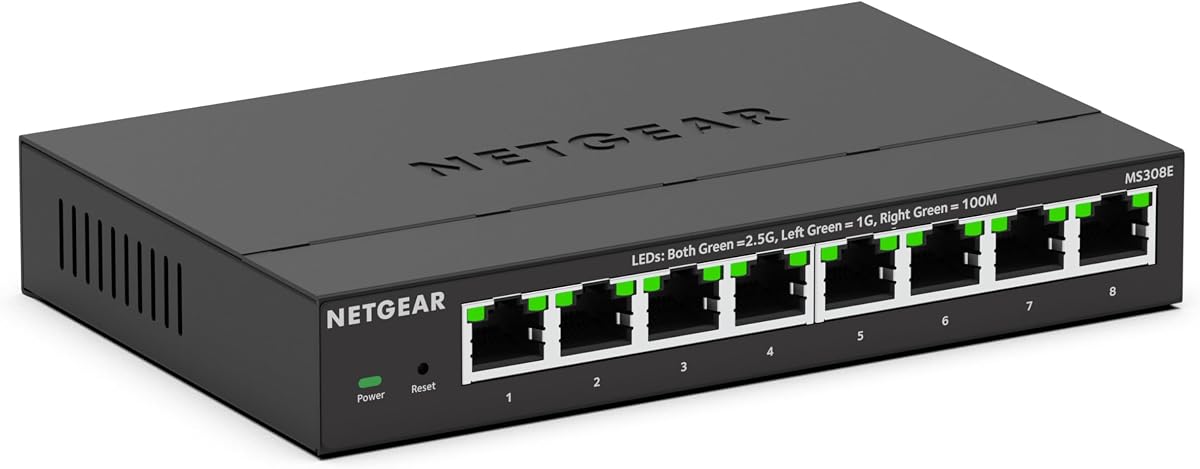
This switch is ideal for those needing speeds beyond standard Gigabit. It has a 4.3 star rating and offers eight 2.5G ports to fully utilize faster internet plans.
We may earn a commission when you buy through this link, at no additional cost to you.
It manages traffic easily with a smart interface but lacks PoE. This makes it a great companion for high speed wired connections to PCs or gaming consoles.
The price reflects the multi-gigabit capability which is becoming more common. It is a solid choice if you want to future-proof your wired network connections.
Recommended for users with gigabit plus plans wanting wired speed over air. It pairs well with a powerful router to handle high throughput efficiently.
Provides 2.5G ports to utilize faster internet plans effectively.
Allows basic traffic management without complicated administrative setups.
We may earn a commission when you buy through this link, at no additional cost to you.
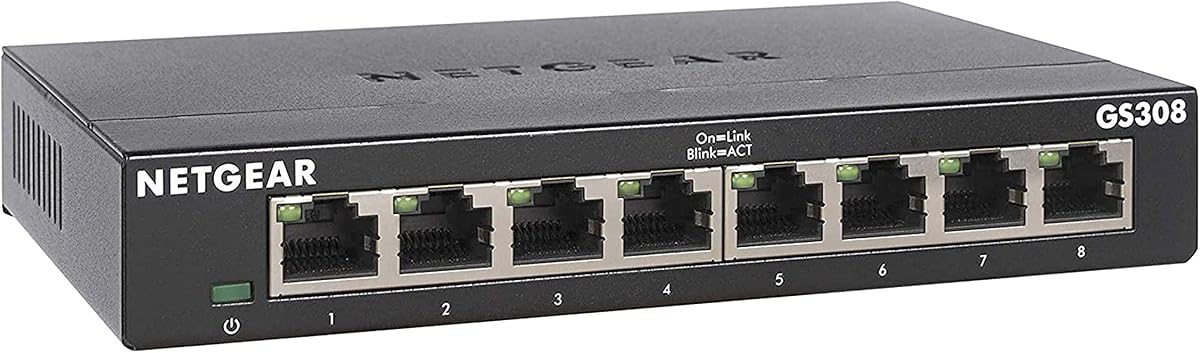
A straightforward solution for expanding wired ports without extra features. With a 4.8 star rating it offers eight ports for connecting multiple devices to your network.
We may earn a commission when you buy through this link, at no additional cost to you.
It requires no software or configuration. Just connect and you have extra ports for your home office or entertainment center. The metal build ensures durability.
Like other unmanaged switches it does not provide power to devices. You will need adapters for cameras or access points but it works well for standard electronics.
Best for users needing basic connectivity expansion on a budget. It is reliable and quiet fitting well in any home environment without hassle.
Delivers extra ports immediately without technical setup or software.
Fanless design ensures silent operation in any environment.
We may earn a commission when you buy through this link, at no additional cost to you.
This model offers a balance of simplicity and basic control. With a 4.7 star rating it provides five ports and allows traffic prioritization for video calls.
We may earn a commission when you buy through this link, at no additional cost to you.
The easy smart managed interface helps organize traffic simply. It is compact enough for a desk but still durable with a metal casing.
While not a PoE switch it is suitable for most wired devices. The lack of extra ports is a tradeoff for the added management tools.
Great for small spaces needing a bit of traffic control. It fits well where a simple switch is too basic but a full system is overkill.
Allows simple prioritization of data traffic for better performance.
Compact build fits easily on desks or shelves.
We may earn a commission when you buy through this link, at no additional cost to you.
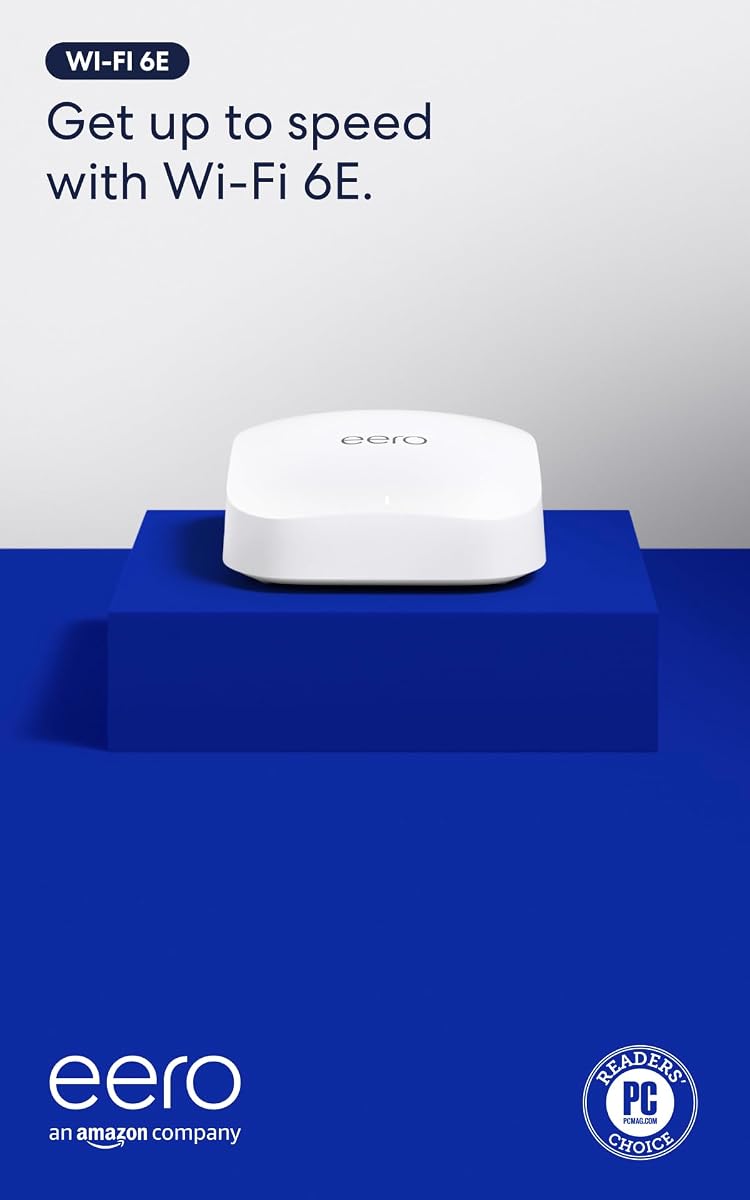
This router offers high speeds and a 2.5G port for wired connections. With a 4.3 star rating it is a top choice for modern high bandwidth networks.
We may earn a commission when you buy through this link, at no additional cost to you.
It covers up to 2000 sq ft and connects over 100 devices easily. The TrueMesh technology ensures reliable coverage across your entire home.
As a router it does not provide multiple ports like a switch. You may need to add one if you have many wired devices to connect.
Best for those needing a high performance router with future proof speeds. It integrates well with other Eero products for a seamless mesh system.
Uses 6E band for faster speeds and less interference.
Provides strong signal over large areas with fewer gaps.
We may earn a commission when you buy through this link, at no additional cost to you.
This router offers solid performance for most standard homes. It has a 4.4 star rating and supports speeds up to 900 Mbps with wide coverage.
We may earn a commission when you buy through this link, at no additional cost to you.
It includes a built-in Zigbee hub which simplifies smart home setup. The TrueMesh technology effectively reduces dead spots in your home.
It lacks multiple Ethernet ports so a switch may still be needed. This makes it a router that complements a switch for full wired connectivity.
Best for budget conscious users wanting reliable mesh Wi-Fi. It handles everyday tasks like streaming well without advanced router requirements.
Built-in Zigbee hub reduces need for extra hubs.
Intelligently routes traffic to minimize dead spots.
We may earn a commission when you buy through this link, at no additional cost to you.
This access point delivers next-gen Wi-Fi 7 speeds and performance. It holds a 4.1 star rating and is designed for high density environments needing reliable connections.
We may earn a commission when you buy through this link, at no additional cost to you.
It has dual 10 GbE ports allowing flexible connection options. The PoE feature simplifies installation by removing the need for separate power cables.
The price is high which limits its appeal to premium setups. However it supports hundreds of devices which makes it great for crowded spaces.
Best for those needing high-end Wi-Fi 7 access points. It works best with a powerful PoE switch to handle the connectivity demands.
Uses latest Wi-Fi 7 technology for faster wireless speeds.
PoE power allows clean mount without extra cables.
We may earn a commission when you buy through this link, at no additional cost to you.
This router brings the latest Wi-Fi 7 tech to your home. With a 4.4 star rating it supports internet plans up to 2.5 Gbps for high performance.
We may earn a commission when you buy through this link, at no additional cost to you.
It includes two 2.5G Ethernet ports which is better than most routers. This allows faster wired connections to PCs or gaming consoles without a switch.
It may still need a switch for multiple wired devices though. The price reflects the latest technology so it is an investment in speed.
Best for early adopters wanting top tier Wi-Fi speeds. It integrates with existing Eero systems to provide a cohesive network upgrade.
Multiple 2.5G ports help handle high speed internet plans.
Easily expands with more units as your needs grow.
We may earn a commission when you buy through this link, at no additional cost to you.
Choosing the right switch involves considering port count, speed, and power delivery needs to match your home network setup.
The number of ports you need depends on how many devices connect directly. Small setups might only need five ports while larger homes often require eight or more for consoles, TVs, and PCs.
Check that the device fits your space and has enough connectors for your current and future needs.
PoE allows devices like access points and cameras to receive power through the network cable. If you use Eero PoE access points or security cameras this feature simplifies installation.
Verify the power budget in watts to ensure it can support all your PoE devices simultaneously.
Standard Gigabit switches offer 1000 Mbps per port which is enough for most homes. However faster internet plans benefit from Multi-Gig switches offering 2.5G or higher speeds.
Select a speed that matches your internet plan and device capabilities to avoid bottlenecks.
Unmanaged switches are simple plug and play devices with no configuration. Managed switches allow you to control traffic and security settings for more optimized network performance.
Choose unmanaged for simplicity and managed if you need specific control over traffic routing.
A metal casing provides durability and better heat dissipation than plastic. A fanless design ensures silent operation which is essential for quiet living spaces.
Look for devices with sturdy build and fanless cooling to maintain a quiet environment.
Prices vary based on features like PoE and management tools. Evaluate your actual needs to find a device that balances cost with performance features.
Avoid overspending on advanced features you do not need or underinvesting in a device that lacks capacity.
If you use an Eero mesh system consider a PoE Gateway that integrates deeply with the app. Third party switches work well too but might not offer the same unified setup.
Think about how the switch fits into your existing setup before buying.
Start by connecting the switch to your router using a standard Ethernet cable. Then plug your devices into the switch ports using Cat5e or Cat6 cables for best performance.
Power on the switch and wait for the lights to stabilize. This indicates successful connections. Most switches do not need setup and will begin transmitting data automatically.
Keep the switch in a well-ventilated area to prevent overheating. Dust it regularly with a soft cloth to maintain clean ports and ensure smooth airflow.
You need a switch if your Eero router does not have enough Ethernet ports for your devices. Adding a switch allows you to connect more computers and consoles via wired connections.
PoE switches work with Eero access points that support power over Ethernet. Check if your access points require PoE before purchasing a switch with PoE capabilities.
Yes you can mix managed and unmanaged switches as long as they use standard Ethernet protocols. Just ensure they are compatible with your router and connected correctly.
Cat5e or Cat6 cables are recommended for Gigabit speeds and are widely available. Use Cat6 for better performance and future proofing if possible.
Most switches require one power outlet to run. PoE switches may require a larger power supply but do not need outlets for each connected device.
You can use a switch to connect Eero access points via Ethernet which improves Wi-Fi performance. This is known as a wired backhaul and is recommended for better speeds.
We have explored ten top options ranging from affordable unmanaged switches to powerful PoE gateways. The TP-Link TL-SG105 and Amazon Eero PoE Gateway are excellent choices depending on your needs.
Prioritize features like PoE support and port speed based on your devices. A well chosen switch improves network reliability and reduces wireless congestion significantly.
Remember that prices and stock change so always verify current details on Amazon. Select a model that grows with your home network demands for long term satisfaction.